People rarely ask abstract questions when they first hear about AI cloud phones.
They ask practical questions:
What happens when a task fails? Can AI fix popups? Will it click through account warnings? Do I still need someone watching the phones?
This FAQ answers those questions in plain language.
1. What is an AI cloud phone?
An AI cloud phone workflow combines remote Android cloud phones with AI support for script generation, debugging, monitoring, and exception handling.
A normal cloud phone gives you a remote Android environment. An AI cloud phone workflow helps you run repeated tasks inside that environment and understand what happened when tasks stop.
2. What does exception handling mean?
Exception handling means deciding what should happen when the task does not follow the expected path.
Examples:
- a popup appears;
- the app loads slowly;
- the account logs out;
- a button is missing;
- the network fails;
- the script stops on an unknown page.
Instead of only saying “failed,” a good system helps classify the issue.
3. Can AI fix every failed task?
No.
AI is useful for recognizable and repeatable issues. It should not be expected to safely handle every situation.
For sensitive issues, such as account verification or security warnings, the better result is often to mark the task for human review.
4. What kinds of issues are good for AI recovery?
AI-assisted recovery is better suited for:
- simple permission popups;
- network retry screens;
- changed but recognizable buttons;
- slow-loading pages;
- repeated script errors;
- screens that can be safely classified.
The key word is safely.
5. What issues should still go to humans?
Human review is better for:
- verification codes;
- account risk warnings;
- payment or purchase flows;
- profile or identity changes;
- business decisions;
- unknown screens with unclear meaning.
Automation should reduce repetitive work, not create account risk.
6. How is this different from a normal script?
A normal script follows a fixed path.
It can tap, swipe, wait, input text, and check elements. But when the app screen changes, the script may not know what the change means.
AI-assisted exception handling adds a judgment layer around the script: What screen is this? Is this expected? Can we recover? Should a person review it?
7. Why do logs matter?
Logs make automation trustworthy.
If AI closed a popup, retried a task, or marked an account for review, the operator should see that record.
Without logs, automation becomes hard to debug and hard to trust.
8. Do I need coding skills?
Not always.
Coding helps for advanced workflows, but AI script generation can lower the starting barrier. With QCCBot’s xeasy code AI, users can describe a mobile task and generate AutoJS script drafts, then use debugging assistance when scripts fail.
Operators still need to understand the task logic, but they do not need to write every line by hand from the beginning.
9. What is AI takeover?
AI takeover means AI can intervene in a running script flow when an exception appears, if the feature is enabled.
The important part is control. Teams should decide whether takeover is enabled and what categories are allowed.
10. Should AI takeover always be on?
Not necessarily.
For testing, teams may enable it on a small device group first. For sensitive accounts or high-risk flows, teams may keep takeover limited or off.
The right setting depends on the task.
11. What should beginners automate first?
Start with simple tasks:
- account status check;
- app launch check;
- content loading check;
- cache clearing;
- media upload test;
- basic daily inspection.
These tasks are easy to verify and good for learning how scripts, logs, and exceptions work together.
12. How does QCCBot fit into this?
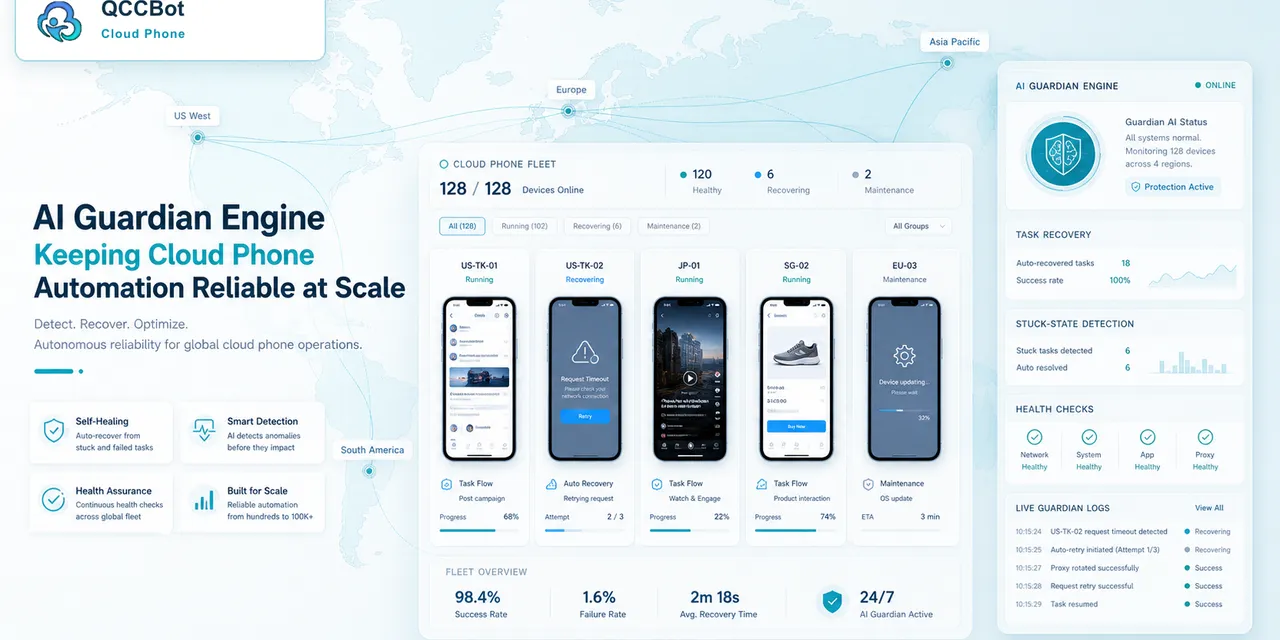
QCCBot brings together Android cloud phones, AutoJS script execution, xeasy code AI script generation and debugging, AI Guardian monitoring, task logs, and controlled AI exception takeover.
The practical goal is simple: help teams run repeated mobile app tasks without manually opening every cloud phone whenever something goes wrong.
If you are evaluating AI cloud phone automation for real mobile workflows, QCCBot provides a practical way to test scripts, monitor task status, and handle suitable exceptions with AI.
Common mistakes to avoid
Teams usually run into trouble with AI cloud phone automation for predictable reasons.
The first mistake is trying to automate too much at once. A long task with ten uncertain screens is hard to debug. It is better to automate one clean part first, then expand after the team understands the exceptions.
The second mistake is ignoring account state. Many failures are not script failures. The account may be logged out, limited, waiting for verification, or sitting on a page the script did not expect.
The third mistake is treating every popup as safe. Some prompts can be closed. Some should be allowed. Some should stop the workflow and ask for human review.
A better workflow pattern
A more reliable pattern looks like this:
- Prepare the cloud phone group.
- Confirm the account or app is in the expected starting state.
- Run one focused script task.
- Record the stage reached by each device.
- Retry only the failures that are safe to retry.
- Group the remaining failures by reason.
- Let humans review the sensitive cases.
This pattern is simple, but it prevents a lot of wasted time.
What a good result should look like
The output should be readable by an operator, not only a developer.
A useful result might say:
- 32 devices completed normally;
- 5 devices hit a network retry screen;
- 3 accounts need login review;
- 2 devices stopped on a permission prompt;
- 1 device needs script adjustment.
That result gives the team a next step. A plain “failed” status does not.
Why this is not a technical-paper problem
Most teams do not need a complicated architecture diagram to get started. They need a clear way to run a mobile task, see what happened, and avoid checking every phone manually.
If this sounds like the kind of mobile work your team deals with, QCCBot can help you test the workflow on cloud phones and decide what should be automated first.