Operations teams do not trust AI because it sounds confident.
They trust it when they can review what happened.
This is especially true for mobile automation. A cloud phone task may open an app, run a script, handle a popup, capture a screenshot, or stop at an unexpected screen. If AI helps during that process, the team needs more than a final status. It needs a trail.
Without logs, AI automation is hard to separate from guessing.
With logs, it becomes something the team can inspect, improve, and gradually trust.
The final answer is not enough
A task status like “completed” or “failed” is useful, but it is not enough.
If a task completed after AI assistance, the operator should know what changed. Did the AI close a known popup? Did it retry after a timeout? Did it adjust a selector? Did it skip a step? Did it stop before a sensitive screen?
If a task failed, the operator should know why. Was the app not loaded? Was the account logged out? Did a permission prompt appear? Did the UI change? Did the script start from the wrong screen?
These details are not optional when automation affects real workflows.
Logs turn AI from magic into process
The word “AI” can make automation feel mysterious. Logs make it concrete.
A useful log answers:
- What was the task trying to do?
- What step was running?
- What screen appeared?
- What did the system detect?
- Did AI suggest or take an action?
- Was the action allowed by policy?
- Did the task continue or stop?
- What should the human review?
When this information is available, the team can improve the process. When it is missing, people argue from screenshots, memory, and assumptions.
Mobile app work creates special logging needs
Mobile apps are visual and stateful. A log that only says “selector failed” may not explain enough.
For cloud phone automation, logs should connect technical events to visible context:
| Log item | Why it matters |
|---|---|
| Device or cloud phone ID | Identifies where the issue happened |
| Script name and step | Connects failure to automation logic |
| Screenshot or screen state | Shows what the app displayed |
| Exception category | Separates timeout, popup, login, UI drift, and unknown states |
| AI action or suggestion | Makes assistance reviewable |
| Human review flag | Keeps sensitive states controlled |
This structure helps both developers and operators. Developers can repair scripts faster. Operators can decide what needs attention.
Logs prevent repeated manual investigation
Without logs, every failure becomes a new investigation.
Someone opens the cloud phone, checks the app, asks what the script was doing, compares screenshots, messages the previous operator, and tries to recreate the issue.
With logs, the team can see whether the same issue happened yesterday, whether it affected one device or a group, and whether it matches a known failure category.
That is how automation gets better over time.
Logs also define boundaries
AI trust is not only about performance. It is also about boundaries.
A responsible mobile automation system should show where AI was allowed to act and where it stopped. This is especially important for login recovery, private messages, payment pages, customer content, and security prompts.
If the system stops and logs the reason, the operator can review with confidence. If it continues silently, the team loses control.
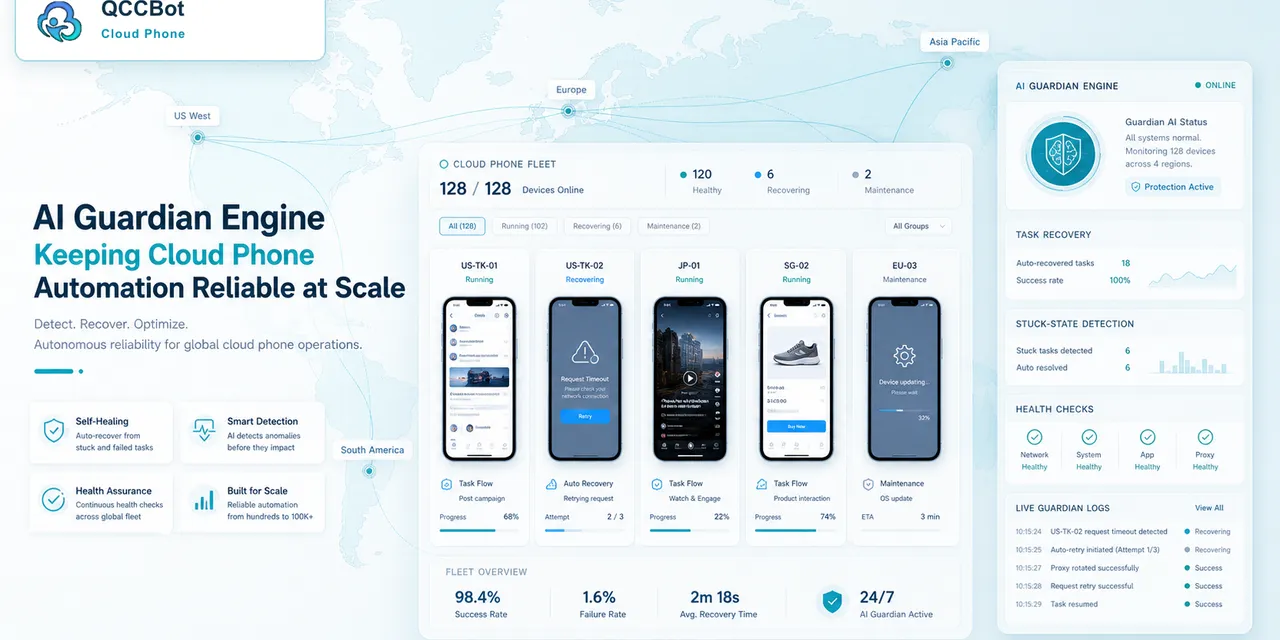
QCCBot’s controlled AI recovery model is useful here because it pairs assistance with task context. AI is not just “on.” It can be connected to exception types, device state, and logs.
What teams should look for
Before trusting AI automation in mobile operations, ask whether the system can show:
- the starting state;
- the script step;
- the failure reason;
- the AI suggestion or action;
- the screenshot at failure;
- the final result;
- the human review boundary.
If those details are missing, the team may be running automation it cannot explain.
The better promise
The best AI operations tools will not promise that nothing goes wrong. They will make it easier to see what went wrong, recover what is safe, and improve the workflow.
That is a more durable promise than “fully autonomous.”
If your team wants AI-assisted mobile automation that can be reviewed, tuned, and trusted over time, QCCBot brings cloud phones, AutoJS scripts, AI debugging, monitoring, and logs into the same workflow.
FAQ
Why do AI agents need logs?
Logs show what the agent or automation system did, why it acted, where it failed, and what humans should review. Without logs, teams cannot audit or improve the workflow.
What should mobile automation logs include?
They should include device ID, script step, screen state, screenshot, exception type, AI action or suggestion, task result, and human review flags.
Can logs make AI automation safer?
Logs do not remove all risk, but they make actions visible and reviewable. That helps teams set boundaries and improve workflows over time.