The most important moment in automation is not when the task starts.
It is when the task fails.
A demo usually shows the happy path: the app opens, the script clicks the right buttons, the task completes, and the dashboard says success. Real operations are different. Mobile apps load slowly. Popups appear. Accounts log out. Buttons move. Networks fail.
If the system only says “failed,” the operator is still doing the hard part manually.
Failure is not one category
When a cloud phone task fails, teams need to know what kind of failure it is.
For example:
- A temporary network failure can often be retried.
- A permission popup may be safe to close or allow.
- A missing button may mean the app UI changed.
- A login page may mean the account session expired.
- A verification code usually needs human review.
- A business decision should not be automated blindly.
These are not the same problem.
Treating them all as “task failed” creates extra work and extra risk.
The common workflow before AI takeover
Before AI can help, the system needs basic structure.
A useful failure-handling flow looks like this:
- Record the step where the task stopped.
- Capture the visible state or screen category.
- Compare the current state with the expected state.
- Decide whether the issue is safe to retry.
- Recover automatically only when the rule is clear.
- Mark sensitive or unclear cases for human review.
AI takeover should sit inside this flow. It should not be a magic button that clicks through everything.
A real example: daily account checks
Imagine a team runs a daily account check across 80 cloud phones.
The task is simple:
- open the app;
- confirm the account reaches the home page;
- browse a few screens;
- record whether the account looks normal.
Most phones finish. Some phones stop on update prompts. A few load slowly. One account asks for verification.
A weak system returns a list of failed devices.
A stronger system says:
- 6 devices stopped on a common popup;
- 3 devices hit network retry;
- 1 account needs verification;
- 70 devices completed normally.
That second result is operationally useful. The team knows where to spend time.
What AI should be allowed to do
AI takeover is most useful for repeatable, low-risk issues:
- closing a non-sensitive popup;
- retrying a loading screen;
- navigating back to a known page;
- identifying a changed button;
- suggesting an AutoJS selector fix;
- grouping similar failures together.
It should be more careful around:
- account security prompts;
- verification codes;
- payment or purchase steps;
- personal information changes;
- any action that could affect account safety.
This is why an independent switch matters. Teams should be able to decide when AI takeover is enabled and what kind of failures it can handle.
Why this matters for cloud phone fleets
One failed task is easy to inspect.
Fifty failed tasks are different.
Without classification, the operator has to open every cloud phone and look around. With classification, the operator starts from a smaller list: these are network issues, these are popups, these need human review.
That is how automation becomes manageable at scale.
How QCCBot approaches the problem
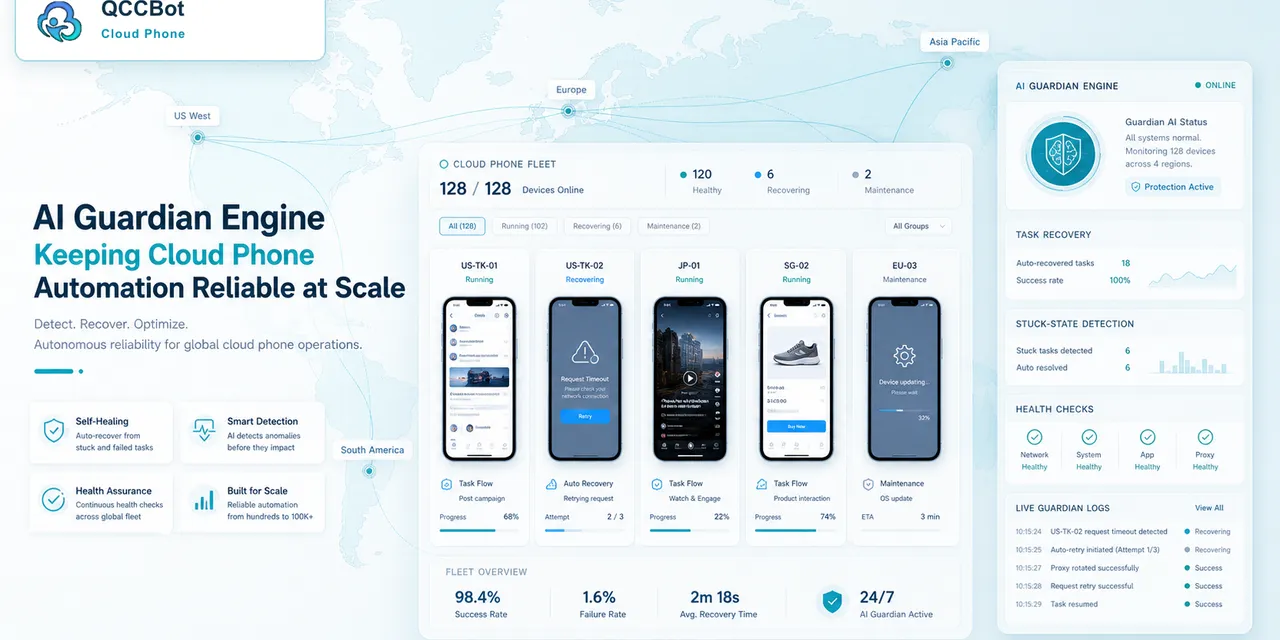
QCCBot is designed around AI-controlled cloud phone workflows. It can run AutoJS scripts, record task logs, and use AI assistance to identify where a task went wrong.
When AI takeover is enabled, QCCBot can attempt to recover suitable exceptions in the current script flow. When the issue is sensitive or unclear, the task can be marked for human attention instead of being blindly skipped.
For teams managing many mobile accounts, this is the difference between “automation failed” and “automation produced a useful next step.”
If your team is trying to reduce manual checking after failed cloud phone tasks, QCCBot explains how AI takeover supports cloud phone automation.
Common mistakes to avoid
Teams usually run into trouble with AI exception recovery for cloud phone tasks for predictable reasons.
The first mistake is trying to automate too much at once. A long task with ten uncertain screens is hard to debug. It is better to automate one clean part first, then expand after the team understands the exceptions.
The second mistake is ignoring account state. Many failures are not script failures. The account may be logged out, limited, waiting for verification, or sitting on a page the script did not expect.
The third mistake is treating every popup as safe. Some prompts can be closed. Some should be allowed. Some should stop the workflow and ask for human review.
A better workflow pattern
A more reliable pattern looks like this:
- Prepare the cloud phone group.
- Confirm the account or app is in the expected starting state.
- Run one focused script task.
- Record the stage reached by each device.
- Retry only the failures that are safe to retry.
- Group the remaining failures by reason.
- Let humans review the sensitive cases.
This pattern is simple, but it prevents a lot of wasted time.
What a good result should look like
The output should be readable by an operator, not only a developer.
A useful result might say:
- 32 devices completed normally;
- 5 devices hit a network retry screen;
- 3 accounts need login review;
- 2 devices stopped on a permission prompt;
- 1 device needs script adjustment.
That result gives the team a next step. A plain “failed” status does not.
Why this is not a technical-paper problem
Most teams do not need a complicated architecture diagram to get started. They need a clear way to run a mobile task, see what happened, and avoid checking every phone manually.
If this sounds like the kind of mobile work your team deals with, QCCBot can help you test the workflow on cloud phones and decide what should be automated first.