AI takeover sounds attractive because nobody wants to babysit failed scripts.
But a good automation system should know when to stop.
For cloud phone workflows, the safest question is not “Can AI continue?” It is “Should AI continue?”
What people search for
People often search for:
- AI takeover failed script safe or not
- should automation handle verification prompts
- cloud phone script recovery risks
- when to stop AutoJS automation
- AI exception handling account safety
These searches come from teams that want efficiency without losing control.
Where AI takeover is useful
AI takeover is useful for repeatable, low-risk issues.
Examples:
- app loading slowly;
- known popup appears;
- script needs to go back to a safe page;
- selector changed in a predictable way;
- task needs a limited retry;
- logs need a plain-language explanation.
These cases have clear boundaries.
Where AI should not continue
AI should usually stop when the workflow reaches:
- CAPTCHA;
- two-factor verification;
- account security warnings;
- payment or billing pages;
- identity information changes;
- platform penalty notices;
- business settings with high impact;
- unknown screens that could affect the account.
These are not just technical exceptions. They are business and safety decisions.
Why this matters
Automation risk increases when the system continues without understanding the consequence.
If AI clicks through a sensitive prompt, the team may not know what changed. That creates account risk, audit problems, and loss of trust in the workflow.
Stopping is sometimes the most intelligent action.
A safer policy
Create three exception categories:
- Safe to recover automatically.
- Safe to retry once and then stop.
- Must stop for human review.
This policy should be visible to operators, not hidden inside code.
How QCCBot fits
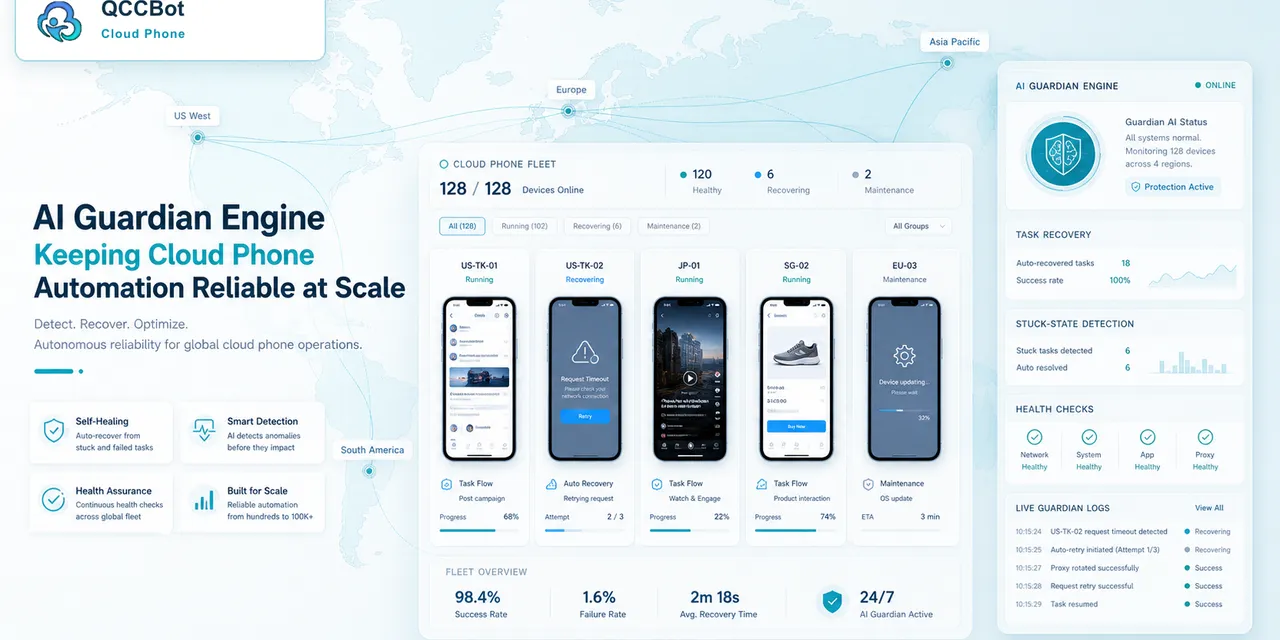
QCCBot supports controlled AI exception handling with task logs and workflow visibility. The key idea is control: teams decide where AI can help and where human review is required.
If your team wants AI recovery without risky automation, QCCBot can help build cloud phone workflows with logs, review queues, and safer exception boundaries.
Good automation earns trust
Teams trust automation when it behaves predictably.
That means:
- it explains what happened;
- it records recovery attempts;
- it stops on sensitive screens;
- it separates routine failures from risky decisions;
- it lets people review the cases that matter.
AI takeover is most valuable when it is limited, visible, and accountable.
A simple decision rule
Before enabling AI takeover on a script, ask one question:
“If AI clicks the next button, could it change account safety, money, identity, publishing, or platform policy status?”
If the answer is yes, the workflow should stop for human review.
If the answer is no, and the state is recognizable, AI may be allowed to retry, close a known popup, go back to a safe page, or explain the failure.
How to introduce AI takeover safely
Start with read-only or low-impact workflows:
- open the app;
- check login state;
- detect a popup;
- collect screenshots;
- read task status;
- classify failure reasons.
After the team trusts the logs and review process, expand gradually. This staged approach keeps AI useful without making the system feel uncontrolled.
A practical allowlist
Create an allowlist before enabling AI takeover. The allowlist should describe actions AI may take without asking a person.
Examples:
- close a known non-sensitive popup;
- retry after a loading timeout;
- return to the previous safe page;
- capture a screenshot;
- mark the task as failed with a reason;
- classify the screen as login, warning, or unknown;
- suggest a script fix without running it in production.
Everything outside the allowlist should stop or require review. This makes AI takeover easier to explain to managers, operators, and account owners.
A practical blocklist
Create a blocklist too. AI should not continue when a screen involves:
- account ownership;
- identity verification;
- payment or refund actions;
- publishing irreversible content;
- deleting content;
- changing security settings;
- accepting platform policy warnings;
- handling an unknown prompt with business impact.
The blocklist protects the team from the most dangerous kind of automation failure: a workflow that keeps going when it should have stopped.
What good AI takeover feels like
Good AI takeover does not feel like magic. It feels like a careful assistant that:
- explains the failure;
- tries only approved recovery actions;
- records what it tried;
- stops when the state is sensitive;
- gives the operator enough information to decide next.
That is the version of AI recovery worth adopting. It saves time without asking the team to give up control.
How to document the boundary
Write the AI takeover boundary where operators can see it. A hidden rule inside a script is not enough.
The document can be short:
- what AI may retry;
- what AI may close;
- what AI may classify;
- when AI must stop;
- who reviews stopped tasks;
- how the team updates the policy.
This makes the feature easier to trust. People are more willing to use AI recovery when they know it is not allowed to handle sensitive states silently.