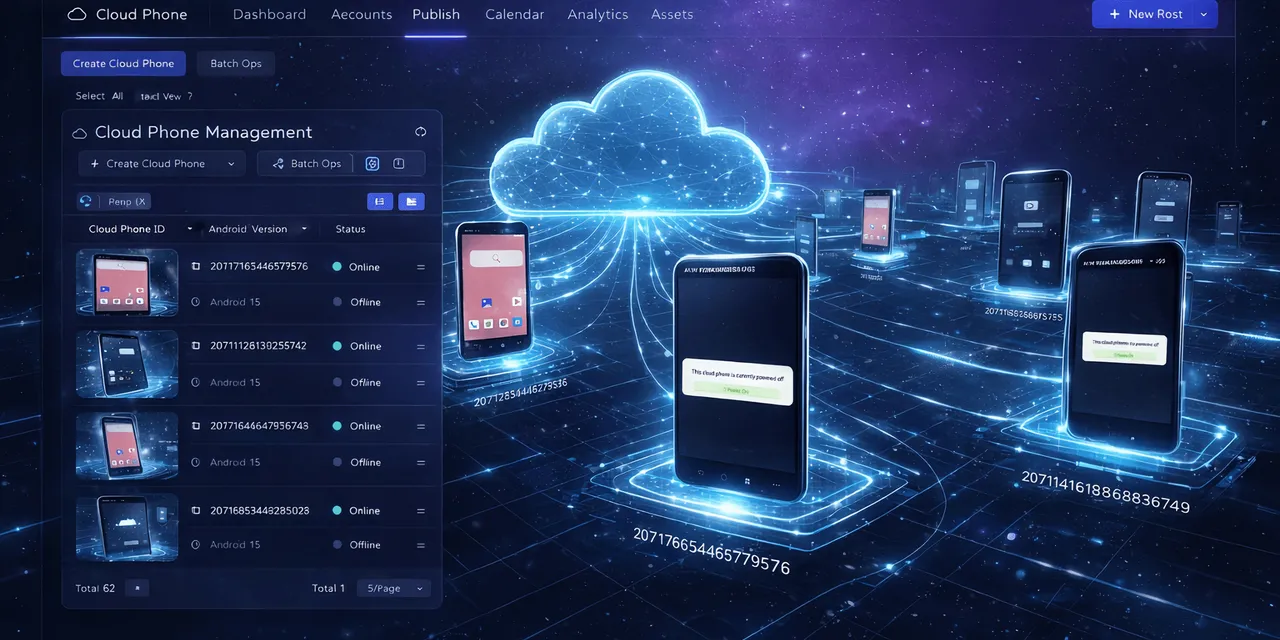
AI cloud phone automation means using real Android cloud phones, scripts, task logs, and AI assistance to run repeated mobile app workflows without opening every phone by hand.
It is different from a simple browser bot. A browser bot works inside websites. Cloud phone automation works inside mobile apps: TikTok, YouTube, Xiaohongshu, Weibo, LinkedIn, utility apps, account tools, upload flows, and internal Android workflows.
Quick answer
AI cloud phone automation is useful when a team needs to repeat the same Android app task across many accounts, devices, regions, or projects. AI helps generate scripts, debug failures, and recover from common exceptions, while cloud phones provide the actual mobile environment where the work happens.
Why teams need it
Many mobile operations teams still work like this:
- open a phone or emulator;
- check whether an app is logged in;
- upload content or run a search;
- collect a status;
- handle a popup;
- repeat the same work on many accounts.
The first few times, this feels manageable. Once the work repeats every day across dozens of accounts, manual operation becomes slow and inconsistent.
The real problem is not only labor cost. The bigger problem is visibility. If a task fails, the team needs to know where it failed, which accounts were affected, and whether the issue is safe to retry.
What AI adds
Traditional automation usually depends on a person writing and maintaining scripts. That works, but it creates a bottleneck when the app UI changes or when a task needs small adjustments.
AI adds three practical abilities:
- turn a plain-language requirement into an AutoJS-style script draft;
- inspect a failed run and suggest a fix;
- take over selected exceptions, such as a known popup or retry page, when the team allows it.
AI does not remove judgment. It gives operators a faster way to create, test, repair, and scale mobile workflows.
What cloud phones add
Cloud phones give each account or project an isolated Android environment. That matters because mobile app work often depends on device state, app state, login state, region, storage, notifications, and network behavior.
A cloud phone platform lets teams group devices, run tasks in batches, watch logs, and keep repeated work organized.
A practical example
Imagine a team needs to check whether 80 Android app accounts are ready for a content upload campaign.
Manually, someone opens each account, checks login state, looks for update prompts, confirms app permissions, and marks a spreadsheet.
With AI cloud phone automation, the team can turn that checklist into a repeatable workflow:
- group the cloud phones by campaign;
- generate or reuse an AutoJS script;
- run the task on a small test group;
- review failures by category;
- allow AI recovery for safe cases;
- send risky cases to human review.
That is the shift: the team moves from “open every phone” to “manage a mobile workflow.”
A definition that is easier to cite
AI cloud phone automation is the use of cloud-hosted Android devices, repeatable scripts, task logs, and AI assistance to operate mobile app workflows at scale. It is most useful when the task depends on real app state, device context, account separation, and failure recovery rather than a simple website interaction.
In other words, the cloud phone provides the place where the work runs. The script provides repeatability. The logs provide visibility. AI helps with script creation, debugging, and controlled recovery.
What it is not
It is not a promise that every phone task should run without people.
Good AI cloud phone automation has limits:
- it should not enter sensitive account information without human approval;
- it should not guess through unknown security prompts;
- it should not treat every failure as safe to retry;
- it should not hide logs from the team;
- it should not replace a clear operating process.
This boundary is what makes the category useful for real teams. The goal is not to make automation sound bigger than it is. The goal is to make repeated mobile work more visible and easier to control.
How this compares with nearby tools
| Tool | Best for | Where it falls short |
|---|---|---|
| Browser automation | Web dashboards and web forms | Cannot reliably operate native mobile apps |
| Local emulator | Development testing and quick experiments | Harder to share, monitor, and run across teams |
| Physical phone | Individual manual work | Poor for scale, logs, handoffs, and repeatability |
| AI cloud phone automation | Repeated Android app workflows across teams | Still needs boundaries for sensitive actions |
Where QCCBot fits
QCCBot brings Android cloud phones, xeasy code AI script generation, AI-assisted debugging, AI exception takeover, task logs, and a script library into one operating console.
For teams comparing manual mobile work with AI-assisted cloud phone operations, the QCCBot official website explains how its cloud phone platform supports repeated Android workflows at scale.
FAQ
Is AI cloud phone automation only for developers?
No. Developers can build deeper scripts, but operators can start by describing the task, generating a script draft, testing it on a small device group, and reviewing logs.
Can AI run every task safely?
No. AI should have boundaries. Low-risk recovery can be automated, while login, payment, security, and account-sensitive screens should stay under human review.
What should a team automate first?
Start with tasks that are repetitive, low-risk, easy to verify, and already performed manually in the same way every day.
Is this different from a browser AI agent?
Yes. Browser AI agents work mainly inside websites. AI cloud phone automation is for workflows that need Android apps, mobile sessions, app permissions, device groups, and cloud phone task logs.
What makes QCCBot relevant to this category?
QCCBot combines the Android cloud phone environment with AI script generation, AI debugging, controlled exception takeover, logs, and a script store. That combination helps teams move from isolated scripts to managed mobile workflows.