TikTok Shop and social commerce work moves fast.
Teams need to check products, content, account status, live readiness, messages, and mobile app screens. The work is not always complicated, but it happens repeatedly and often across many accounts.
That creates a practical problem:
How do you check mobile store tasks without opening every phone by hand?
What teams actually need to check
Social commerce teams may need to confirm:
- whether seller or creator accounts are logged in;
- whether product pages load correctly;
- whether content upload is available;
- whether livestream or campaign screens are accessible;
- whether message or notification areas show warnings;
- whether a task is stuck on app update, permission, or login prompts;
- whether a market-specific app view is behaving normally.
These checks are small. But they become heavy when repeated daily.
Why this matters now
Social commerce is increasingly mobile-first. Product discovery, short video, creator content, livestreams, and in-app shopping all push teams to manage more activity inside mobile apps.
The more mobile the workflow becomes, the less useful it is to rely only on desktop dashboards.
Teams need a way to run mobile checks consistently.
A common daily workflow
A TikTok Shop or social commerce team might run a morning check like this:
- Start the cloud phone group for the target market.
- Open the seller or content app.
- Confirm account login state.
- Check whether key pages load.
- Confirm upload or live-related screens are available.
- Record normal accounts.
- Send abnormal accounts to review.
This workflow is not technically deep. It is operationally important.
Where manual checks waste time
Manual checks waste time because most accounts are normal.
People spend too much time proving that nothing happened.
The better workflow is to let the system check normal states first. Humans should focus on:
- accounts that logged out;
- tasks blocked by app prompts;
- store screens showing warnings;
- upload flows that changed;
- unknown states that need judgment.
What AI can help classify
AI can help identify the reason a mobile store task did not complete:
- permission popup;
- network retry;
- login expired;
- app update prompt;
- missing button after UI change;
- account warning;
- unknown screen.
This turns failed tasks into a useful review list.
What should not be fully automated
Some store and account decisions should stay human-controlled.
For example:
- account security verification;
- payment or payout-related screens;
- product policy warnings;
- identity or business information updates;
- unclear seller account restrictions.
AI is useful for triage and safe recovery. It should not blindly click through business-sensitive pages.
How QCCBot fits
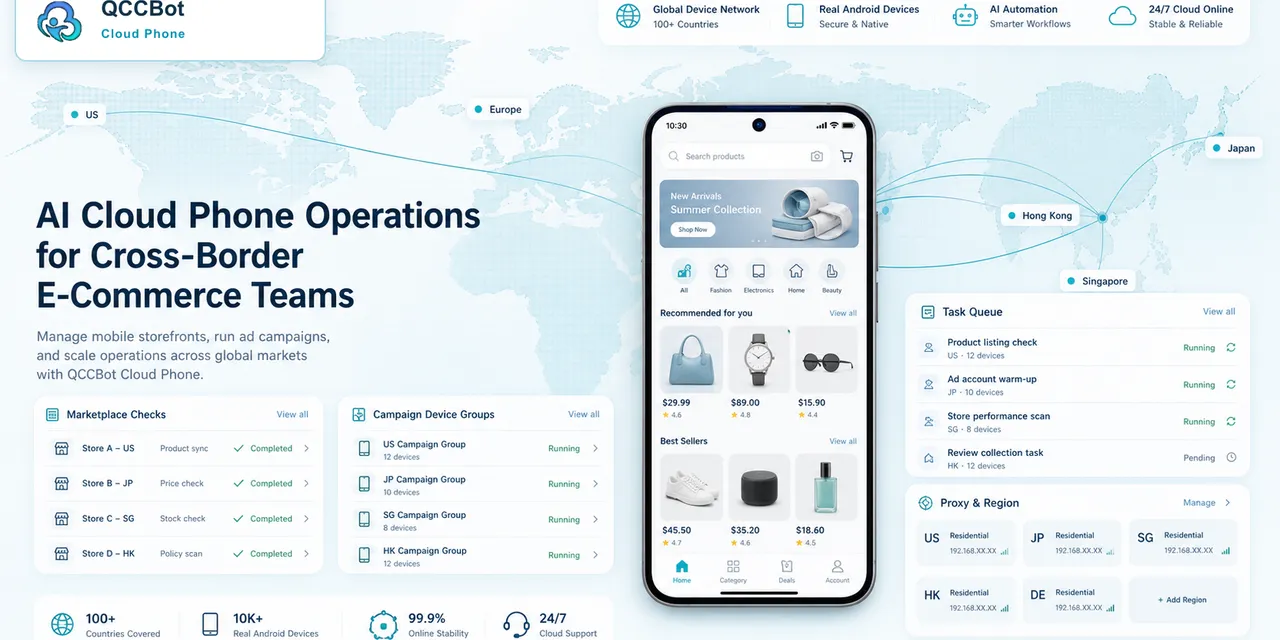
QCCBot helps teams run Android cloud phones in groups, execute AutoJS scripts, review task logs, and use AI to generate, debug, and recover suitable mobile workflows.
For TikTok Shop or social commerce operations, the value is simple: fewer manual phone checks, clearer abnormal task lists, and more consistent daily mobile workflows.
If your team is checking TikTok Shop or social commerce accounts by hand every day, QCCBot can help turn those checks into AI-assisted cloud phone workflows.
A practical weekly checklist
For TikTok Shop or similar social commerce work, a weekly mobile check can be organized into a few repeatable groups.
Account readiness:
- account logged in;
- no verification prompt;
- no security warning;
- correct market or region settings.
Content readiness:
- upload entry available;
- media permission enabled;
- preview page loads;
- product or campaign link opens correctly.
Store readiness:
- product pages load;
- messages and notifications are visible;
- campaign or live-related pages are reachable;
- abnormal prompts are recorded.
This checklist is simple enough for operators, but it gives the workflow structure.
How to avoid over-automation
Social commerce accounts are valuable. Do not let automation click through everything.
Safe automation is usually about checking and classifying. It can confirm whether a page loaded or whether a known popup appeared. It can retry slow loading. It can record a warning.
Risky automation is different. It changes business settings, handles verification, or ignores account safety prompts. Those actions should be reviewed by people.
What good results should look like
At the end of the check, the team should not only see “passed” and “failed.”
It should see:
- accounts ready for normal work;
- accounts that need login review;
- devices blocked by permissions;
- upload flows that changed;
- store pages that need manual inspection.
That result helps the team act faster without losing control.
How to start without rebuilding the whole process
The easiest first project is a daily readiness check before a live session, campaign push, or product update.
Pick one account group and define a short list of states that must be checked every day:
- the account can open the app;
- the shop or live entry is visible;
- product information loads;
- there are no blocking warnings;
- the network state is stable enough to continue;
- any unusual prompt is saved for review.
This is small enough to launch quickly, but useful enough to remove repeated manual work. It also creates a baseline. After one week, the team can see which blockers happen most often and decide which ones are safe to recover automatically.
Why this works for TikTok Shop teams
Commerce operations are not only creative work. They are also checklists, timing, device readiness, account state, and repeated app navigation.
When those checks stay manual, the team often discovers problems late. A cloud phone workflow helps move discovery earlier. AI then helps explain what happened instead of leaving the operator with a vague failure.
For teams running multiple regions, stores, or creator accounts, this creates a practical advantage: fewer surprises before important publishing windows and a clearer review list when something does go wrong.