TikTok Shop teams do not usually fail because they forgot the big strategy.
They fail because small mobile checks slip through the day.
A product page needs review. A message needs a response. A creator collaboration needs a status check. A piece of content is uploaded but not confirmed. A warning appears inside the app and no one notices until later. A teammate says “I thought someone else checked it.”
None of these moments feels dramatic by itself. Together, they create operational drag.
For social commerce sellers, the daily problem is not only traffic, content, or pricing. It is whether the team can keep mobile app work visible, repeatable, and assigned.
The mobile app is where many small decisions happen
Dashboards are useful. Spreadsheets are useful. Team chats are useful.
But for many seller workflows, the final truth still appears inside the mobile app. The app shows whether a notification arrived, whether a message is waiting, whether a page looks right, whether a piece of content is visible, and whether an account is in a normal state.
That means the team often depends on someone opening the app, checking the right places, and reporting back.
This is where work becomes fragile.
If the task is only written in a spreadsheet, someone still has to do the app check. If the reminder is only in chat, someone still has to open the phone. If the screenshot is sent manually, the next person still has to trust that the check was complete.
Why “just hire more people” does not solve it
Adding people can increase coverage, but it can also increase ambiguity.
More people means more handoffs, more screenshots, more repeated questions, and more chances that two people check the same account while another account is ignored. If the process depends on memory, headcount does not remove the risk. It spreads the risk across more people.
A better daily check system should answer simple questions:
- Which account or device needs checking?
- What exactly should be checked?
- Has the check started?
- Did it finish normally?
- What screen or evidence confirms the result?
- What needs human attention?
These questions are basic, but many teams do not have a clean way to answer them for mobile app work.
What a practical daily check looks like
A useful daily mobile check does not need to be complicated. It can be a repeatable list of tasks:
| Check area | What the team wants to know | Why it matters |
|---|---|---|
| Account state | Is the app logged in and usable? | Avoid discovering login issues late |
| Product or content page | Does the page look normal in the app? | Catch display or publishing issues |
| Messages | Are there items needing response? | Reduce missed customer or partner conversations |
| Notifications | Did the app raise a warning? | Surface issues before they snowball |
| Upload status | Did a content task complete? | Avoid assuming a task finished |
| Screenshot evidence | What did the device show? | Make handoffs easier |
The point is not to automate judgment. The point is to automate the repetitive checking surface so operators can spend more time on decisions.
Where cloud phones help
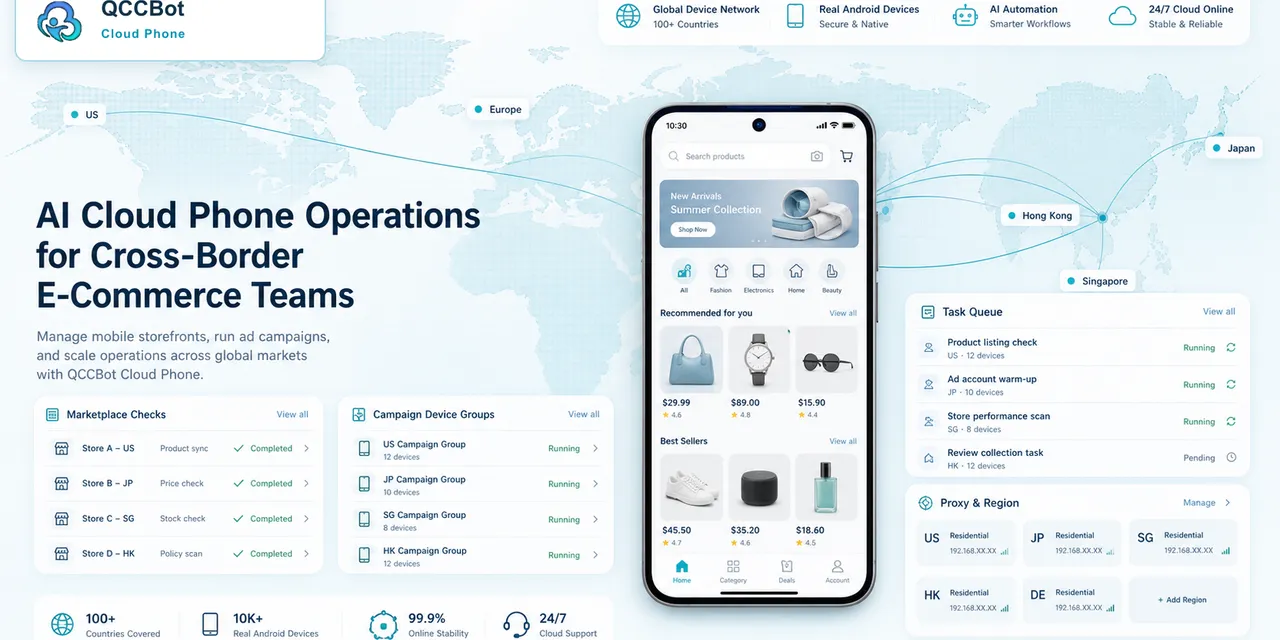
QCCBot cloud phones give teams a way to keep mobile app environments organized by project, account, region, or task group. Instead of passing around physical phones or disconnected screenshots, operators can open the relevant cloud phone, run checks, review state, and keep the work tied to that environment.
For repeatable checks, AutoJS scripts can handle routine navigation. For script creation and maintenance, xeasy code AI can help generate and debug automation steps. If a task gets stuck, AI Guardian-style monitoring and logs can help the team see where it stopped.
That is a different way of working from “someone remember to check this later.”
What not to automate
Daily checks should not become blind automation.
Sensitive actions, account recovery, payment decisions, disputes, policy-sensitive steps, and private customer context should stay under human review. The best automation helps surface work, not hide judgment.
This distinction is important for TikTok Shop and similar platforms. A responsible workflow helps teams stay organized, responsive, and consistent without turning operational shortcuts into the strategy.
The better question
Instead of asking “Can we automate TikTok Shop operations?” ask:
Which mobile checks are repeated every day, low-risk, and easy to verify?
Those are the tasks worth systematizing first.
The answer may be account state checks, message reminders, upload confirmation, screenshot capture, or app page review. Once those checks are stable, the team can decide what should remain manual and what can be added to a script.
If your team is managing social commerce work across many accounts, apps, and teammates, visit QCCBot to see how cloud phones and AI-assisted automation can make daily mobile checks easier to run and review.
FAQ
Is QCCBot a TikTok Shop automation tool?
QCCBot is an AI cloud phone automation platform. It can support mobile app workflows and daily checks, but teams should use it responsibly and follow each platform’s rules.
What kind of TikTok Shop work is suitable for automation?
Routine checks, screenshot capture, status review, task reminders, and low-risk navigation are better candidates than sensitive decisions, account recovery, disputes, or policy-sensitive actions.
Why use cloud phones instead of spreadsheets?
Spreadsheets can track tasks, but they do not hold the real mobile app state. Cloud phones let teams connect task records with actual Android app environments.