Auto-posting shoppable videos is the kind of feature sellers want: less repetitive posting, faster product promotion, and fewer manual steps.
But before a campaign depends on it, teams need to ask:
Did the video actually appear correctly in the mobile app?
This is where automation and QA meet.
What people search
Likely searches include:
- TikTok Shop auto post shoppable video not showing
- check shoppable video product link TikTok Shop
- product video posted but link missing
- TikTok Shop video QA checklist
- mobile app check after auto posting video
These queries come from people who are trying to avoid campaign-day problems.
What can go wrong
Auto-posting can still lead to issues:
- video did not post;
- video posted to the wrong account;
- product link missing;
- product unavailable;
- caption formatting wrong;
- video stuck in review;
- account prompt blocks the app;
- region shows different availability;
- app page loads slowly or not at all.
The backend workflow may look complete, but the mobile experience may not be ready.
A campaign QA checklist
Before launch, check:
- The video exists on the expected account.
- Product link appears.
- Product page opens.
- Price and availability look correct.
- Caption and thumbnail are acceptable.
- No review warning blocks the post.
- Region display matches the campaign.
- Screenshots are stored for exceptions.
- Failed checks are assigned to owners.
- Sensitive prompts stop for review.
This checklist is practical because it mirrors the customer path.
Where QCCBot fits
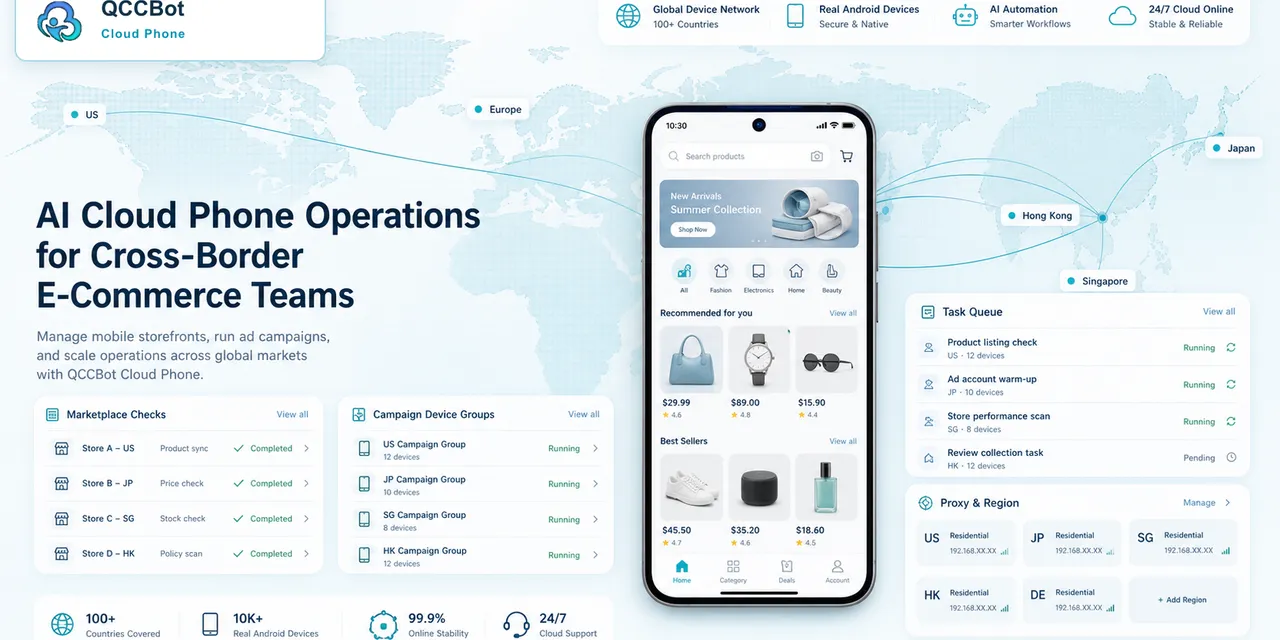
QCCBot can help run mobile QA steps across cloud phone groups.
The team can use AutoJS to open accounts, locate recent videos, check product link states, capture screenshots, and log failures. If the script hits a known popup, AI can help classify or recover within allowed rules. If it sees an unknown warning, the workflow should stop for review.
That is controlled automation.
A real scenario
A seller prepares a product campaign with multiple short videos.
The team wants to check every account before launch. Manual checking would take time and might miss accounts. A cloud phone workflow can check:
- account open;
- video visible;
- link visible;
- product page reachable;
- warning state;
- screenshot saved.
The output becomes a campaign readiness list.
What not to do
Do not auto-click through policy warnings.
Do not assume every failed video is a posting-system issue. It may be account, region, approval, media, or app state.
Do not only test one account and assume the whole group is fine.
Final takeaway
Auto-posting helps with speed. Mobile QA protects the campaign.
If your team posts shoppable videos across multiple accounts or markets, QCCBot can help verify the mobile app state with cloud phones, scripts, screenshots, and AI-assisted exception handling.
Reference: TikTok Shop Seller Center on auto-posting shoppable videos: https://seller-us.tiktok.com/university/essay?knowledge_id=8708925435520783
How to run the check without slowing the team down
Create a pre-campaign cloud phone group.
Use it to check:
- one account from each market;
- one account with recent publishing history;
- one account with a known permission issue;
- one account that often loads slowly;
- one account assigned to the most important product.
This small group will reveal most workflow issues before the wider campaign check.
What to do with failed checks
Do not send every failed check to the same person.
Classify failures:
- media issue goes to content;
- missing product link goes to shop operations;
- account login goes to account owner;
- UI change goes to script maintainer;
- policy warning goes to senior review;
- unknown screen goes to human triage.
This keeps the QA process useful instead of becoming another messy task list.
Why this article is timely
Auto-posting is attractive because social commerce teams are under pressure to produce more content faster. But speed creates a second problem: the team may not manually verify every mobile result.
That is where QCCBot fits naturally. It helps the team check the mobile side of a faster publishing workflow.
What to keep as manual review
Keep these cases under human review:
- policy warning;
- product unavailable in a key market;
- unexpected account restriction;
- price mismatch;
- missing product link on a campaign video;
- video review state that could affect launch timing.
AI and scripts can identify these states. People should decide what to do next.
A better metric than “posted”
“Posted” is not enough. A better metric is “ready for campaign.”
That means the video is visible, the product link works, the product page loads, and no blocker appears on the mobile path.
This metric is easier for teams to trust because it reflects the shopper path, not only the publishing tool status.