On a personal phone, Telegram is usually just an app.
In a team operations environment, Telegram inside a cloud phone can mean something more. It may represent a support account, a community account, a project account, or a broader mobile business environment.
That is why Telegram inside a cloud phone should not be treated like an ordinary chat window. Behind it may be account state, customer context, message history, login information, and team responsibility.
It is not enough to say “do not leak login codes.” The more useful question is how a team understands the environment and protects it during day-to-day collaboration.
Privacy starts with environment boundaries
Many privacy problems happen because boundaries get broken, not because the tool itself is unsafe.
For example, a support account may originally exist inside one cloud phone. Its private messages, contacts, login state, and task history are all in that environment. When the right teammate enters that cloud phone, they can see the full context.
But if the team copies private messages, login codes, customer details, or account screens into an external group chat, the account context no longer lives only in that cloud phone. It spreads into chat history, member devices, and forwarding chains.
That is where the risk expands.
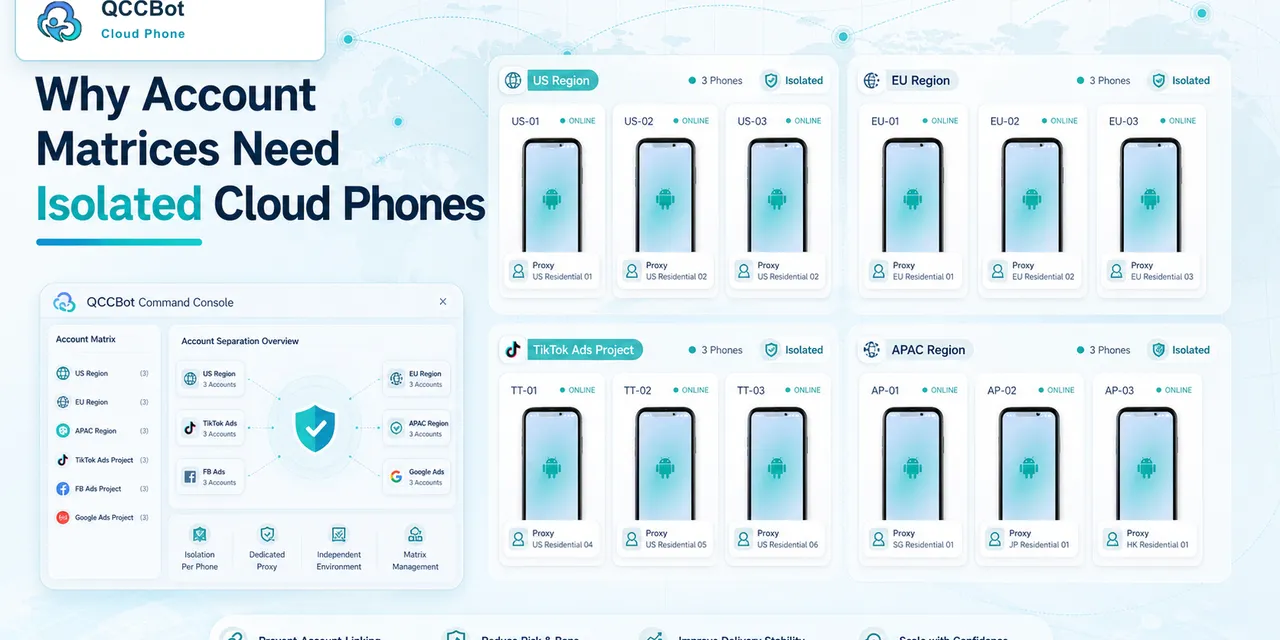
One value of QCCBot cloud phones is that different business accounts can stay inside different remote Android environments. Good collaboration should preserve that boundary instead of moving every piece of account content into chat.
Screenshot handoffs can distort context
Screenshots are common because they are fast and easy to understand.
But they also have limits:
- a screenshot captures one moment, not the state before and after it;
- it may include private messages or account details that should not be forwarded;
- once it leaves the cloud phone, distribution becomes harder to control;
- the next teammate may not know which device the screenshot came from;
- screenshots from multiple projects can quickly blend together.
Screenshots are not always wrong. They simply should not become the default handoff method for account-sensitive work. When the task involves privacy, customer messages, or login state, the better answer is often to inspect the relevant cloud phone directly.
The benefit is that context stays intact. The teammate sees the current device state instead of a detached image.
External communication should carry outcomes, not raw content
Telegram can still be the team’s communication tool. The question is what kind of information it should carry.
External Telegram messages are useful for sharing:
- a cloud phone that needs manual review;
- an account state that needs confirmation;
- a customer message that has been handled;
- a task that should move to the next shift;
- an app page that appears abnormal.
These updates help the team coordinate without exposing the underlying account content.
Raw sensitive content is different: login codes, complete private messages, customer details, recovery pages, and account-identifying information should stay inside the relevant environment.
The principle is simple: external chat explains what happened; the cloud phone holds the details.
This is also an efficiency issue
At first, boundaries can feel slower. Screenshots are fast. Copying is fast. A quick group message is easy.
But as account volume, team size, and customer projects grow, loose collaboration becomes heavy. People have to search through screenshots, guess devices, ask for context, and confirm who handled what.
When every important Telegram account has a clear cloud phone environment, handoffs become more stable. The team knows where to inspect the state, what does not need to be copied out, and where the result should be reported.
That is not only a privacy practice. It is an operations practice.
QCCBot is designed to hold the real mobile environment
QCCBot cloud phones let teams separate Android environments. Telegram, TikTok, browsers, media tools, and script tasks can keep their own state inside the relevant cloud phone.
For Telegram-related work, this means accounts do not need to be crowded into one physical phone, and handoffs do not need to depend on piles of screenshots. The team can communicate in Telegram while keeping the account environment inside the cloud phone.
Professional mobile operations are not about connecting every tool to every other tool. They are about knowing which information should move and which information should stay where it belongs.
If your team manages multiple Telegram accounts, customer projects, or mobile app workflows, visit the QCCBot website to learn about cloud phone isolation, device management, and remote Android operation.