Social media teams already have calendars, scheduling tools, asset folders, approval flows, analytics dashboards, and chat groups.
Yet many teams still end up asking the same question at the end of the day:
“Can someone open the app and check?”
That sentence reveals the limit of many social media tools. They are good at planning and publishing. They are not always good at the messy mobile work that happens around the app itself.
The login screen is a useful symbol. A scheduling tool may help prepare the post, but if the account is logged out, a mobile-only notification appears, the app layout changes, or someone needs to confirm what actually shows on the phone, the team is back inside the app.
Scheduling is not the same as operating
Publishing content is one part of social media work. Operating mobile accounts is another.
Mobile operations may include:
- checking whether the account is logged in;
- confirming whether a post appears correctly in the app;
- reviewing app-only notifications;
- capturing screenshots for client reporting;
- checking comments or messages that do not appear cleanly elsewhere;
- confirming that profile settings or content status look normal;
- handing off account work between teammates.
These tasks are not glamorous, but they determine whether the plan survives contact with the actual app.
Why teams keep returning to phones
The phone is the source of truth for many social workflows.
Even when a team uses a web dashboard, the final user experience often happens in the mobile app. A post may look different. A warning may appear only in the app. A message may need mobile context. A profile view may need to be checked from the account’s environment.
This creates an awkward workflow. The team plans in one tool, discusses in another, stores assets somewhere else, and then uses a physical or remote phone to verify the final result.
The work is fragmented.
What cloud phones change
Cloud phones do not replace a content calendar. They replace the scattered phone layer around the calendar.
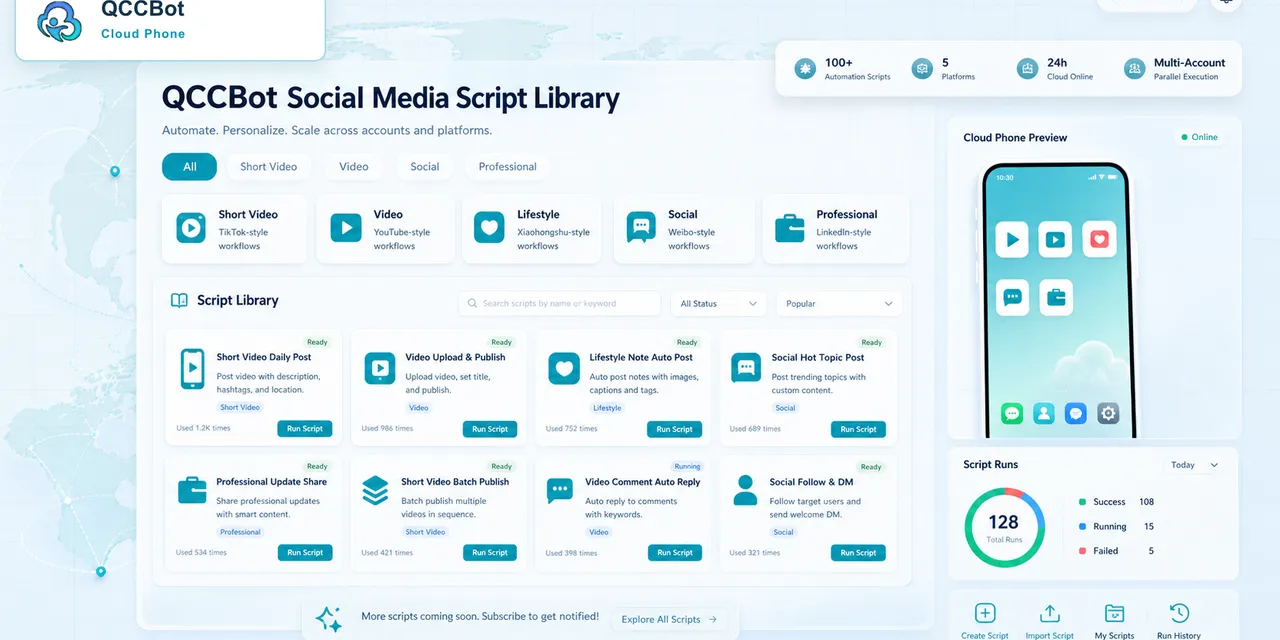
With QCCBot, a team can keep Android app environments in the cloud, group them by project or account, and run repeatable checks with AutoJS scripts. AI assistance can help generate or debug scripts, while monitoring and logs help operators see when a task gets stuck.
That means the mobile app layer becomes part of the workflow instead of an informal side channel.
The goal is not to remove people from social media work. It is to remove the repeated, easy-to-forget checks that make people waste time.
A common team scenario
Imagine a small agency managing several client accounts.
The calendar says the content is scheduled. The client asks whether it went live. The operator opens one app, checks the account, takes a screenshot, switches to another account, checks again, sends status in chat, and repeats.
Now imagine this happening across platforms, accounts, regions, and shifts.
At some point, the team does not need another calendar. It needs a cleaner way to connect mobile app state with operational tasks.
That is where a cloud phone environment helps. Each account or project can have a clear workspace. Routine checks can be scripted. Exceptions can be logged. Humans can focus on review and response.
What should stay human
Social media work includes judgment. Not every action should be automated.
Teams should keep human review for:
- sensitive messages;
- customer complaints;
- brand-risk content;
- account recovery;
- policy warnings;
- unclear or unfamiliar screens;
- anything involving irreversible actions.
Automation should make those moments easier to find, not pretend they do not exist.
How to think about the stack
A healthy social operations stack has different tools for different layers.
| Layer | Tool type | Main job |
|---|---|---|
| Planning | Calendar and approval tools | Decide what should happen |
| Publishing | Scheduling tools | Push planned content |
| Mobile app work | Cloud phones and scripts | Check app state and repeatable tasks |
| Review | Humans and logs | Decide what needs judgment |
Most teams already have the first two layers. QCCBot helps with the third layer: the mobile app work that scheduling tools do not cover well.
If your team keeps saying “open the app and check,” QCCBot can help turn that phone-based work into organized cloud phone workflows with scripts, logs, and AI-assisted debugging.
FAQ
Do social media scheduling tools replace cloud phones?
No. Scheduling tools help plan and publish content. Cloud phones help with mobile app state, account checks, screenshots, and app-specific workflows.
Is QCCBot for posting automation only?
No. QCCBot is better understood as an Android app operations layer. It can support checks, script execution, debugging, monitoring, and handoffs.
What social media tasks should not be automated?
Sensitive replies, account recovery, policy warnings, payment-related actions, and unclear app states should remain manual or require human review.