Small teams often manage more mobile work than their headcount can support.
They may have many accounts, many apps, many regions, or many daily checks. At first, everyone helps manually. Then the work becomes routine: open phones, check status, clear popups, upload content, confirm pages, record results.
The problem is not that the tasks are difficult. The problem is that they repeat.
The short answer
A small team can manage many Android accounts more efficiently by separating accounts into cloud phone groups, automating low-risk repeated checks, using logs to identify exceptions, and reserving human time for sensitive decisions.
Why manual work becomes expensive
Manual mobile work has hidden costs:
- switching between devices;
- remembering account state;
- checking the same page repeatedly;
- waiting for apps to load;
- recording results by hand;
- chasing unclear failures;
- asking developers for every script change.
Even if each task takes only two minutes, the total cost grows quickly.
Start with work classification
Do not automate everything at once.
Classify tasks into three groups:
Safe repeated tasks
These are good automation candidates:
- open app and check status;
- clear routine cache;
- detect login state;
- capture screenshots;
- check upload page availability;
- collect simple app state.
Review tasks
These need human judgment:
- account warnings;
- content policy notices;
- verification prompts;
- unusual permission requests;
- repeated failures.
Strategy tasks
These should stay with people:
- deciding what to publish;
- choosing account priorities;
- interpreting platform changes;
- approving sensitive actions.
This classification protects the team from over-automation.
How cloud phones help small teams
Cloud phones help because they make mobile work visible and organized.
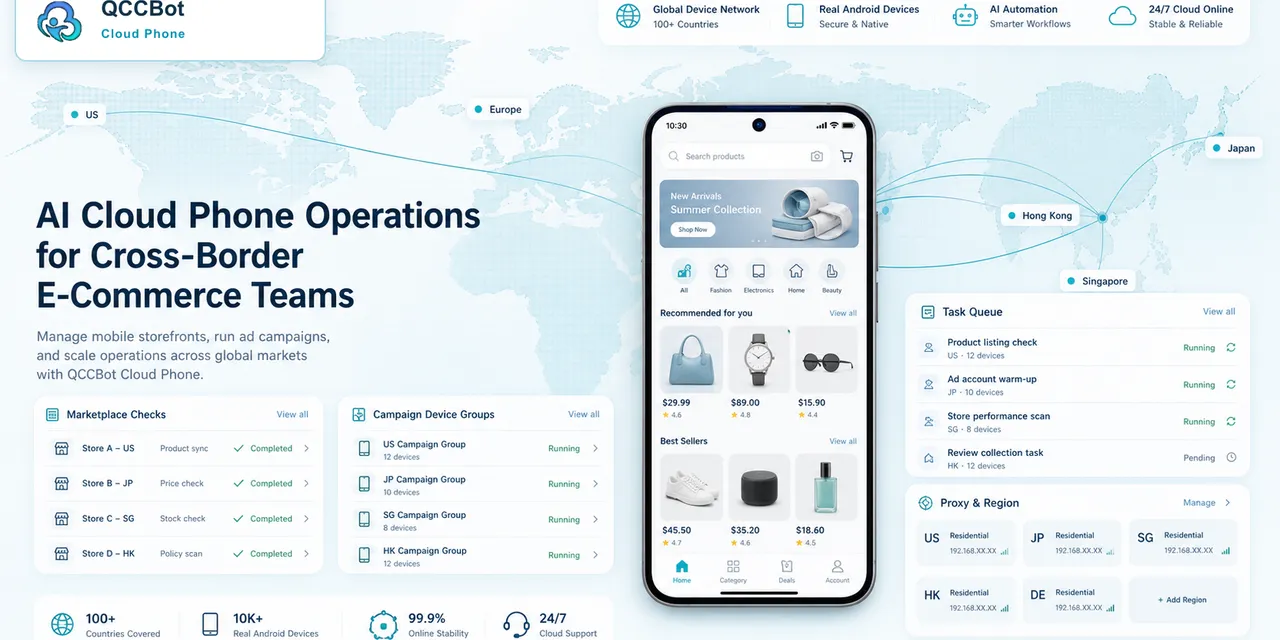
Instead of physical devices scattered across desks, teams can group cloud phones by project, region, account type, or workflow. Scripts can run repeated steps. Logs show what happened. Failed tasks can be reviewed by category.
This does not remove humans. It gives humans a smaller, clearer queue.
Where AI fits
QCCBot’s xeasy code AI can help small teams create AutoJS scripts without starting from a blank editor. Operators can describe the task, test a generated script, and refine it.
AI takeover can help with approved routine exceptions, but sensitive cases should still stop for human review.
This balance matters for small teams because they need leverage without losing control.
A practical first month plan
Week 1: Choose one repeated check. Run it manually and write down the steps.
Week 2: Turn the steps into a simple script and test on a few cloud phones.
Week 3: Add failure labels and screenshots.
Week 4: Run the workflow on a larger group and review the exception queue daily.
Do not measure success only by how many clicks were automated. Measure whether the team knows what happened without opening every phone.
Practical takeaway
Small teams do not need a giant automation program to start. They need one clear workflow that reduces repeated phone work and makes exceptions easier to handle.
If your team is stretched across many Android accounts, QCCBot can help you organize cloud phones, generate AutoJS scripts with AI, monitor task results, and focus people on the cases that need judgment.