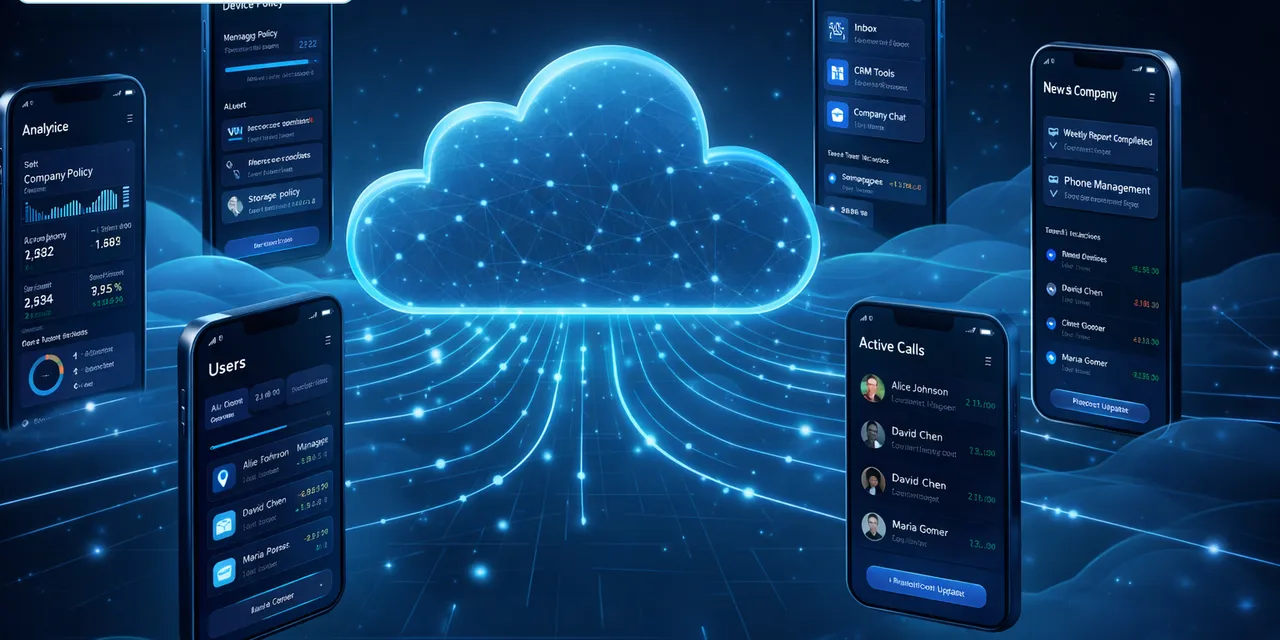
QCCBot has many features, but the main idea is simple: help teams manage many Android phones online and reduce repeated manual work.
This guide explains the key features in plain English.
1. Cloud phones
A cloud phone is an Android phone that runs online. You control it from your computer instead of holding a physical device.
This helps when you need more than a few phones, or when team members need to access phones remotely.
2. Device groups
When you have many phones, grouping is important.
You can organize cloud phones by:
- Client.
- Country.
- App.
- Account type.
- Campaign.
- Testing or production.
This makes it easier to know what each phone is for.
3. Remote control
You can open a cloud phone and operate it like a normal Android device. This is useful when you need to log in, check a screen, upload files, or review a task manually.
The point is not to remove human control. The point is to make control easier from one place.
4. Script templates
Many app tasks are repeated. Script templates help you start faster.
Examples include:
- Open an app.
- Search a keyword.
- Browse content.
- Upload media.
- Check comments.
- Clear cache.
- Run basic account checks.
You can test a script, adjust it, and reuse it across selected cloud phones.
5. AI-assisted workflows
AI helps turn a normal task description into script steps. It can also help when a workflow needs small changes.
For example, instead of building every step from zero, an operator can start with a task goal and a template, then improve it after testing.
6. Task status and logs
Logs help answer the important questions:
- Did the task start?
- Did it finish?
- Where did it stop?
- Which phone had a problem?
- Should the script be changed?
This is one of the most useful features for teams that manage many devices.
7. Account separation
Different accounts often need different environments. QCCBot helps teams separate work by using different cloud phones and groups.
This makes daily operations easier to understand and review.
Final takeaway
QCCBot is not just a remote phone viewer. It is a way to organize cloud phones, run repeated tasks, and see what happened.
If your team is spending too much time checking phones one by one, QCCBot can help make that work more manageable.
Visit the QCCBot official website to learn more about cloud phone workflows.
Common mistakes to avoid
Teams usually run into trouble with AI cloud phone automation for predictable reasons.
The first mistake is trying to automate too much at once. A long task with ten uncertain screens is hard to debug. It is better to automate one clean part first, then expand after the team understands the exceptions.
The second mistake is ignoring account state. Many failures are not script failures. The account may be logged out, limited, waiting for verification, or sitting on a page the script did not expect.
The third mistake is treating every popup as safe. Some prompts can be closed. Some should be allowed. Some should stop the workflow and ask for human review.
A better workflow pattern
A more reliable pattern looks like this:
- Prepare the cloud phone group.
- Confirm the account or app is in the expected starting state.
- Run one focused script task.
- Record the stage reached by each device.
- Retry only the failures that are safe to retry.
- Group the remaining failures by reason.
- Let humans review the sensitive cases.
This pattern is simple, but it prevents a lot of wasted time.
What a good result should look like
The output should be readable by an operator, not only a developer.
A useful result might say:
- 32 devices completed normally;
- 5 devices hit a network retry screen;
- 3 accounts need login review;
- 2 devices stopped on a permission prompt;
- 1 device needs script adjustment.
That result gives the team a next step. A plain “failed” status does not.
Why this is not a technical-paper problem
Most teams do not need a complicated architecture diagram to get started. They need a clear way to run a mobile task, see what happened, and avoid checking every phone manually.
If this sounds like the kind of mobile work your team deals with, QCCBot can help you test the workflow on cloud phones and decide what should be automated first.
How to turn this into a weekly operating routine
A useful article should leave the reader with a next step, so here is a simple routine teams can use for cloud phone automation.
First, choose one workflow owner. This does not have to be a developer. It can be the person who understands the daily mobile task best. That person should define what normal means, what abnormal means, and which situations are too sensitive for automation.
Second, create a small test group. Three to five cloud phones are enough. Run the workflow there before expanding. The goal of the test is not only to prove that the script can pass. The goal is to discover the common ways it fails.
Third, review the failed runs by category. Do not open every device in random order. Group issues into practical buckets:
- app loading or network delay;
- permission or update popup;
- account logged out;
- UI changed after app update;
- script timing problem;
- human-review case.
Fourth, improve the workflow one category at a time. If half the failures come from a permission popup, solve that first. If the biggest issue is login state, add a pre-check before the main task. This is how thin automation becomes a real operating system.
What a good internal note should include
For every repeated mobile task, keep a short internal note:
- what the task is for;
- which cloud phone group it runs on;
- what success looks like;
- what the most common failures are;
- what AI is allowed to recover;
- what must go to a human;
- where the logs are reviewed.
This note prevents the workflow from living only in one person’s head.
The practical takeaway
The goal is not to make every mobile task fully automatic on day one. The goal is to make the work less blurry. Once the team can see the task state, failure reason, and review queue, automation becomes easier to trust.
That is the type of workflow QCCBot is meant to support: repeated Android app work that needs cloud phones, scripts, AI debugging, logs, and controlled exception handling in one place.