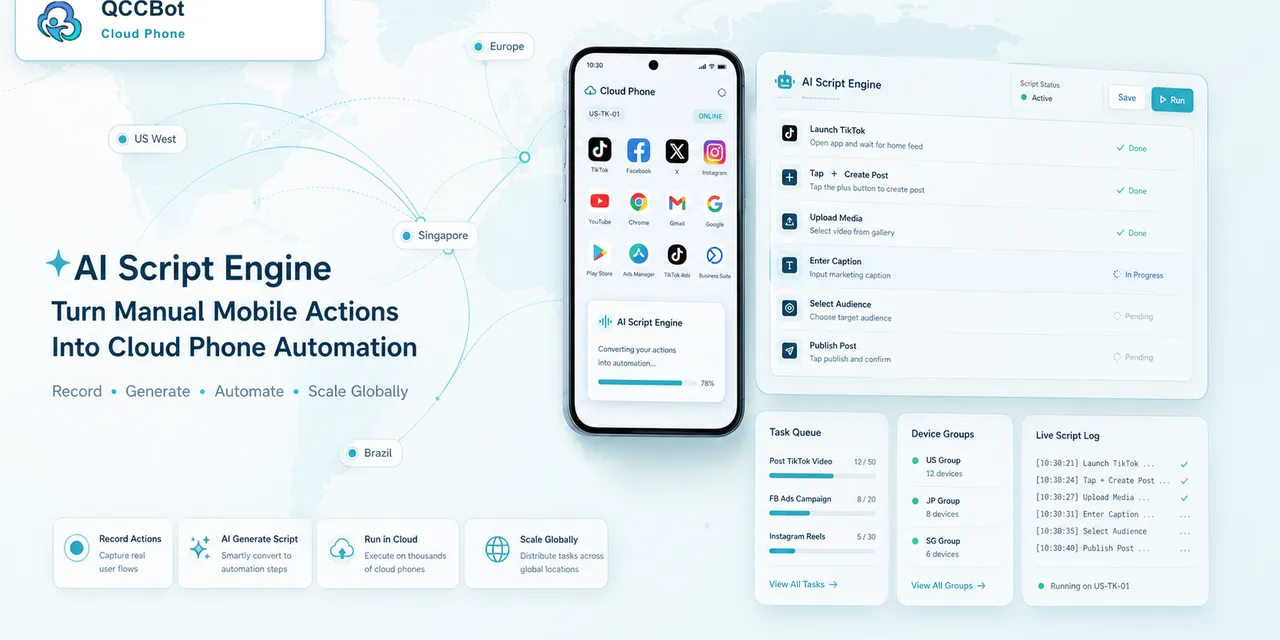
Many mobile operations teams know the workflow better than anyone, but they do not always have developers available.
They know which app to open, which page matters, which popup is normal, which warning is risky, and what the final status should be. The problem is turning that knowledge into a script that can run reliably across cloud phones.
Quick answer
Non-developers can use AI to create mobile automation scripts when the workflow is clearly described, tested on small cloud phone groups, and reviewed with logs. AI can draft and debug AutoJS-style scripts, but teams still need human review for sensitive screens and business decisions.
What AI changes
Before AI, a non-technical operator usually had to explain the workflow to a developer, wait for a script, test it, report issues, and wait again.
AI shortens that loop.
An operator can describe the task:
- open the app;
- check login state;
- go to a specific page;
- detect a known popup;
- capture the result;
- stop on unknown warnings.
AI can turn that into a first script draft. The draft still needs testing, but the team can move from idea to trial much faster.
What non-developers still need to know
AI does not remove the need for clear thinking.
Operators should be able to explain:
- what the task is trying to accomplish;
- where the task should start;
- what a successful screen looks like;
- which popups are safe;
- which cases must pause;
- what data should be logged;
- how many phones should be used for the first test.
This is operational knowledge, not programming theory.
A safe script creation process
Use a simple process:
- Write the workflow in plain language.
- Mark sensitive steps before generating code.
- Generate a script draft with AI.
- Run it on one cloud phone.
- Review logs and screenshots.
- Test on a small mixed group.
- Approve only the recovery actions the team understands.
- Expand gradually.
This keeps AI useful without making it uncontrolled.
Why logs matter
Without logs, a failed script becomes a mystery.
With logs, the team can see:
- where the script stopped;
- what screen appeared;
- whether a retry happened;
- whether AI takeover was used;
- which accounts need review.
Logs turn script writing into a learning loop.
How QCCBot fits
QCCBot includes xeasy code AI for generating and debugging AutoJS-style scripts, Android cloud phones for testing real mobile app workflows, and task logs for reviewing results. That helps non-developer teams move from manual steps to repeatable automation without pretending every operator is a programmer.
For teams that want to turn mobile app routines into scripts, QCCBot provides AI-assisted cloud phones and script workflows designed for real Android app operations.
FAQ
Do non-developers need to understand AutoJS?
They do not need to be experts, but they should understand the workflow, success conditions, and risk boundaries.
Can AI publish or approve tasks by itself?
It should not handle sensitive final decisions unless the team has explicitly designed and reviewed that boundary.
What makes a good first AI-generated script?
A low-risk check: open app, verify login, detect page, record result, and stop on unknown screens.