If a mobile app task happens every week, it should not live only in someone’s memory. It needs a runbook.
A runbook is a short operating document that explains what the task does, how it runs, what success looks like, what can fail, and who handles exceptions.
Quick answer
A good cloud phone task runbook includes the task purpose, device group, app requirements, script name, success criteria, common failures, AI recovery rules, human review rules, log location, and owner. It does not need to be long. It needs to be clear enough for another teammate to run the workflow.
Why runbooks matter
Without a runbook, teams depend on tribal knowledge:
- only one person knows which script to use;
- no one knows why a device group exists;
- failed runs are handled inconsistently;
- AI recovery is enabled without clear boundaries;
- new teammates need too much explanation.
A runbook makes the workflow repeatable.
A simple template
Use this structure:
| Section | What to write |
|---|---|
| Purpose | What problem this task solves |
| Device group | Which cloud phones run it |
| App state | Required login, permissions, app version |
| Script | Script name and last tested date |
| Success | What completed means |
| Failures | Common failure categories |
| AI recovery | What AI may recover |
| Human review | What must stop |
| Logs | Where results are checked |
| Owner | Who updates the workflow |
This is enough for most operational workflows.
Keep the language simple
A runbook should be readable by operators, not only developers.
Instead of:
“Selector error after activity transition.”
Write:
“The script reached the upload page but could not find the upload button. Check whether the app UI changed.”
Simple language helps the team act faster.
Update the runbook after failures
The best time to improve a runbook is after a real failure.
Add notes when:
- a new popup appears;
- a script was updated;
- AI recovery was changed;
- a failure category became common;
- a task owner changed.
This keeps automation from becoming mysterious over time.
Where QCCBot fits
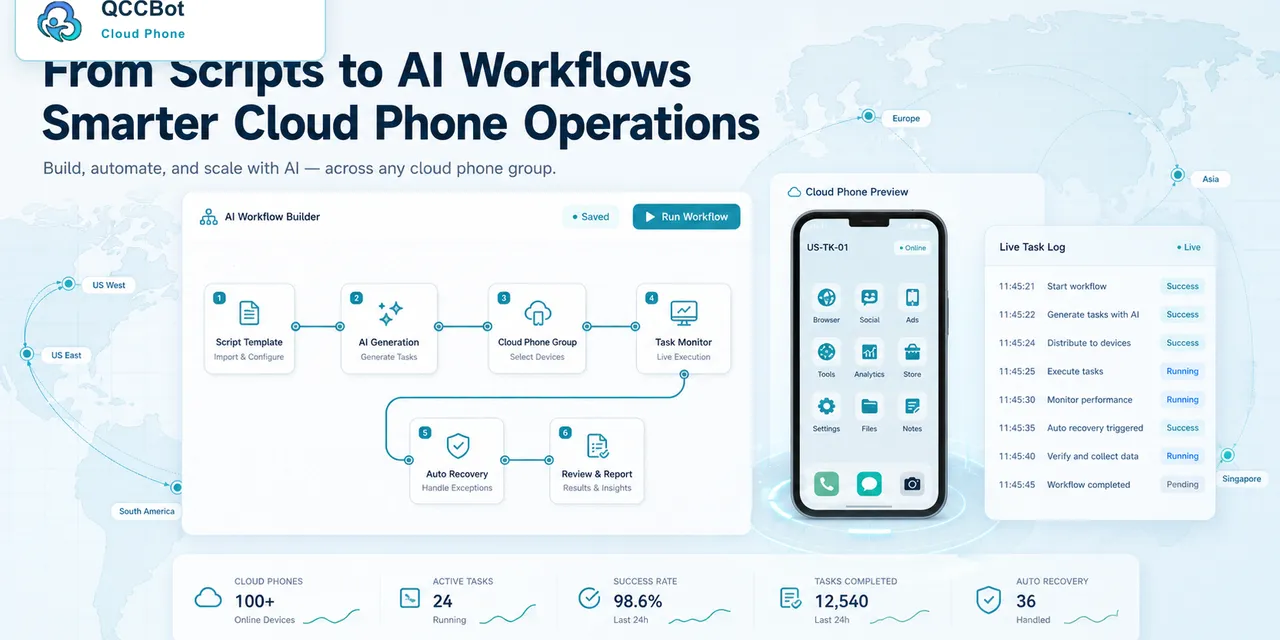
QCCBot helps teams run cloud phone tasks with device groups, scripts, AI debugging, exception takeover, and logs. A runbook turns those capabilities into a repeatable operating process.
If your team is moving from manual phone checks to managed mobile workflows, QCCBot’s official website shows how cloud phones and AI-assisted scripts can fit into that process.
FAQ
Does every task need a long document?
No. A short runbook is better than a long document nobody reads.
Who should own the runbook?
The person who owns the workflow outcome, often an operations lead.
Should AI recovery rules be written down?
Yes. Otherwise the team may not know which failures are safe to recover.