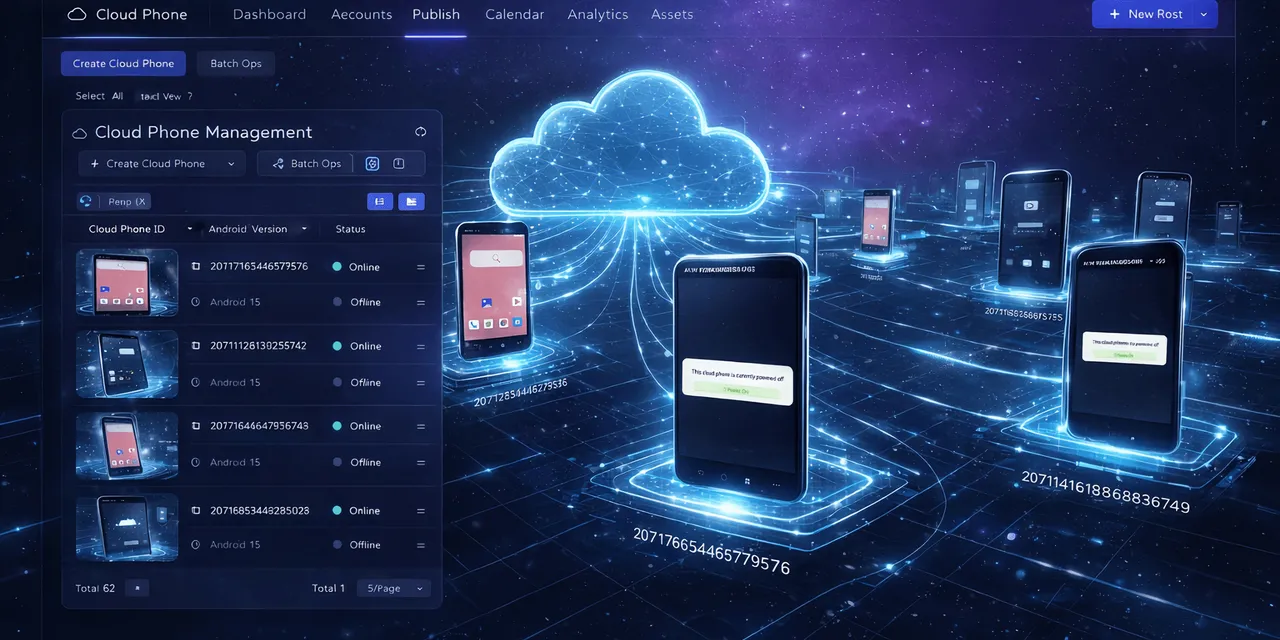
Regression testing is not only a developer problem.
Operations teams also need to know whether a mobile workflow still works after an app update, account change, permission reset, or campaign setup. If the team depends on a repeated Android app flow, that flow needs to be checked before it is trusted.
Quick answer
Cloud phones can support mobile app regression testing by running the same workflow across real Android environments, capturing logs, screenshots, and failure categories. AI scripts help create test flows faster and explain why a run failed, while humans keep control over sensitive decisions.
What regression means in mobile operations
In software testing, regression means something that used to work has stopped working.
In mobile operations, that can look like:
- the upload page no longer opens;
- the app now asks for a new permission;
- the login flow changed;
- a campaign screen moved;
- a button label changed;
- one region sees a different page;
- the workflow works on one phone but not another.
These issues are common because mobile apps are living systems.
Why real Android context matters
Browser tests cannot fully replace mobile app tests. Mobile apps depend on Android permissions, app versions, screen states, cached data, login sessions, notifications, and region behavior.
That is why cloud phones are useful. They give teams a repeatable way to test the workflow inside the environment where the work actually happens.
A simple regression test plan
Create a small test plan before scaling:
- Define the workflow you depend on.
- Choose the expected start screen.
- Choose the expected success screen.
- List known popups and safe recovery paths.
- List sensitive screens that must pause.
- Run on a small cloud phone group.
- Review logs and screenshots.
- Update the script only after the failure type is clear.
The plan does not need to be complicated. It needs to be repeatable.
How AI helps the test cycle
AI can speed up regression testing in three ways.
First, it can turn a plain-language checklist into a script draft. Second, it can help diagnose failed steps by reading logs and screen context. Third, it can suggest safer fallback logic, such as waiting for a page, checking for a popup, or stopping when an unknown warning appears.
This is especially helpful for teams that do not have a dedicated mobile QA engineer for every workflow.
How QCCBot fits
QCCBot combines cloud phone groups, AutoJS-style scripting, xeasy code AI, AI Guardian exception handling, and task logs. That makes it useful for teams that need to retest repeated Android app workflows without manually opening every device.
For teams that rely on mobile app processes staying stable, QCCBot provides an AI-assisted cloud phone platform for running, checking, and repairing Android workflows before they scale.
FAQ
Is this the same as full app QA?
No. Full app QA tests the product itself. This workflow tests whether your operational path inside the app still works.
How many phones should be in a test group?
Start small. Three to five phones with different account states can reveal more than one perfect test account.
Should AI automatically pass failed tests?
No. AI can classify and recover approved cases, but failed tests should remain visible to the team.