Important mobile work often starts with a small notification.
A message arrives. A shop alert appears. A permission reminder shows up. An account warning is posted inside the app. A campaign task is waiting. If a team manages many accounts, checking notifications manually becomes both boring and risky.
Quick answer
Cloud phones can help teams check mobile app notifications across many Android environments by opening apps, reading notification states, capturing alerts, and logging which accounts need action. AI-assisted scripts can classify common alerts, while sensitive warnings should be routed to humans.
Why notification checks matter
Notifications are not just noise.
They can reveal:
- login expiration;
- account warnings;
- customer messages;
- campaign reminders;
- permission requests;
- app update prompts;
- failed upload notices;
- moderation or review results.
If these signals are missed, the team may discover the issue only after a workflow fails.
A simple notification workflow
A practical workflow can be:
- Group cloud phones by project or market.
- Open the target app.
- Check notification badge or message area.
- Capture important alert screens.
- Classify the alert type.
- Mark the account as normal, needs response, needs review, or blocked.
- Send sensitive items to a human queue.
The goal is not to read every message with automation. The goal is to surface what needs attention.
What can be automated safely
Safe checks may include:
- whether a notification exists;
- whether a known reminder appears;
- whether an inbox has unread items;
- whether a known update prompt appears;
- whether the account reaches the notification page.
This creates visibility without making decisions for the operator.
What should stay manual
Be careful with:
- customer-specific replies;
- account risk notices;
- policy warnings;
- payment or refund messages;
- identity verification;
- unknown alerts.
AI can summarize or classify these, but a person should decide what to do next.
How QCCBot fits
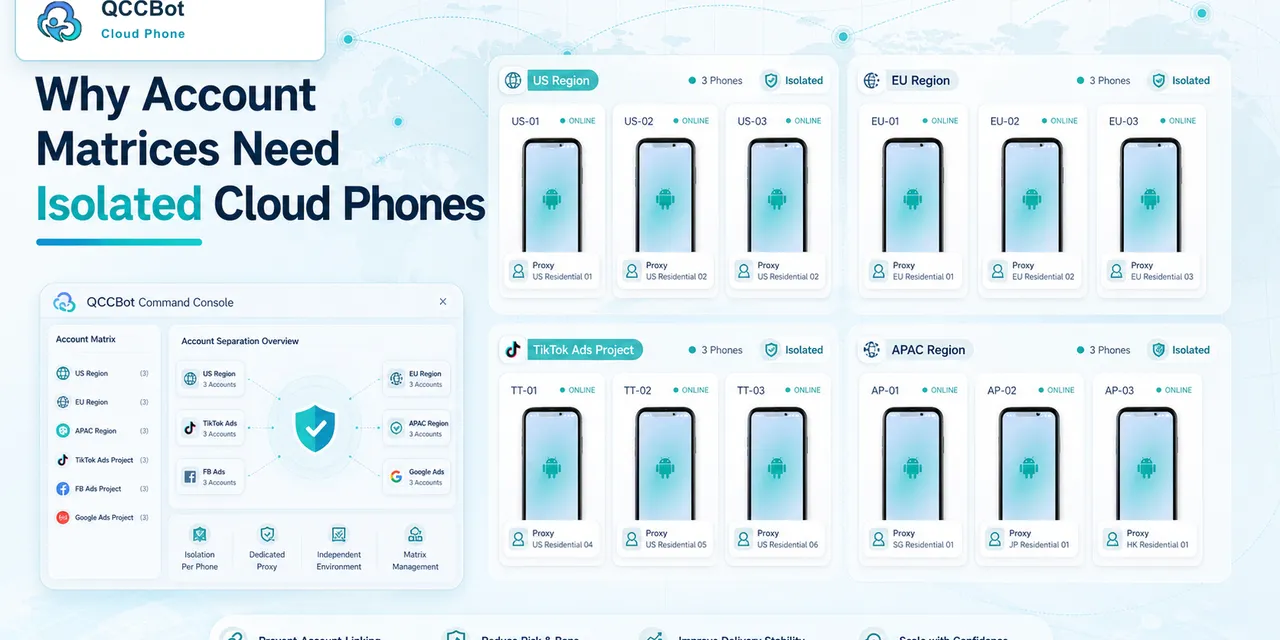
QCCBot lets teams run Android cloud phones in groups, use AI-generated AutoJS-style scripts, and review task logs. For notification workflows, that means teams can stop opening every phone manually and focus on accounts that actually need attention.
If notification checks are becoming daily manual work, QCCBot provides AI-assisted cloud phones for monitoring repeated mobile app states, alerts, and task results.
FAQ
Can AI reply to messages automatically?
It can help draft or classify in some workflows, but replies that affect customers or accounts should be reviewed carefully.
Should notification checks run all day?
It depends on the business. Many teams start with scheduled checks during important operating windows.
What is the best first check?
Start with unread count, login state, and account warning detection. Those usually create immediate value.