AI mobile workflows become more useful when they also become more controlled.
The question is not whether AI can click, retry, or recover. The better question is: when should it be allowed to do that, and when should it stop for a person?
Quick answer
Human-in-the-loop rules define which mobile workflow steps AI may handle automatically, which steps it may suggest fixes for, and which steps must pause for human review. These rules are essential for cloud phone automation because mobile apps often include login, security, payment, publishing, and account-risk screens.
Why boundaries matter
Mobile apps mix low-risk and high-risk actions inside the same flow.
A permission popup may be safe to handle. A slow-loading page may be safe to retry. But a login verification screen, account warning, or final publishing confirmation may require a person.
If all failures are treated the same, automation becomes risky. If every failure goes to a person, automation loses value. Human-in-the-loop rules create the middle ground.
Three levels of AI action
A useful model has three levels:
- AI may recover automatically.
- AI may suggest a fix, but a human approves.
- AI must stop and escalate.
Examples of level one:
- wait and retry a slow page;
- close a known non-sensitive popup;
- reopen the app after a crash;
- collect a screenshot and continue if the expected page appears.
Examples of level two:
- update a selector after a UI change;
- change timing logic;
- adjust a workflow step after operator review.
Examples of level three:
- login verification;
- payment or billing;
- account risk warnings;
- policy notices;
- final publishing decisions;
- unknown pages.
How to write the rules
Write rules in plain language before writing scripts.
For each workflow, define:
- the expected start screen;
- the expected success screen;
- safe recovery cases;
- review-required cases;
- maximum retry count;
- who receives escalations;
- what evidence must be captured.
This gives the AI system guardrails and gives operators confidence.
Why the independent switch matters
AI exception takeover should not be all-or-nothing.
Teams may want AI recovery for one task but not another. They may enable it for permission prompts but disable it for publishing. They may test it on a small group before using it broadly.
An independent switch makes adoption safer because the team can turn recovery on only where the rules are clear.
How QCCBot fits
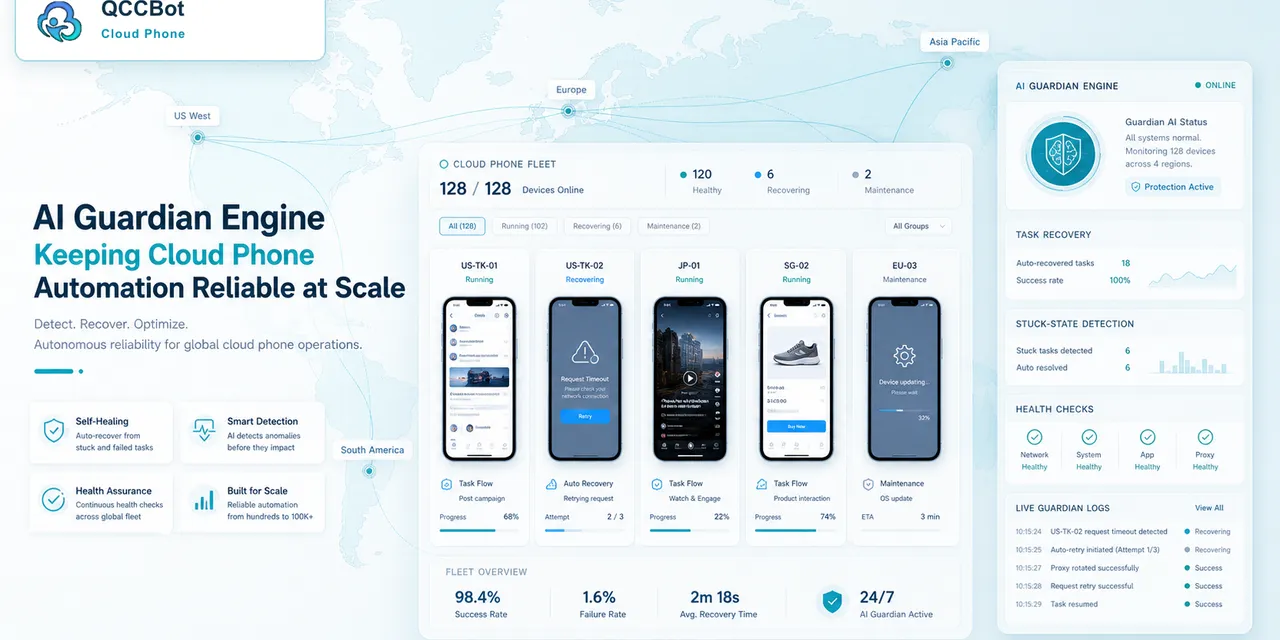
QCCBot supports AI-assisted cloud phone workflows with controlled exception handling. Teams can use xeasy code AI to generate scripts, AI Guardian-style monitoring to detect failures, and task logs to review what happened.
For teams designing safer AI mobile workflows, QCCBot provides cloud phones, script automation, AI exception handling, and logs for keeping humans in control where it matters.
FAQ
Does human-in-the-loop mean automation is weak?
No. It means the workflow is designed responsibly. Strong automation knows when to stop.
Should AI ever handle login screens?
Login and verification screens should be treated carefully and usually routed to human review.
What is the first rule to write?
Define the screens where AI must stop. That protects the workflow before optimization begins.