Marketplace sellers often live inside mobile apps.
Orders, messages, product pages, campaign notices, shop status, live tools, and content prompts may all appear inside the app before they appear anywhere else. That creates a daily operations problem: someone has to check many accounts, many screens, and many small status changes.
Quick answer
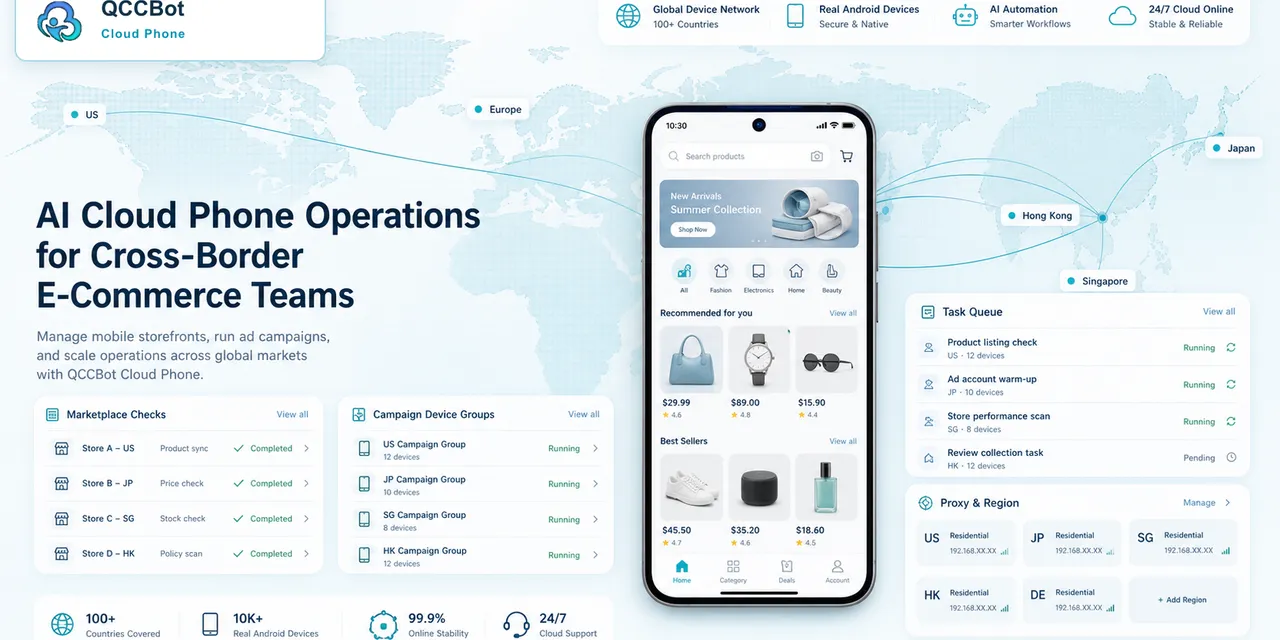
Cloud phones help marketplace sellers run daily mobile checks across multiple accounts from one console. AI-assisted scripts can open apps, verify login state, check important pages, classify common blockers, and produce logs so the team knows which accounts need attention.
The daily check problem
Many teams start with a simple manual routine:
- open the marketplace app;
- check order or message status;
- look for account warnings;
- confirm product or campaign pages load;
- check whether a content task is pending;
- write results into a sheet.
This works for a few accounts. It becomes messy when the team manages dozens of stores, markets, or client accounts.
The real cost is not only time. It is missed signals. A blocked upload, a missed message, or an app warning can sit unnoticed until it becomes urgent.
What to check every day
A useful daily check should be boring and consistent.
It may include:
- app opens successfully;
- account is still logged in;
- dashboard or shop page loads;
- inbox or response queue is accessible;
- product management page is available;
- campaign or live page is reachable;
- no unknown warning blocks the workflow;
- task result is recorded.
Do not start with complex automation. Start with visibility.
What AI can and cannot do
AI can help generate a script from a checklist, detect known screens, explain common failures, and suggest fixes when the app UI changes.
AI should not make commercial decisions alone. Price changes, account warnings, final publishing, refund issues, payment screens, and policy notices should go to humans.
The goal is to let AI handle repetitive observation and safe recovery, not replace business judgment.
A better operating rhythm
Instead of asking one person to open every account, build a daily rhythm:
- Group cloud phones by marketplace, region, or client.
- Run a morning readiness check.
- Review failed accounts by category.
- Retry safe cases.
- Send sensitive cases to the right operator.
- Keep logs for the next shift.
This turns daily checks into a repeatable system.
How QCCBot fits
QCCBot gives teams Android cloud phones, script templates, xeasy code AI for AutoJS-style scripts, AI-assisted debugging, and task logs. For marketplace teams, that means daily mobile checks can move from manual phone opening to a controlled workflow.
If your team manages marketplace activity across many mobile accounts, QCCBot can help organize daily app checks, batch cloud phone tasks, and AI-assisted exception handling from one cloud phone platform.
FAQ
Should daily checks include final publishing?
Usually no. Daily checks should confirm readiness and surface issues. Final publishing and sensitive actions should be reviewed separately.
Can this work for multiple apps?
Yes. The workflow can be adapted for different mobile apps, but each app needs its own test path and failure categories.
What is the first workflow to build?
Start with login, app-open, inbox, dashboard, and warning detection. Those checks usually reveal the most immediate operational issues.