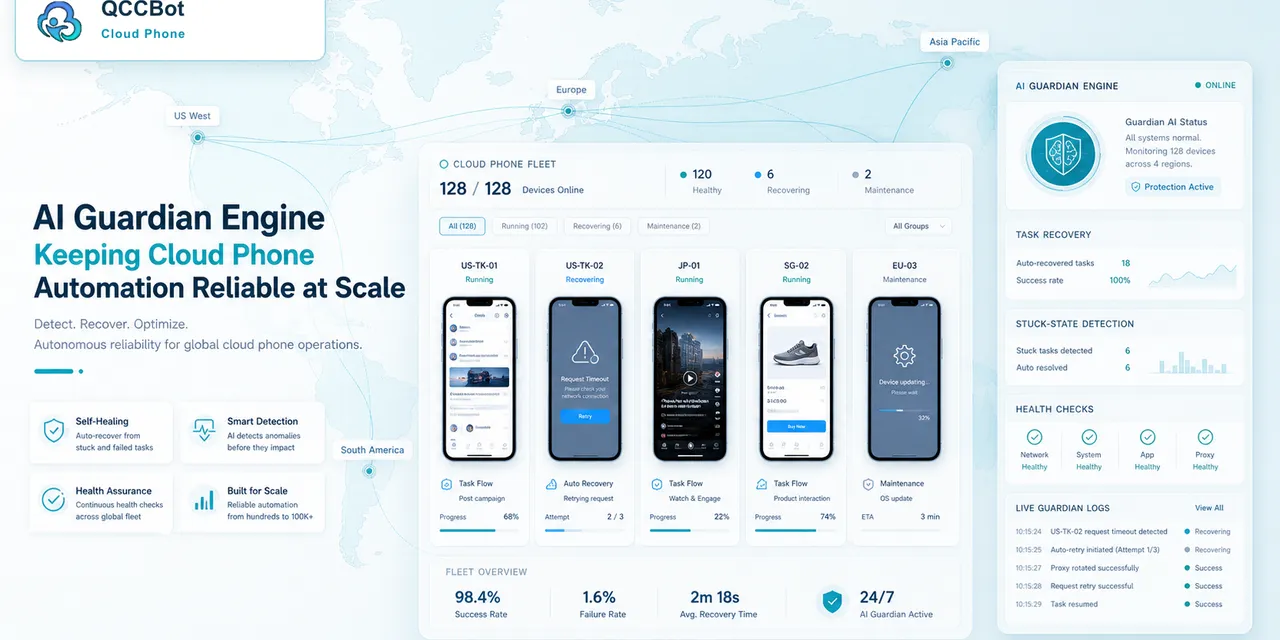
AI mobile automation becomes safer when the team knows where humans should stay in the loop.
The goal is not to make AI handle everything. The goal is to let AI handle repeatable, low-risk problems while humans review decisions that affect accounts, customers, payments, content, or trust.
Quick answer
Humans should review mobile automation cases involving security prompts, login verification, payment actions, account warnings, irreversible publishing, customer-sensitive messages, unknown screens, and any task where the business meaning is unclear.
What AI can often handle
AI can help with low-risk operational issues:
- retry a slow page;
- close a known non-critical popup;
- return to an expected screen;
- reopen an app after a crash;
- suggest a script fix;
- classify a failure category;
- collect context for review.
These actions are usually reversible and easy to log.
What humans should review
Humans should stay involved when the action has consequence:
- identity or login verification;
- account risk warnings;
- password or security prompts;
- payment or refund screens;
- irreversible publish buttons;
- customer complaints;
- policy-sensitive messages;
- unknown screens that change task meaning.
If the system cannot explain what the screen means, it should not improvise.
Use a simple risk matrix
| Case type | AI action | Human action |
|---|---|---|
| Slow loading | Retry within limit | Review if repeated |
| Known popup | Close and log | Review if new |
| Login expired | Stop | Re-authenticate |
| Security warning | Stop | Decide next step |
| Unknown screen | Capture context | Classify and update rules |
This makes the boundary easy to teach.
Why logging matters
Human review only works if the reviewer can see what happened.
Useful context includes:
- device ID;
- account or project group;
- last successful step;
- screenshot or screen description;
- AI action attempted;
- final task status.
Without this context, review becomes guesswork.
Where QCCBot fits
QCCBot provides AI exception takeover with task logs and cloud phone context, so teams can decide which failures AI may recover and which cases should be escalated.
If your team wants automation that is faster without becoming reckless, QCCBot’s official website explains how controlled AI recovery works inside cloud phone workflows.
FAQ
Should humans review every failure?
No. Review the failures that are sensitive, unknown, or repeated. Let safe cases be recovered with logs.
What makes an AI action safe?
It should be reversible, low-risk, recognizable, and logged.
Who defines the boundary?
The workflow owner should define it with input from operations, support, and technical teammates.