Google AI Studio now supports building native Android apps from a natural language prompt. That is an exciting shift for developers and small teams.
But after the first demo, a practical question appears:
How do you test the app against real mobile workflows?
AI can help generate an Android project. It does not remove the need to check the app on different accounts, device states, regions, permissions, and user paths.
What people search when the demo becomes real work
Useful searches sound like:
- how to test AI generated Android app
- Android app built with AI needs device testing
- test Android app across multiple accounts
- mobile app QA checklist after AI coding
- cloud phone testing for Android app workflows
These searches come from teams that moved past curiosity and now need reliability.
The gap between generated code and working operations
Generated code is only the beginning.
Real mobile workflows include:
- login state;
- permission prompts;
- slow network;
- app restarts;
- different Android versions;
- different languages;
- region-specific content;
- unexpected popups;
- user data in different states.
Those are not just engineering details. They decide whether the app works for real users.
A first testing checklist
Before inviting users or running a campaign, test:
- Fresh install.
- Returning user state.
- Login and logout.
- Permission denial.
- Slow loading.
- Main conversion path.
- Error screen.
- Region or language variation.
- Screenshot evidence for each step.
- Logs for failed steps.
This checklist is simple enough for a small team and useful enough for a serious QA workflow.
Where cloud phones help
Cloud phones let the team run the same mobile path repeatedly without passing physical devices around.
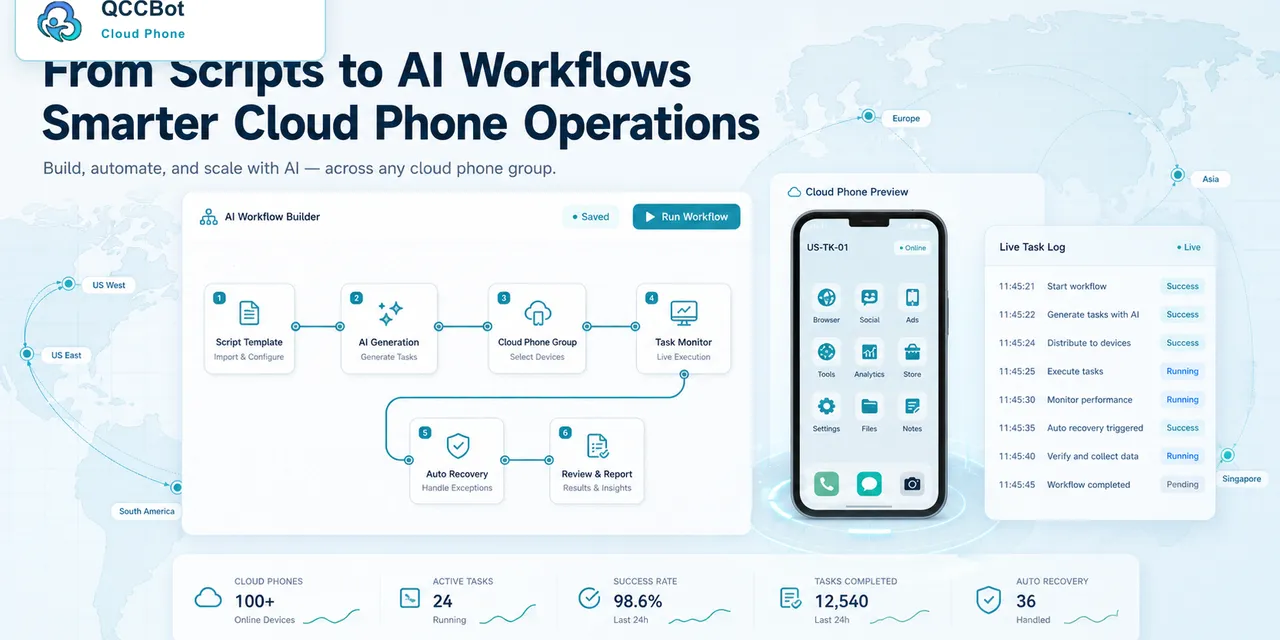
With QCCBot, a team can:
- create Android cloud phone groups;
- run AutoJS checks across devices;
- capture screenshots;
- record task logs;
- use AI to generate or adjust scripts;
- let AI classify certain failures;
- keep sensitive failures under human review.
That makes AI-generated Android development more operationally useful. The team can build faster and still test with discipline.
A real scenario
A founder uses AI Studio to build a lightweight Android app for internal field operations.
The app works in the preview. Then the team installs it on several phones and discovers:
- one Android version shows a permission prompt differently;
- one account state skips the expected onboarding page;
- one region loads different data;
- one slow device times out before the next screen appears.
These are normal mobile issues. The fix is not to blame AI coding. The fix is to create a repeatable test workflow.
How QCCBot fits into this trend
QCCBot does not replace Android development tools. It helps after the app or workflow exists.
It gives teams a way to ask:
- Does this mobile flow work across a device group?
- Where does it fail?
- Can AI explain the failure?
- Is it safe to retry?
- Should a person review the state?
That is the missing bridge between fast AI app creation and reliable mobile operations.
Final takeaway
AI can help you build Android apps faster. Testing still determines whether the app survives real mobile conditions.
If your team is moving from AI-generated Android prototypes to repeatable mobile workflows, QCCBot can help test those workflows on cloud phones with logs, screenshots, and AI-assisted recovery.
Reference: Google AI Studio Android app development: https://ai.google.dev/gemini-api/docs/aistudio-android
How to organize test evidence
Testing becomes much easier when every result has the same shape.
For each test run, record:
- cloud phone ID;
- Android version;
- app version;
- account state;
- region or language setting;
- workflow step;
- screenshot;
- result;
- failure reason;
- owner for the next action.
This makes evidence useful beyond the person who ran the test. A developer can inspect failures. A product person can compare screens. An operations person can decide whether the workflow is ready for a wider run.
When AI should help and when it should stop
AI can help with repetitive diagnosis:
- summarize logs;
- identify repeated failure patterns;
- suggest a script wait time;
- explain a selector error;
- group screenshots by visible state.
But AI should stop when the screen involves identity, account security, payment, customer data, or business settings. AI can label the issue, but a person should decide what to do.
A useful first cloud phone group
Start with a small group:
- one clean install;
- one returning account;
- one account with denied permissions;
- one slow or unstable network condition;
- one region or language variation.
This group teaches the team more than a perfect demo device. The goal is not to make the app look good once. The goal is to learn how the app behaves when real mobile conditions are imperfect.