Debugging AutoJS scripts by watching every phone is exhausting. It may work for one or two devices, but it breaks down when the same script runs across a cloud phone group.
The better approach is to debug by pattern, not by staring at screens.
Quick answer
To debug AutoJS scripts at scale, start with logs, group failures by type, inspect a few representative screens, fix the most common issue first, and retest on a small cloud phone group before expanding. AI can help explain errors and suggest script fixes, but operators still need review rules.
The wrong way to debug
Many teams debug like this:
- open each failed device;
- watch the screen;
- guess what happened;
- change the script;
- run everything again.
This creates two problems. First, it wastes time. Second, it hides patterns. If 20 devices failed for the same reason, you should not debug them 20 times.
Start with failure categories
Before changing code, ask what type of failure happened:
- selector not found;
- app loaded too slowly;
- permission popup appeared;
- account logged out;
- network retry page appeared;
- app version changed;
- task reached the wrong screen.
Once failures are grouped, the next action becomes clearer.
Inspect representative cases
Do not inspect every failed device first. Pick one or two devices from each failure category.
Look for:
- the last successful step;
- the visible screen at failure;
- whether the app is in the expected state;
- whether the failure is repeatable;
- whether the issue is script logic or environment state.
This keeps debugging focused.
Use AI carefully
AI can help with:
- explaining an AutoJS error;
- suggesting a wait condition;
- improving selectors;
- adding a pre-check;
- deciding whether a common popup can be handled safely.
But AI should not hide failures. If it recovers an issue, the recovery should still be logged.
Retest in a small group
After a fix, do not immediately run the full batch. Retest on a small group that includes the known failure cases.
A good retest group includes:
- one normal device;
- one slow-loading device;
- one device with a known popup;
- one device that previously failed.
If the fix survives this group, expand gradually.
Where QCCBot fits
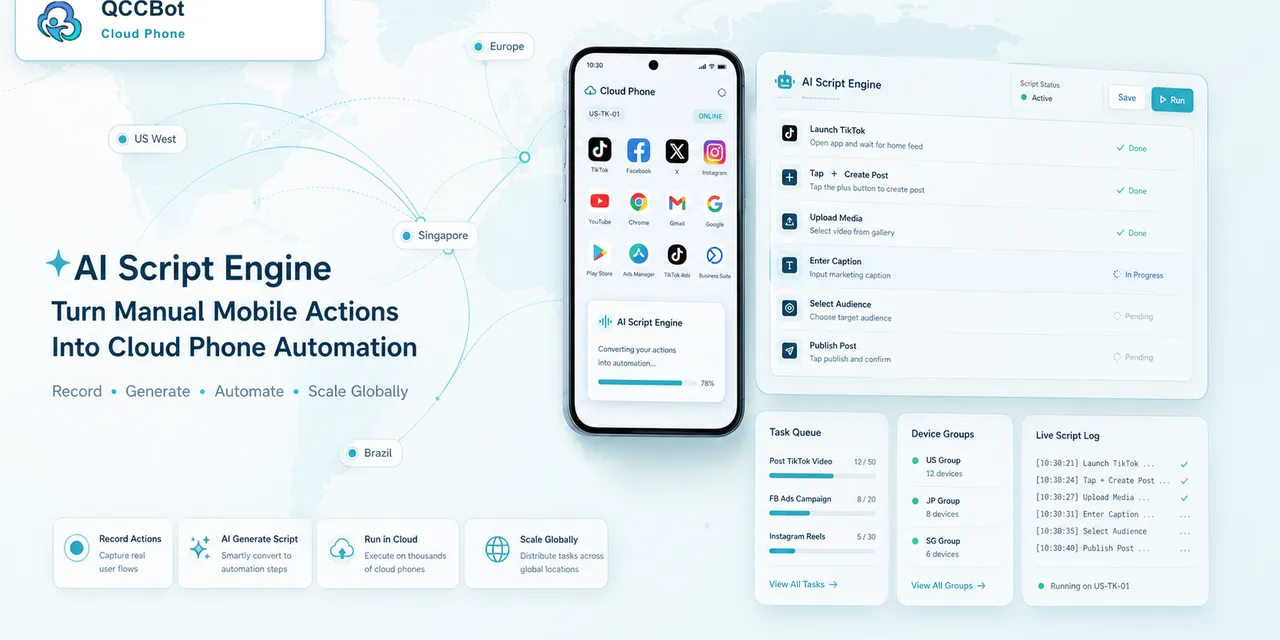
QCCBot combines AutoJS script execution, xeasy code AI assistance, task logs, cloud phone groups, and AI exception handling. This helps teams debug the workflow instead of manually watching every screen.
If debugging mobile automation has become too manual, QCCBot’s official website explains how AI script assistance and cloud phone logs work together.
FAQ
Should operators read raw script errors?
They do not need to understand every technical detail, but they should understand the failure category and next action.
What should be fixed first?
Fix the highest-frequency failure first. One common fix may improve many devices.
Is AI debugging enough by itself?
No. AI is useful, but the team still needs logs, test groups, and human review boundaries.