Cross-border mobile work often fails because the team assumes every market sees the same app.
In reality, the screen can differ by language, region, account type, app version, permissions, network, or marketplace setting. A workflow that works in one country may fail in another because a button label changed or a feature is not available.
Quick answer
Cloud phones help teams run localization checks inside real Android app environments across markets. AI-assisted scripts can verify language, region, page access, expected buttons, popups, and failure categories before a campaign or operational workflow scales.
What localization checks should include
Localization is not only translation.
For mobile operations, it can include:
- app language;
- country or region setting;
- marketplace availability;
- page access;
- button text;
- upload or publishing entry points;
- payment or verification prompts;
- local policy notices;
- feature availability.
These details affect automation because scripts depend on the screen that actually appears.
Why cross-border teams miss issues
Teams often test with one account in one familiar region. That creates false confidence.
The workflow may pass in the test account, then fail when applied to another market. The problem may not be the script. It may be a different UI path, local prompt, or unavailable feature.
This is why cross-border workflows need market-based test groups.
A practical check flow
Before launching a cross-border task, run a market readiness check:
- Group cloud phones by target market.
- Confirm language and region assumptions.
- Open the target app.
- Navigate to the required feature.
- Detect expected buttons and prompts.
- Capture unexpected screens.
- Mark markets as ready, needs adjustment, or human review.
This gives the team a map of where the workflow can run safely.
Where AI helps
AI can help compare failure patterns across regions.
For example:
- one market may show a different button label;
- another may require an extra confirmation;
- another may not expose the feature yet;
- another may show a policy notice.
AI can summarize these differences and help update scripts without treating every failure as the same bug.
How QCCBot fits
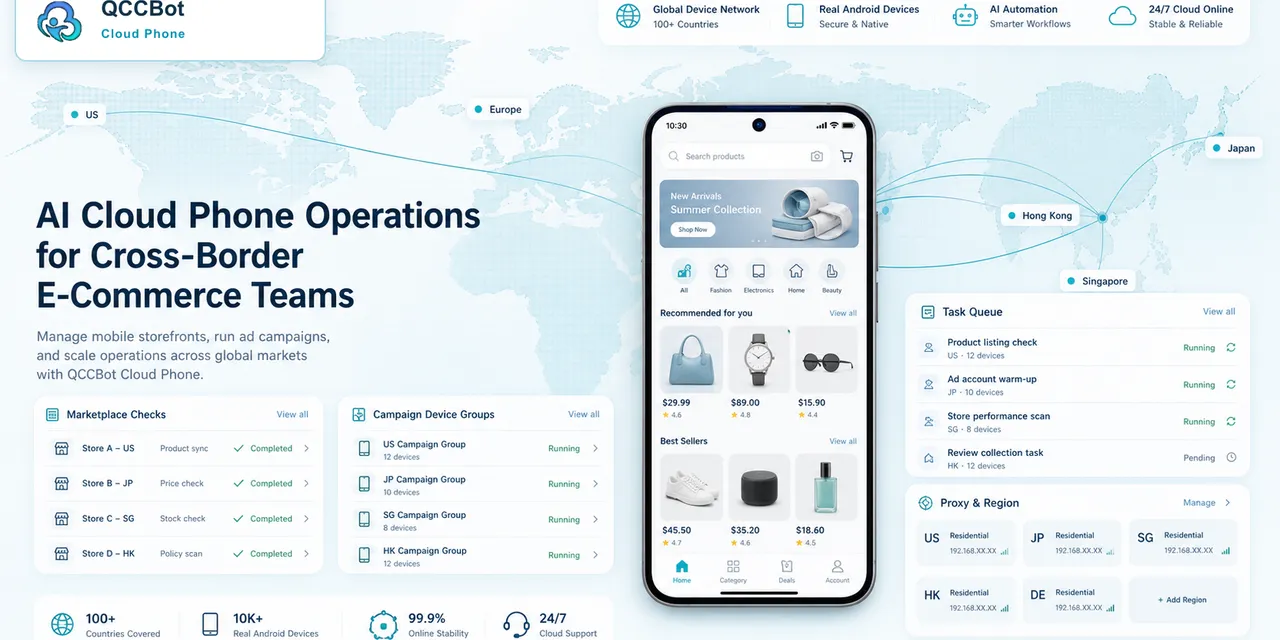
QCCBot gives cross-border teams isolated Android cloud phones, device grouping, AutoJS-style scripts, xeasy code AI debugging, AI Guardian exception handling, and task logs. This helps teams check real app behavior across markets before running large campaigns.
If your mobile workflows depend on country, language, or account context, QCCBot can help run cross-border cloud phone checks and AI-assisted Android app workflows from one platform.
FAQ
Is localization testing only for app developers?
No. Operations teams also need localization checks when they run marketplace, social, support, or publishing workflows across regions.
Should scripts be different for each market?
Sometimes. At minimum, scripts should detect market-specific screens and avoid assuming one UI path works everywhere.
What should be reviewed manually?
Policy notices, payment prompts, account warnings, and unfamiliar local requirements should go to a person.