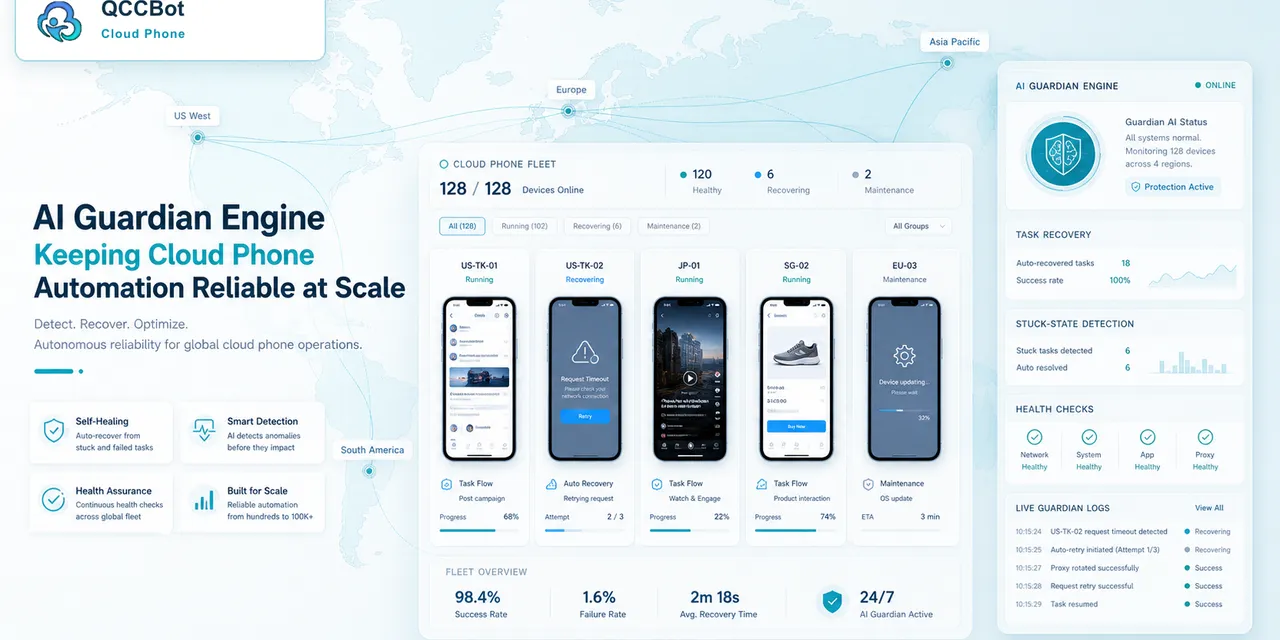
“AI takeover” is a phrase that can make serious operators uncomfortable.
That discomfort is reasonable. Mobile app work can include private messages, account settings, verification prompts, payment screens, customer content, and actions that cannot be easily undone. A system that says “AI will take over” without explaining boundaries does not sound powerful. It sounds risky.
The better idea is not uncontrolled takeover. It is controlled recovery.
In cloud phone automation, a recovery switch can make AI useful without asking teams to trust it blindly.
The problem with default autonomy
Default autonomy means the system keeps acting whenever something unexpected happens.
That may be acceptable in a toy workflow. It is not acceptable in real mobile operations.
If a script fails because a page loaded slowly, retrying may be fine. If it fails because an account recovery screen appeared, guessing the next step is not fine. If a permission popup appears, the response may depend on the app, account, and policy. If a private message appears, the system should not treat it as a generic obstacle.
The point is simple: not all interruptions are equal.
Recovery should be opt-in
A separate AI recovery switch changes the relationship between the team and the system.
Instead of asking, “Do we trust AI everywhere?” the team asks, “For this workflow, do we allow AI to help with selected exceptions?”
That is a much better question.
Some workflows are low-risk and repeatable. They may be good candidates for AI-assisted recovery. Other workflows touch sensitive account states or customer interactions. They should stay manual, or at least require review.
This is why QCCBot treats AI exception takeover as a controlled capability rather than a blanket promise.
What the switch should control
A useful recovery switch should not be vague. It should connect to specific operating rules.
For example:
| Situation | AI recovery may help | Human review should stay |
|---|---|---|
| Slow loading | Wait and retry | Repeated timeout |
| Known popup | Close by approved rule | Unknown popup |
| Selector failure | Diagnose and suggest fix | Sensitive screen |
| App starts on wrong page | Navigate to approved start state | Login recovery |
| Batch task stuck | Flag and classify | Payment or identity step |
The switch is not only a UI control. It is a policy boundary.
Why logs matter as much as recovery
If AI helps recover a task, the team still needs to know what happened.
Good logs should show:
- what the script expected;
- what appeared on the screen;
- what exception was detected;
- what action AI suggested or took;
- whether the task continued;
- whether the same issue repeated elsewhere.
Without logs, recovery becomes invisible. With logs, recovery becomes reviewable.
That distinction is important for trust. Teams do not need AI to be mysterious. They need it to be useful and accountable enough for operations.
A better way to introduce AI into workflows
Teams do not have to begin with the most sensitive tasks.
A safer rollout usually starts with:
- Low-risk workflows.
- Clear success and failure states.
- Known popups or delays.
- Manual review of early recovery attempts.
- Gradual expansion only after logs show predictable behavior.
This approach may feel slower than a dramatic AI demo, but it creates confidence. Operators learn where AI helps, where it should stop, and what rules need adjustment.
Where QCCBot fits
QCCBot is built around the idea that AI should support cloud phone automation without removing operator control.
The platform brings together:
- cloud Android devices;
- AutoJS scripts;
- AI-generated and AI-debugged script workflows;
- monitoring for abnormal task states;
- logs for review;
- a separate AI takeover switch for selected recovery scenarios.
This makes AI useful in the part of automation where teams actually lose time: small failures, broken selectors, stuck screens, and repeated manual checks.
The best AI does not hide risk
Good automation does not pretend that risk does not exist. It makes risk easier to see and manage.
For mobile app workflows, that means AI should help with repetitive recovery, preserve context, and stop when the screen requires judgment. A recovery switch gives the team a practical way to say yes to help without saying yes to everything.
If you want AI assistance for mobile automation without giving up operational control, visit QCCBot to see how cloud phones, AutoJS scripts, logs, and controlled recovery fit together.
FAQ
What is an AI recovery switch?
It is a control that allows AI to help with selected script exceptions while keeping sensitive or unknown states under human review.
Is AI takeover always safe?
No. It depends on the workflow, app state, exception type, and recovery rules. Sensitive screens should stop for review.
Why is a separate switch better than automatic AI handling?
It lets teams decide where AI recovery is appropriate, making the system easier to trust and easier to audit.