Content publishing often looks finished inside a planning sheet before it is truly ready inside the mobile app. The post may be drafted, but the app account may be logged out. A media upload may be stuck. A permission prompt may block publishing. A review screen may appear only on some accounts.
That is why mobile publishing QA matters.
Quick answer
AI cloud phones can help teams check mobile content publishing workflows before campaigns go live. They can open apps, verify account state, inspect upload readiness, detect blocking screens, record results, and route risky cases to humans.
What publishing QA should check
Before a campaign goes live, check:
- account login state;
- app version and permissions;
- media upload readiness;
- draft or scheduled content state;
- blocking popups;
- region-specific screens;
- whether the final step needs human approval;
- whether logs record the result.
These checks reduce last-minute surprises.
Why spreadsheets are not enough
A spreadsheet can say a post is ready. It cannot prove the mobile app is ready.
The app may show:
- upload failed;
- storage permission missing;
- account verification required;
- scheduled post unavailable;
- app update required;
- media processing still pending.
The source of truth is often inside the app.
Where AI helps
AI can help turn a publishing checklist into an AutoJS script. It can also classify failures and suggest fixes when a script stops.
For example, AI may help distinguish:
- a harmless update note;
- a network retry screen;
- a missing permission;
- a login verification page;
- an unknown screen requiring review.
This helps the team move faster without treating every failure the same.
Keep final approval human when needed
Publishing can be sensitive. The final publish action may need a person, especially if content, timing, or account risk matters.
Automation can prepare the workflow and flag problems. It does not have to replace final judgment.
Where QCCBot fits
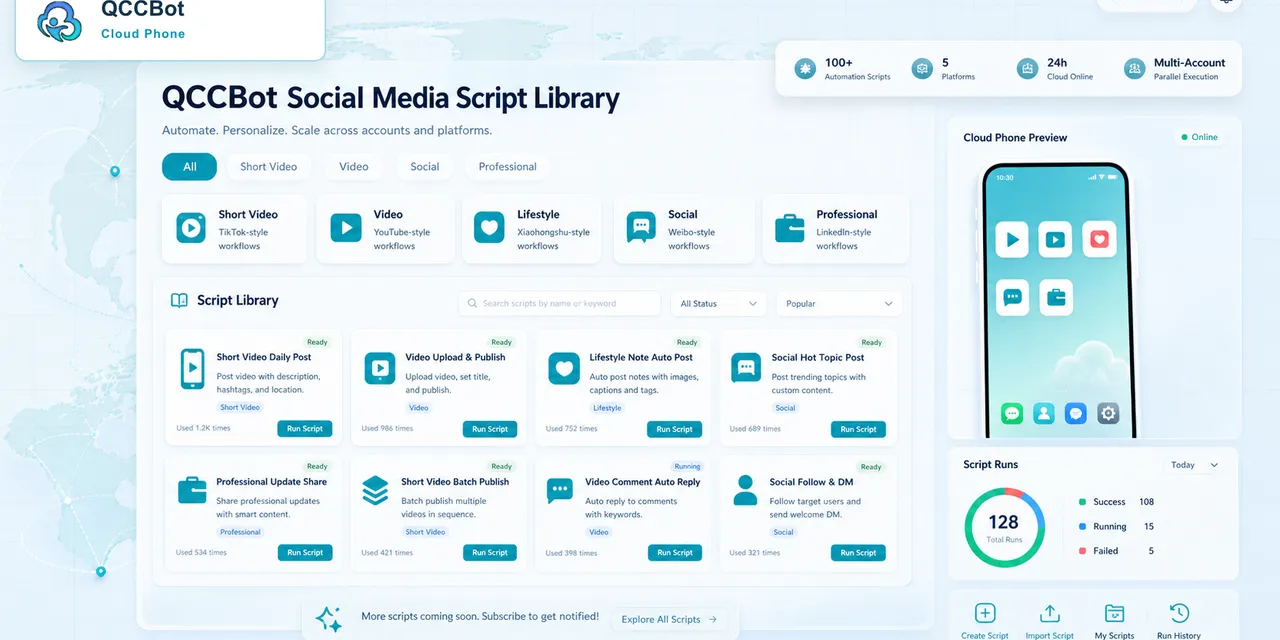
QCCBot supports cloud phone groups, script templates, xeasy code AI, task logs, and controlled exception handling. Teams can use it to check mobile publishing readiness across accounts before campaign deadlines.
If your team still discovers publishing blockers too late, QCCBot’s official website shows how AI cloud phones can help teams manage mobile app workflows before launch.
FAQ
Should publishing QA run before every campaign?
For important campaigns, yes. It catches app-side problems that planning tools cannot see.
Can AI approve content quality?
AI can assist with checks, but final content approval should follow your team’s review rules.
What is the safest first automation?
Start with readiness checks rather than final publishing actions.