The cloud phone vs emulator question usually starts as a technical comparison.
Which is faster? Which is cheaper? Which is easier to install? Which runs the app?
Those questions matter, but they miss the more important point. Teams do not choose between cloud phones and emulators in the abstract. They choose based on the work they need to run.
If the job is local development or quick app testing, an emulator can be enough. If the job is ongoing mobile app operations, account-state checks, team handoffs, scripts, logs, and batch workflows, a cloud phone often fits better.
Emulators are good developer tools
Emulators are valuable because they are easy to create, reset, and use during development. A developer can test layouts, reproduce bugs, run builds, and inspect behavior without needing a physical device.
For engineering teams, that is useful.
But many operations workflows are not only about whether the app can open. They are about whether the environment can keep state, support repeated tasks, and be managed by a team.
That is where the comparison changes.
Cloud phones are operational workspaces
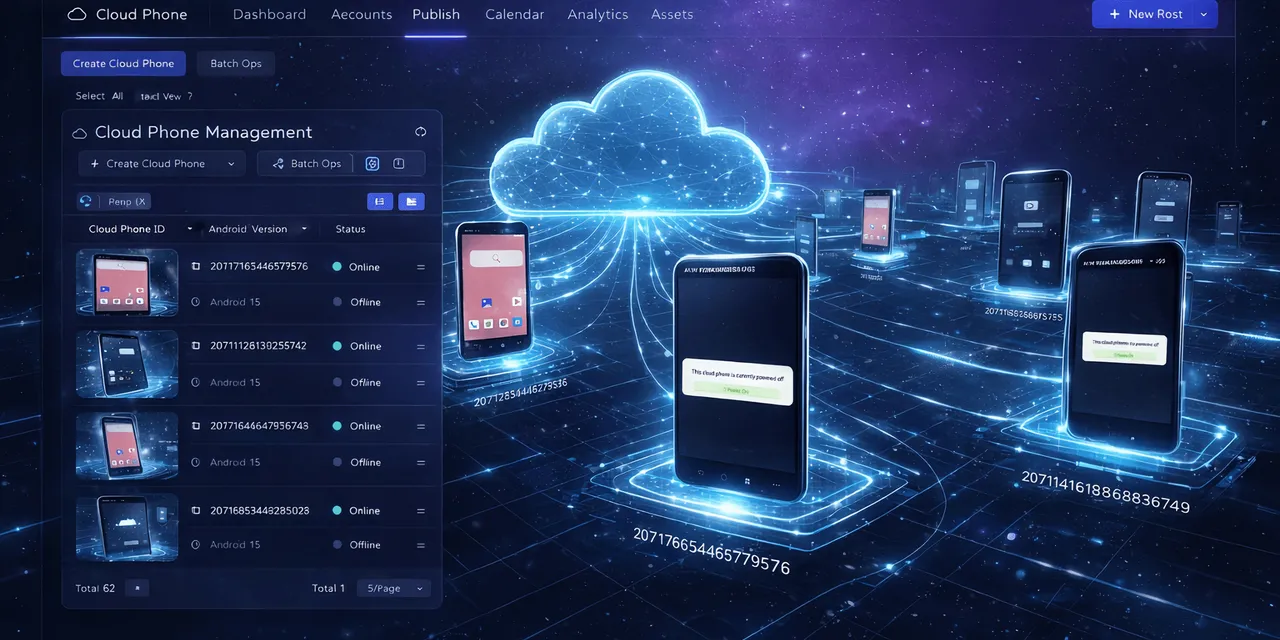
A cloud phone is not just a simulated screen. It can become a persistent Android workspace for a project, account, region, or workflow.
That matters when the team needs to:
- keep an app logged in;
- assign a device to a project;
- run repeatable scripts;
- review screenshots;
- monitor task status;
- hand off work between operators;
- group devices for batch workflows;
- keep account state separate.
These are not emulator problems. They are operations problems.
The persistence question
For many teams, persistence is the deciding factor.
An emulator is often treated as disposable. That is useful for clean testing. But real mobile operations often depend on continuity. The app session, account state, local settings, and previous task context may all matter.
A cloud phone can hold that environment in a more operational way.
That does not mean every cloud phone state should be trusted forever. It means the device can be managed as part of a workflow instead of being reset whenever a developer needs a clean test.
The team handoff question
Another difference appears when more than one person is involved.
If one developer uses one emulator locally, handoff is not a major issue. If an operations team has multiple people checking apps across shifts, the workflow needs shared visibility.
Cloud phones make it easier to say:
- this device belongs to this project;
- this script ran here;
- this account is in this state;
- this task failed at this step;
- this operator should review it.
That kind of context is hard to maintain with scattered local emulators.
The automation question
AutoJS-style automation needs a stable place to run.
QCCBot gives teams cloud Android devices where scripts can run, fail, be debugged, and be monitored. xeasy code AI can help generate and repair scripts. AI Guardian-style monitoring can help detect stuck tasks. Logs help the team understand what happened.
The cloud phone becomes the execution environment. The script becomes the repeatable process. AI helps reduce the maintenance cost.
That is a different use case from opening an emulator to test a single screen.
A practical comparison
| Need | Emulator | Cloud phone |
|---|---|---|
| Local app development | Strong fit | Sometimes useful |
| Clean reset testing | Strong fit | Useful when managed |
| Persistent app state | Weaker fit | Strong fit |
| Team handoff | Weaker fit | Strong fit |
| Batch mobile operations | Weaker fit | Strong fit |
| AutoJS workflow execution | Possible but less operational | Strong fit |
| Logs and monitoring | Depends on tooling | Central to workflow |
The answer is not that one is always better. The answer is that they serve different jobs.
When to choose a cloud phone
Choose a cloud phone when the work needs:
- remote Android access;
- stable app sessions;
- team-based operations;
- account separation;
- repeated mobile tasks;
- batch execution;
- screenshots and logs;
- AI-assisted script generation or debugging.
Choose an emulator when the work is mainly local development, fast reset testing, or controlled engineering validation.
The real decision
If you are asking “Can this run Android?” both tools may work.
If you are asking “Can my team operate mobile app workflows reliably across devices?” the cloud phone model is usually closer to the problem.
For teams that need cloud Android environments plus AutoJS automation, AI debugging, logs, and controlled recovery, QCCBot is built as an operational layer rather than a local testing shortcut.
FAQ
Are cloud phones the same as emulators?
No. Emulators are often local development tools. Cloud phones are remote Android environments that can support persistent app sessions, team access, scripts, monitoring, and operations workflows.
When should a team use an emulator?
Use an emulator for local app development, quick tests, reset-heavy QA, or situations where persistent account state is not important.
When should a team use QCCBot cloud phones?
Use QCCBot when the team needs cloud Android devices, repeated app workflows, AutoJS scripts, AI debugging, monitoring, and reviewable task logs.