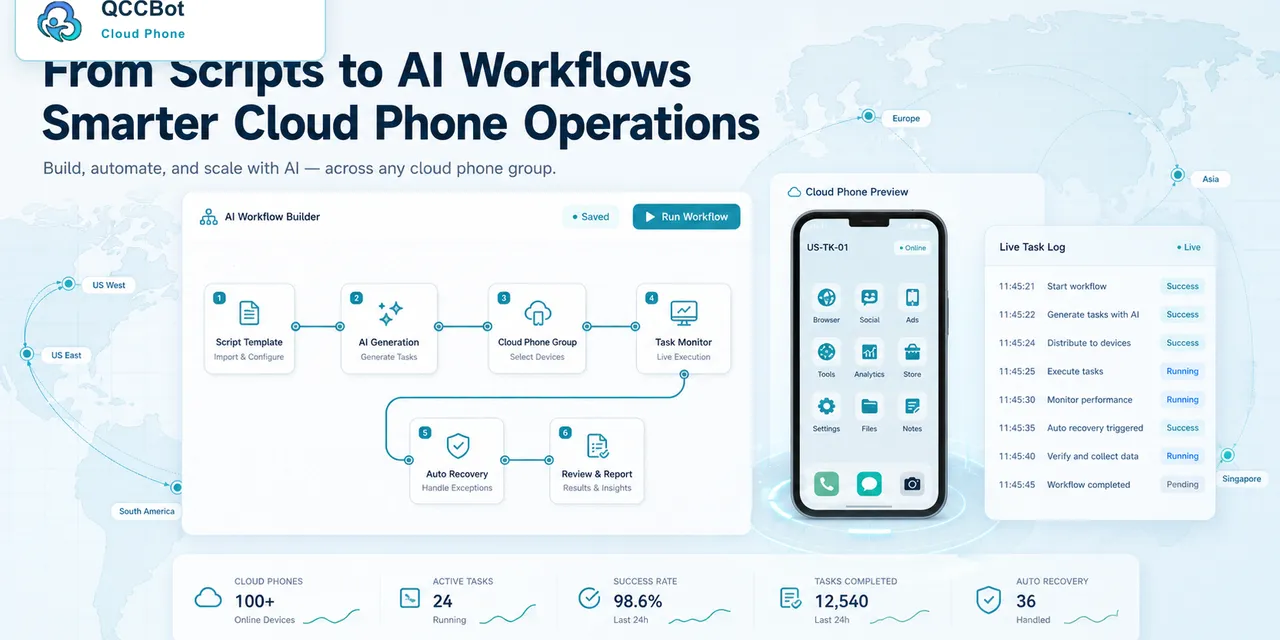
Cloud phone task logs are not just technical records. For an operations team, they are the fastest way to understand what happened across many Android app tasks.
Without logs, every failure becomes a mystery. With useful logs, failures become categories the team can fix.
The simple answer
Operators should look for five things in cloud phone task logs: which device ran the task, which step failed, what screen or condition caused the failure, whether recovery was attempted, and whether human review is required.
Why logs matter more at scale
If one phone fails, you can open it and check manually.
If 50 phones fail, manual checking becomes chaotic. You need to know whether all 50 failed for the same reason or whether they failed for different reasons.
That distinction matters:
- one shared problem may require one script fix;
- many account-specific problems may require review queues;
- a network issue may need retry logic;
- a login issue may need account maintenance.
Logs turn “many failures” into a manageable list of causes.
What a useful log should answer
A good task log should help a non-developer answer practical questions:
- Did the task start?
- Did the app open?
- Which step was last completed?
- What screen appeared before failure?
- Was the problem recognized?
- Did AI try to recover?
- Did the task continue or stop?
- What should the operator do next?
The goal is not to collect every possible detail. The goal is to support fast decisions.
A common example
A team runs a daily account readiness check. Ten devices fail.
The logs show:
- six devices stopped at a login screen;
- three devices hit a network retry page;
- one device showed an unknown popup.
Now the team has a clear action plan. Login failures go to account review. Network failures can be retried. The unknown popup becomes a new case for script improvement.
How AI helps with logs
AI can help classify failures, suggest script fixes, and recover safe exceptions. But operators still need readable logs. If AI did something, the team should know what it did and why.
This is especially important when AI takeover is enabled. Recovery without visibility creates confusion. Recovery with logs creates trust.
Where QCCBot fits
QCCBot combines cloud phone task execution, logs, AI debugging, and exception handling so operators can see what happened instead of guessing device by device.
If your team manages repeated Android app workflows, QCCBot’s official website shows how task logs and AI recovery fit into cloud phone operations.
FAQ
Are logs only for developers?
No. Good logs help operators understand status, failure type, and next action.
What is the first log metric to check?
Start with failure category. It tells you whether the issue is script-related, account-related, app-related, or environment-related.
Should every recovered error be logged?
Yes. Even safe recovery should be visible so the team can improve the workflow over time.