Task logs are easy to ignore until something goes wrong.
When a mobile workflow fails across many devices, the first question is usually: “What happened?” If the team cannot answer that quickly, every failure turns into manual investigation.
Quick answer
A good cloud phone task log should record the device, account group, script version, start time, end state, success or failure category, screenshot evidence, retry history, AI recovery action, and human review notes. The goal is not to collect noise. The goal is to make failures understandable.
Why logs matter
Mobile automation has many moving parts:
- the cloud phone;
- the app version;
- the account state;
- the script;
- the network or region setting;
- the UI shown during the run;
- the operator decision after failure.
Without logs, teams may blame the wrong thing. They may rewrite a script when the account was logged out. They may retry a task that should have paused. They may miss a pattern affecting one market or client group.
A practical log template
At minimum, record:
- task name;
- cloud phone ID;
- account or project group;
- app name and version if available;
- script name and version;
- start time;
- end time;
- final status;
- failure category;
- screenshot or screen note;
- retry count;
- AI action taken;
- human review owner;
- next action.
The categories matter more than long notes. A clear category lets the team sort failures fast.
Useful failure categories
Start with simple categories:
- success;
- login expired;
- permission missing;
- expected page not found;
- known popup handled;
- unknown popup;
- slow loading or timeout;
- account warning;
- app update suspected;
- human review required.
Over time, the team can refine these categories based on real failures.
Where AI helps
AI can help summarize logs, group similar failures, and explain likely causes.
For example, if 12 phones fail at the same step after an app update, AI can help identify that pattern faster than an operator reading every record. If one phone has an account warning, AI can mark it separately instead of mixing it with script errors.
This works best when logs are consistent. AI cannot classify what the system never records.
How QCCBot fits
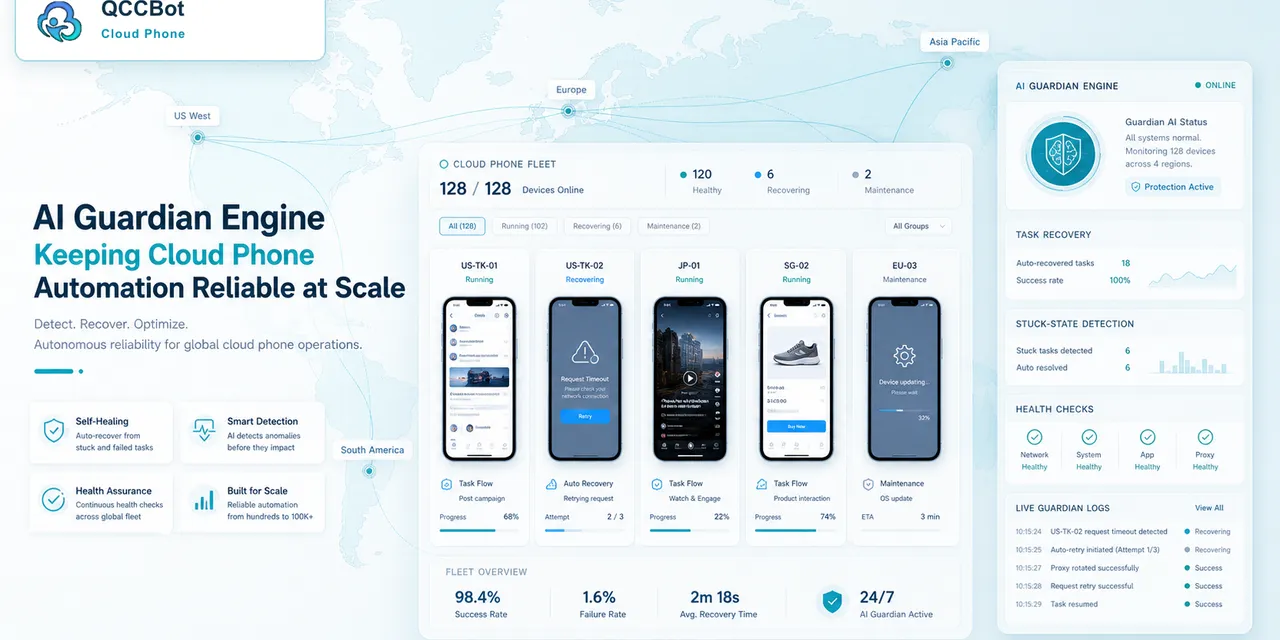
QCCBot task logs, AI-assisted script debugging, and AI Guardian-style exception handling are designed to make cloud phone workflows observable. Teams can see what ran, what failed, what was recovered, and what needs review.
If your mobile operations depend on knowing what happened across many Android devices, QCCBot offers cloud phone task logs and AI-assisted recovery for repeated app workflows.
FAQ
Should every task have screenshots?
For important workflows, screenshots or screen notes make failure review much faster. They are especially useful for unknown popups.
How many failure categories are enough?
Start with fewer than ten. Add categories only when repeated failures need clearer separation.
Should logs be written for successful tasks too?
Yes. Success logs help prove coverage and make failure rates meaningful.