Batch mobile automation becomes much easier when failures stop arriving as a messy pile.
If every failed task looks the same, operators waste time opening phones one by one. A good exception queue turns failures into categories: retry, safe AI recovery, script fix, account review, and urgent human decision.
Quick answer
A cloud phone exception queue should group failed tasks by cause and next action. Common queues include retry-safe, AI recovery allowed, script issue, account issue, permission issue, unknown screen, and human review. The queue helps teams act faster without letting automation handle risky cases silently.
Why a queue is better than a failure list
A failure list says, “These tasks failed.”
An exception queue says, “Here is what to do next.”
That difference matters. In mobile workflows, failures can come from many places:
- slow loading;
- app crash;
- missing permission;
- login expiration;
- unknown popup;
- account warning;
- changed UI;
- network or region mismatch.
These should not all go to the same person or the same retry rule.
Useful queue categories
Start with a small set:
- safe retry;
- AI recovery allowed;
- permission fix needed;
- login or verification;
- script update needed;
- unknown screen;
- account warning;
- human review required.
Avoid creating too many categories at first. If the queue becomes complicated, operators stop using it.
What AI should do
AI can help classify failures and suggest next actions.
For example:
- repeated timeout can go to retry-safe;
- known popup can go to AI recovery allowed;
- changed button text can go to script update needed;
- login verification can go to human review;
- unknown account warning can be escalated.
The important rule is that AI classification should be visible. Operators should see why a task was placed in a queue.
How to avoid risky automation
Do not let the queue become an excuse to automate everything.
Some exceptions should pause:
- payment screens;
- identity checks;
- account risk warnings;
- policy notices;
- final publishing confirmations;
- unfamiliar pages.
These are not technical failures only. They may involve business or account risk.
How QCCBot fits
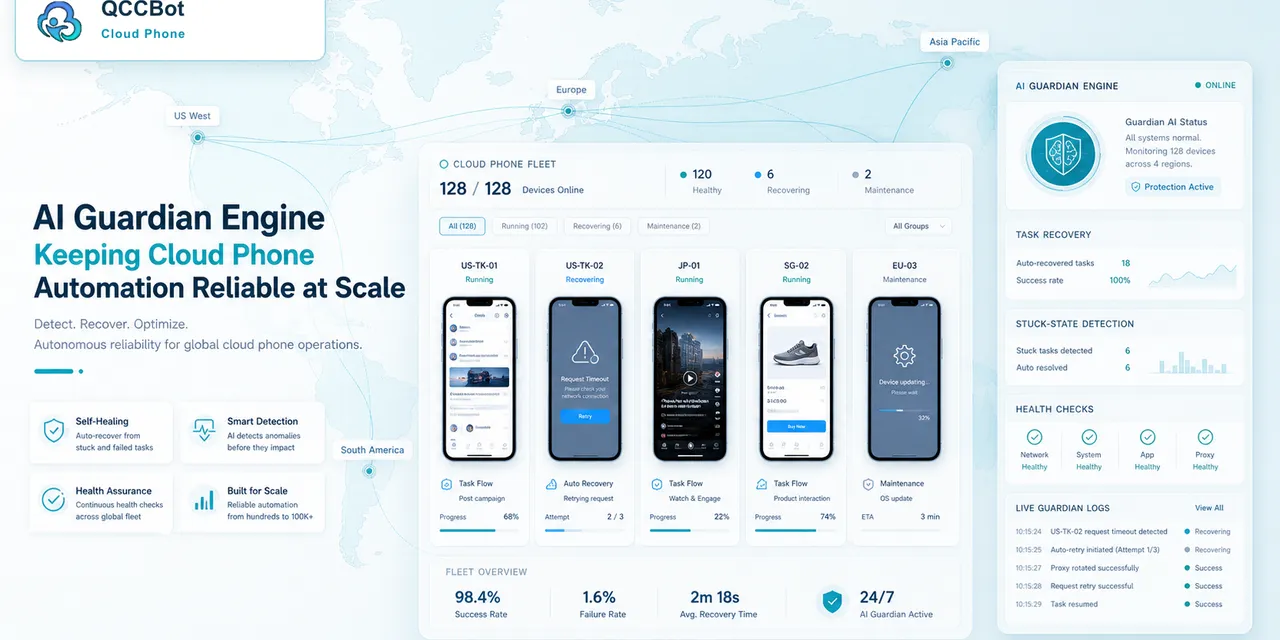
QCCBot’s AI Guardian-style monitoring, task logs, and AI exception takeover help teams separate recoverable failures from human-review cases. The independent switch for AI takeover lets teams enable recovery only where the queue rules are clear.
If your team runs many mobile app tasks and needs clearer failure handling, QCCBot can help organize AI-assisted cloud phone automation with logs, recovery rules, and human review boundaries.
FAQ
Should every failure be retried?
No. Retrying login warnings, account risk prompts, or unknown screens can make the situation worse.
How many queues should a small team use?
Start with four: retry, AI recovery, script issue, human review.
What makes an exception queue useful?
Each category must imply an action. If a category does not change what the team does next, remove it.