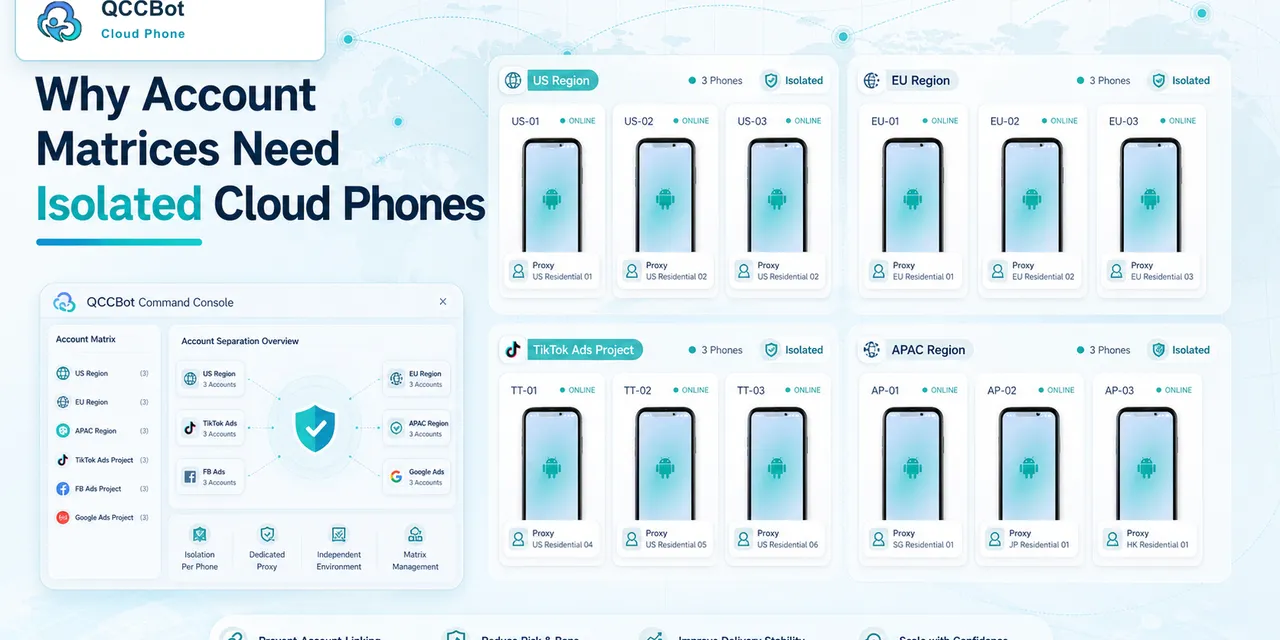
People often use “cloud phone” and “device farm” as if they mean the same thing. They are related, but they solve different problems.
A device farm is usually built for testing apps across many devices. A cloud phone platform is often used to operate mobile app workflows over time: accounts, app state, scripts, logs, tasks, and repeated processes.
Quick answer
Device farms are useful for testing how an app behaves across device types. Cloud phones are useful when a team needs persistent Android environments for repeated mobile operations, account workflows, app checks, script execution, and task monitoring.
When a device farm is a good fit
A device farm is helpful when the question is:
- Does our app work on this Android version?
- Does the UI render correctly on this screen size?
- Does a test pass on multiple device models?
- Does a release break a core app function?
This is usually product QA. The team owns the app being tested.
When cloud phones are a better fit
Cloud phones are helpful when the question is:
- Can we run this workflow across many app accounts?
- Is each account logged in and ready?
- Did the task fail because of a popup, login state, or app change?
- Can we group phones by campaign, client, or region?
- Can operators review logs after a batch run?
This is usually mobile operations. The team may not own the app. It needs to work inside existing Android apps.
The persistence difference
Persistence is one of the biggest differences.
Many test environments are created for a test session and then reset. That is useful for clean QA.
Mobile operations often need the opposite. The account, app install, cache, permissions, and workflow history may matter. Operators need to know what happened yesterday because it affects what should happen today.
Persistent cloud phones make that easier to reason about.
The AI difference
AI adds another distinction.
In a device farm, AI may help generate test cases or inspect screenshots. In a cloud phone operations platform, AI can help generate AutoJS-style scripts, debug failed runs, classify exceptions, and recover approved cases while keeping sensitive cases visible.
That is closer to an operations control layer than a one-time testing tool.
How to choose
Choose a device farm if you are mainly testing your own app across device configurations.
Choose cloud phones if you are mainly running repeated workflows inside mobile apps, managing account environments, checking app states, or coordinating many Android tasks over time.
Some teams use both. QA uses device farms. Operations uses cloud phones.
How QCCBot fits
QCCBot is designed for AI-assisted cloud phone operations: isolated Android environments, script libraries, xeasy code AI script generation, AI Guardian-style exception handling, and task logs.
If your team is comparing device farms with persistent mobile operations tools, QCCBot explains how cloud phones can support repeated Android workflows, batch tasks, and AI-assisted exception handling.
FAQ
Are cloud phones only for testing?
No. They can be used for testing, but their bigger value is persistent mobile workflow operation.
Can cloud phones replace every device lab?
Not always. Hardware-specific testing may still require physical devices or device farms.
Why does persistence matter?
Because many mobile workflows depend on login state, app permissions, account history, cache, and previous task results.