A content calendar looks organized until publishing day arrives.
The spreadsheet says the post is ready. The asset folder looks complete. The caption is approved. But the mobile app may tell a different story: account logged out, upload entry missing, media permission blocked, product link not loading, or platform notice waiting inside the app.
Quick answer
Cloud phone content calendar checks help teams verify mobile app readiness before publishing day. A good check confirms account login, app access, media permissions, content assets, upload paths, campaign pages, product links, and warnings. AI-assisted scripts can run these checks across many Android cloud phones and report exceptions.
Why calendar readiness is not enough
Most content calendars track planning status:
- topic;
- asset;
- caption;
- owner;
- publishing date;
- approval state.
That is useful, but it does not prove the mobile account is ready to publish. The app environment still needs to be checked.
The gap is simple: planning happens in tools, publishing often happens inside mobile apps.
What to check before publishing day
Run a readiness check one day before important publishing windows.
Check:
- account is logged in;
- target app opens normally;
- upload or publishing entry is visible;
- media permission is granted;
- content asset can be selected;
- campaign or product page loads;
- scheduled content area is accessible;
- no unknown warning blocks the flow;
- final publishing action is not triggered during the check.
The purpose is preparation, not accidental publishing.
A practical workflow
Use a staged process:
- Group cloud phones by campaign, platform, or client.
- Run a non-publishing readiness script.
- Capture screenshots or logs for failed accounts.
- Classify failures by cause.
- Fix permissions, login, or asset issues before publishing day.
- Keep sensitive decisions in a review queue.
This helps the team avoid last-minute surprises.
Where AI helps
AI can turn a readiness checklist into an AutoJS-style script, explain failed checks, and suggest fixes when the app UI changes.
AI can also summarize which accounts are ready and which need action. That is useful for teams managing many accounts across different platforms.
AI should not silently publish final content unless the team has explicitly designed and approved that workflow. Readiness checks should stay separate from final publish actions.
How QCCBot fits
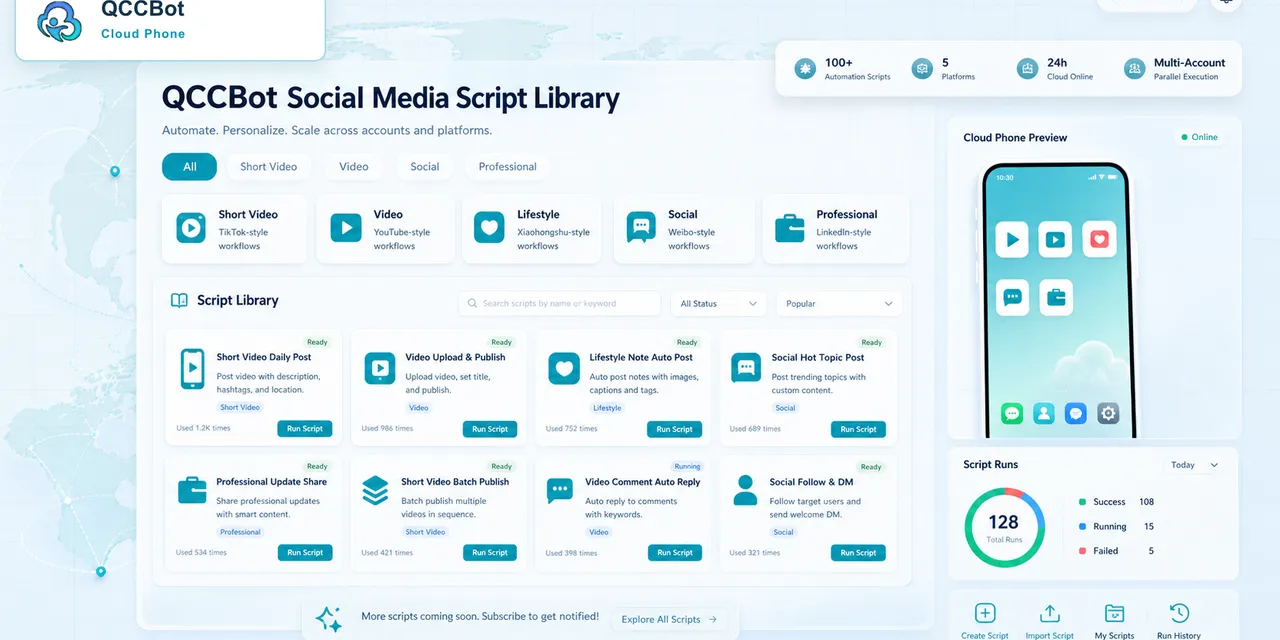
QCCBot provides Android cloud phones, script libraries, xeasy code AI, task logs, and AI-assisted exception handling. Social, marketplace, and content teams can use it to check mobile app readiness before a calendar item becomes urgent.
If content publishing often gets blocked at the mobile app stage, QCCBot can help teams run cloud phone readiness checks for social content, uploads, and campaign workflows.
FAQ
Should readiness checks publish content?
No. They should confirm the account and app path are ready without triggering final actions.
How early should teams run the check?
For important campaigns, one day before and again shortly before the publishing window is reasonable.
What is the most common blocker?
Login state, permissions, and app UI changes are common early blockers.