Cloud phone automation is not only for marketing or QA teams. Support and community teams also repeat many mobile app tasks: checking message queues, confirming account state, reviewing notifications, and making sure mobile workflows are not stuck.
These tasks are often simple, but they are time-sensitive.
Quick answer
Support and community teams can use cloud phone automation to run repeated mobile app checks, collect status, detect stuck queues, and escalate exceptions. AI helps generate scripts and classify failures, while human teammates keep control over sensitive replies or account decisions.
Common support workflows
Support teams may need to check:
- whether an app account is still logged in;
- whether message queues are stuck;
- whether notifications require attention;
- whether a customer-facing workflow completed;
- whether an app update changed the interface;
- whether a repeated support checklist was completed.
These workflows are good candidates for structured automation because they are repeated and observable.
What should not be fully automated
Support involves judgment. Do not let automation silently handle sensitive cases:
- customer complaints;
- refund or payment issues;
- account security questions;
- policy-sensitive messages;
- replies that require context.
Automation should help with detection and routing, not replace human judgment where trust matters.
A practical example
A community team manages several mobile app accounts. Every morning, someone checks whether each account is logged in, whether messages are pending, and whether notifications show urgent issues.
Instead of opening every phone manually, the team can run a cloud phone task:
- open the app;
- check login state;
- detect message queue status;
- record urgent notifications;
- send sensitive cases to review;
- log everything for the team.
This makes the morning check faster and more consistent.
Why AI helps
AI can help turn support checklists into AutoJS scripts. It can also classify common failures, such as login expiration, network retry pages, or new popups.
The value is not only automation. It is faster triage.
Where QCCBot fits
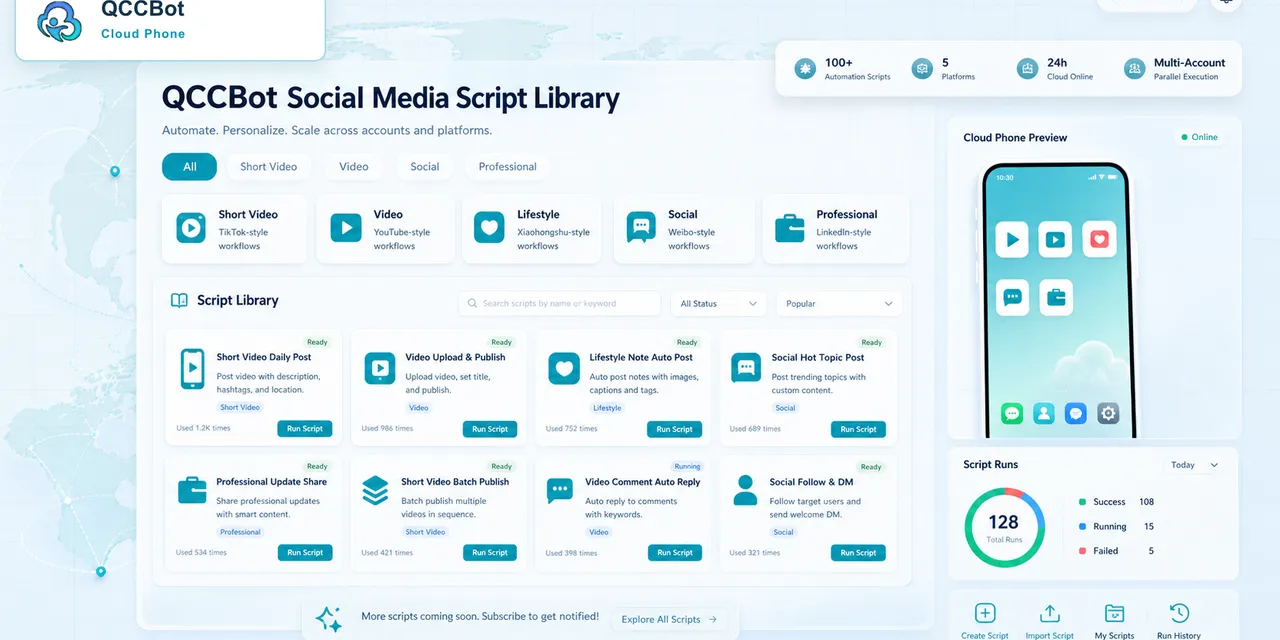
QCCBot gives teams Android cloud phones, script templates, xeasy code AI, task logs, and exception handling. Support and community teams can use this to monitor mobile app tasks without turning every check into a manual screen-by-screen routine.
For teams that need mobile app visibility without constant manual checking, QCCBot’s official website explains how AI cloud phones support repeated Android workflows.
FAQ
Should support replies be automated?
Be careful. Status checks and routing are good candidates. Sensitive replies should remain human-reviewed.
What is a good first support automation?
Start with login state, queue status, or notification checks.
Why use cloud phones instead of screenshots from teammates?
Cloud phones create repeatable checks and logs, so the team is not dependent on scattered manual updates.