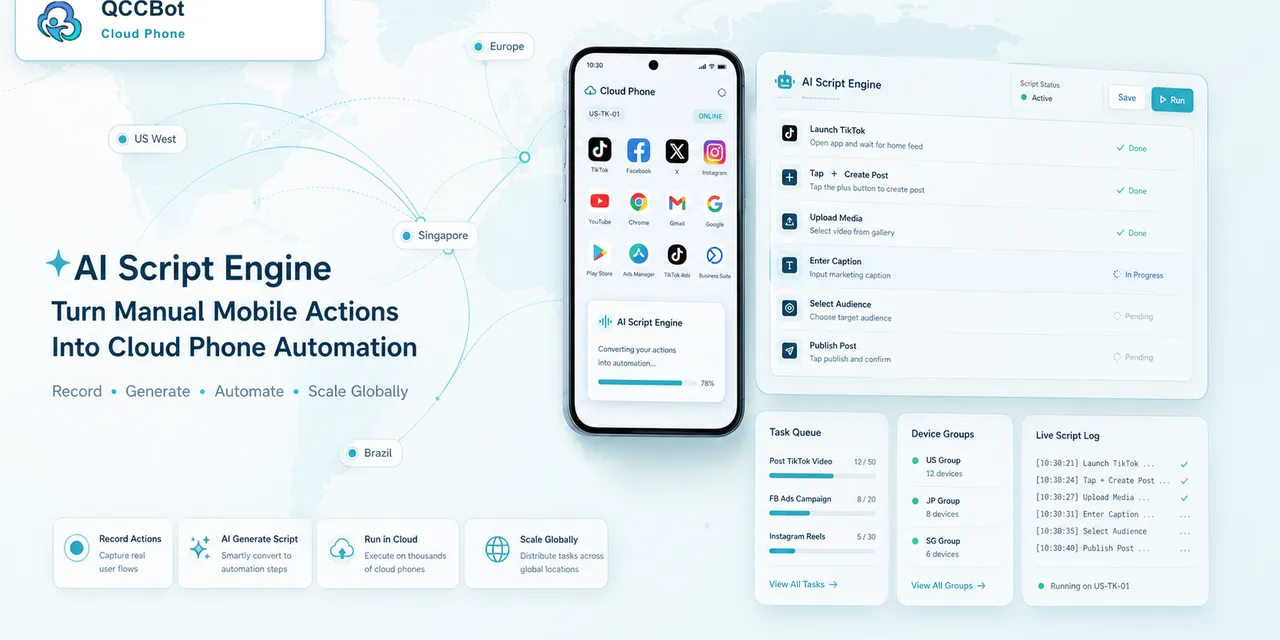
Many operators assume cloud phone automation is only for developers. That used to be partly true. If every workflow required writing scripts from scratch, non-technical teammates had to wait for engineering help.
AI-assisted cloud phone automation changes the starting point. Operators still need clear thinking, but they do not have to begin with a blank code editor.
What non-developers can automate first
The best starting tasks are repetitive and easy to verify:
- checking whether accounts are logged in;
- clearing common popups;
- opening a specific app page;
- confirming upload status;
- collecting visible app state;
- running a daily readiness check;
- sorting failed tasks into review categories.
These workflows are not glamorous, but they are the exact tasks that consume hours when done by hand.
What non-developers should not automate first
Do not start with risky workflows.
Avoid beginning with:
- payment actions;
- account security prompts;
- irreversible publishing steps;
- tasks with unclear success criteria;
- flows that require human judgment at every step.
A good first automation project should be boring, repeatable, and easy to inspect.
How the operator role changes
The operator becomes the workflow designer.
Instead of writing every line of code, the operator defines:
- the goal of the task;
- the normal path;
- the common exceptions;
- the safe recovery rules;
- the human review rules;
- the reporting format.
AI can help generate and debug the script. The operator still owns the business logic.
A simple example
An operator wants to check 30 cloud phones before a campaign.
The manual version:
Open each phone, launch the app, close popups, check login state, look for warnings, record the result.
The automated version:
Describe the checklist, generate a script, test it on three devices, review logs, improve the common failure cases, then run it on the full group.
This saves time, but more importantly, it makes the result consistent.
Why logs matter
For non-developers, logs are the bridge between “the script failed” and “I know what to do next.”
Useful logs answer:
- which device failed;
- which step failed;
- what screen appeared;
- whether AI tried to recover;
- whether human review is needed.
Without logs, automation becomes confusing. With logs, it becomes manageable.
Where QCCBot fits
QCCBot gives operators a place to manage cloud phones, generate AutoJS scripts with xeasy code AI, run grouped tasks, review logs, and enable AI exception takeover only where it makes sense.
If your team has mobile work that is repetitive but still handled manually, QCCBot’s official website is a good starting point for seeing how AI cloud phone automation can support operators.
FAQ
Do operators need to understand AutoJS?
They do not need to be experts, but they should understand the workflow, test results, and which failures are safe to recover.
How many devices should a team test first?
Start with three to five cloud phones. Expand after the workflow is stable.
What is the most common mistake?
Trying to automate too much at once. Start with one repeatable task and improve it over several runs.