Night shift mobile operations are not always busy, but they are often high-stakes.
Messages may arrive after normal office hours. Marketplace pages may need checks before a morning campaign. A live event may be scheduled for another time zone. A mobile app may show an account warning while the main team is offline. The problem is not that every task needs a person watching all night. The problem is that the team needs to know what changed.
Quick answer
Cloud phone automation helps night shift teams monitor repeated mobile app workflows without opening every phone manually. A good night-shift setup checks account status, app access, messages, warnings, scheduled tasks, and failed workflows, then routes safe retries, AI recovery cases, and human-review items into clear queues.
Why night shift work is different
During the day, people can ask questions quickly. At night, the team may have fewer operators, fewer managers, and slower decision-making.
That means the workflow needs more structure:
- tasks should be pre-approved;
- sensitive cases should pause;
- logs should be readable;
- handoff notes should be clear;
- AI recovery should have boundaries;
- the next morning team should know what happened.
Night shift is not the right time for vague automation.
What to monitor overnight
Start with checks that are useful and low-risk:
- app opens normally;
- account remains logged in;
- inbox or notification area has urgent items;
- scheduled content page is reachable;
- campaign or shop page loads;
- known popups are handled;
- unknown warnings are captured;
- failed tasks are categorized.
This gives the team visibility without making risky decisions automatically.
What AI should do
AI can help classify common cases:
- timeout;
- known popup;
- app crash;
- missing permission;
- login expired;
- account warning;
- unknown screen.
AI may recover approved low-risk cases, such as retrying a slow page or closing a known informational popup. It should stop on login verification, payment, policy notices, account-risk pages, and final publishing confirmations.
Morning handoff matters
The most important night-shift output is often the handoff.
A useful handoff should include:
- total cloud phones checked;
- tasks completed;
- tasks retried;
- AI recovery actions;
- unresolved failures;
- accounts needing human review;
- screenshots or logs for unusual cases;
- next owner.
This turns night work into a clean morning action list.
How QCCBot fits
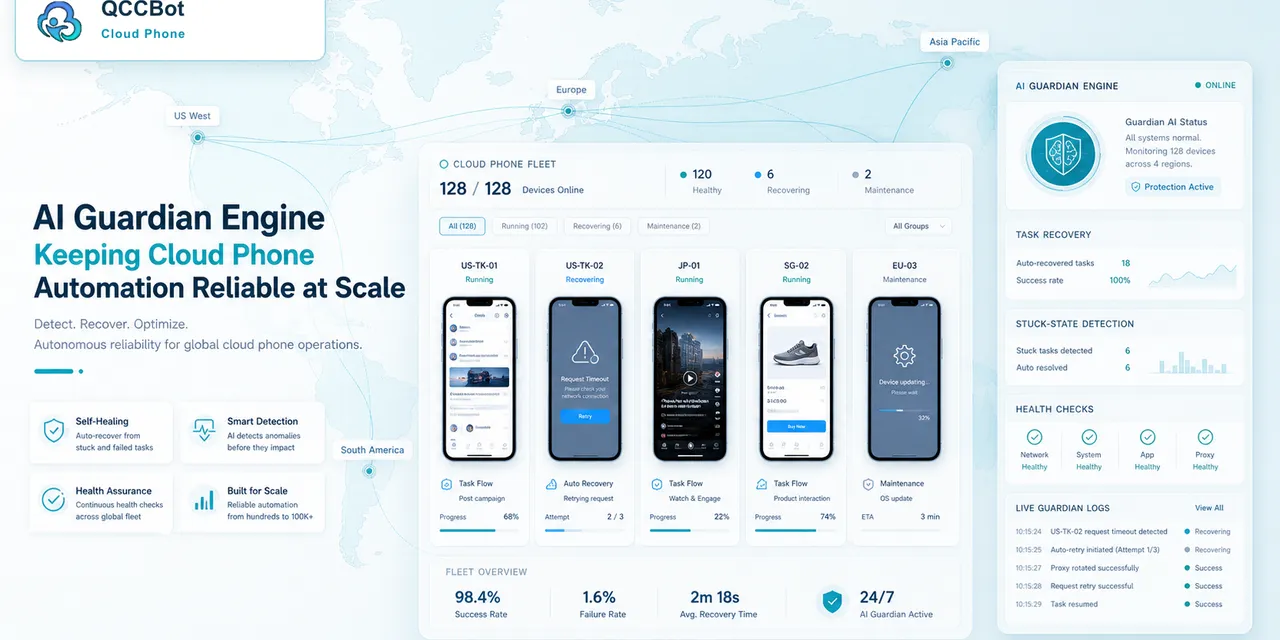
QCCBot supports Android cloud phone groups, task logs, xeasy code AI script generation, AI-assisted debugging, and AI Guardian-style exception handling. That makes it useful for night-shift mobile operations where the team needs monitoring, controlled recovery, and clear handoff notes.
If your team runs mobile workflows across time zones, QCCBot can help keep Android cloud phone tasks observable overnight with AI-assisted checks, logs, and exception routing.
FAQ
Should night shift automation make final decisions?
Usually no. It should monitor, classify, recover approved low-risk cases, and escalate sensitive cases.
What is the safest first night workflow?
Account readiness, inbox status, notification checks, and known popup detection are good starting points.
What should be reviewed in the morning?
Unknown warnings, login problems, account-risk pages, and any case where AI recovery was not allowed.