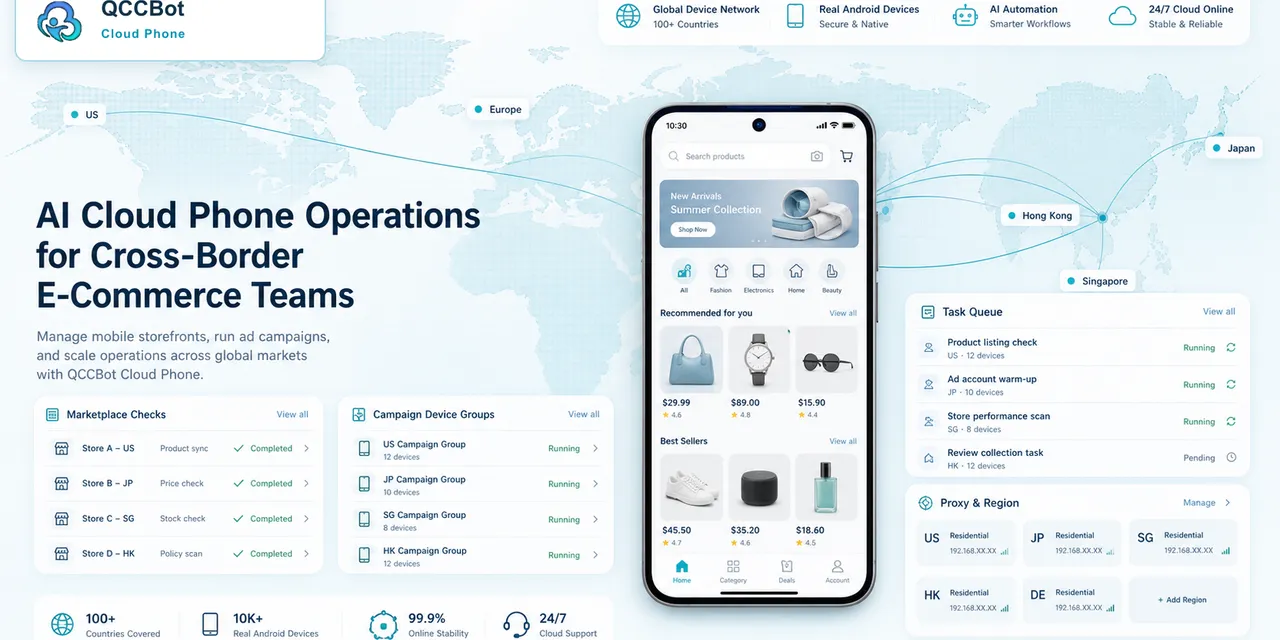
Cross-border teams often manage mobile workflows across accounts, regions, apps, and time zones. The work may look simple on one phone, but it becomes difficult when repeated across many phones every day.
Cloud phone automation helps when the team needs consistency, visibility, and faster exception handling.
Common cross-border mobile tasks
Teams may need to:
- check app login status;
- confirm content upload readiness;
- browse or search inside regional apps;
- collect visible status information;
- clear app cache;
- handle update prompts;
- monitor account or task health;
- run repeated checks across time zones.
These tasks are not always complex. The problem is repetition.
Why manual work breaks down
Manual mobile work is flexible, but it is hard to scale.
When multiple teammates operate different accounts, small differences appear:
- one person skips a check;
- another records results differently;
- a popup is ignored;
- a failed account is not escalated;
- the team cannot tell which devices finished.
The work becomes dependent on memory instead of process.
What cloud phone automation changes
Cloud phones give each workflow a managed Android environment. Scripts make the repeated steps consistent. Logs make results visible. AI helps generate scripts, debug failures, and recover from safe exceptions.
The team moves from “everyone opens phones manually” to “the workflow runs, logs, and escalates.”
A practical example
A team prepares a daily campaign across several app accounts.
Before automation, the checklist lives in a spreadsheet:
- open each app;
- check login;
- check whether required pages load;
- confirm no blocking popup;
- record ready or not ready.
With QCCBot, the checklist can become a cloud phone task. Operators can run it across a device group, review logs, and focus on exceptions instead of repeating the same taps.
Where AI should help
AI is useful for:
- turning the checklist into a script draft;
- explaining why a script stopped;
- suggesting timing or selector fixes;
- recovering known low-risk failures;
- classifying failed runs.
AI should not silently handle sensitive account or security screens. Those should remain visible to the team.
Where QCCBot fits
QCCBot is designed for teams that need Android cloud phones, script automation, AI debugging, and task monitoring in one place. It is especially useful when cross-border work depends on app-specific mobile flows rather than only web dashboards.
If your team operates repeated mobile app workflows across regions or accounts, QCCBot’s official website shows how AI cloud phones can make those workflows easier to manage.
FAQ
Is cloud phone automation only for social media teams?
No. Any team with repeated Android app work can use the same pattern: cloud phones, scripts, logs, and controlled recovery.
What should cross-border teams automate first?
Start with readiness checks, status checks, and low-risk maintenance tasks.
Why does visibility matter?
Without task logs, teams cannot easily tell which accounts succeeded, failed, or need review.