Account warmup is often discussed in vague terms, but the operational problem is very concrete: teams need accounts to be ready before real work begins.
That may mean confirming login state, checking profile completeness, opening the target app, verifying permissions, reviewing notifications, or making sure the account can access the expected feature. It should not mean blindly simulating behavior without boundaries.
Quick answer
A safe account warmup workflow focuses on readiness checks, environment consistency, gradual testing, and clear human review rules. Cloud phones help because each account can live in its own Android environment, while AI helps generate scripts, classify failures, and flag exceptions without taking over sensitive decisions.
What account warmup should mean
For serious teams, warmup is not a trick. It is an operating process.
It should answer questions like:
- Is the account logged in?
- Is the app usable?
- Are required permissions enabled?
- Does the account see the expected home screen?
- Are there warnings or verification prompts?
- Is the account assigned to the correct project?
- Can the team review what happened?
If a workflow cannot answer those questions, it is not warmup. It is guessing.
What should not be automated blindly
Some actions should stay under human control:
- identity verification;
- payment or billing screens;
- account risk warnings;
- policy notices;
- final publishing decisions;
- anything that changes account ownership or security settings.
AI can detect these screens and pause. It should not quietly click through them.
A safer workflow structure
A practical cloud phone warmup workflow can look like this:
- Assign accounts to isolated cloud phones.
- Confirm app install and version.
- Open the app and verify login state.
- Check required permissions.
- Detect warnings, popups, or verification prompts.
- Record screenshots or logs for review.
- Mark each account as ready, needs retry, or needs human review.
This produces an operational status instead of a vague feeling.
Why cloud phones help
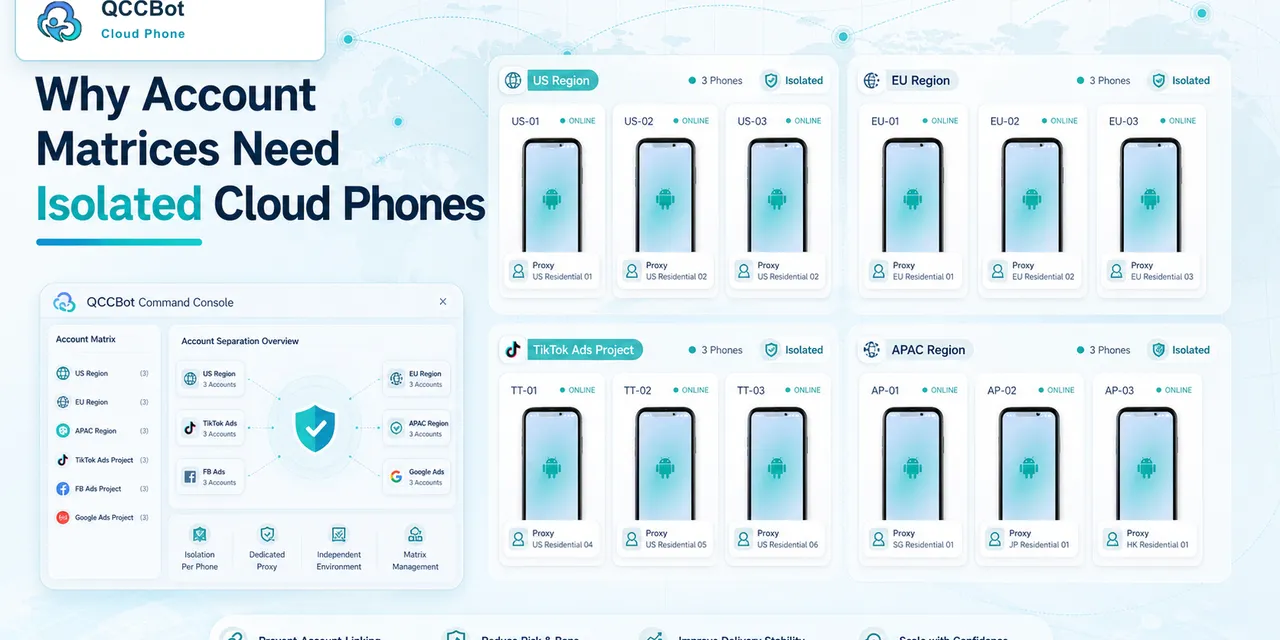
Cloud phones make warmup easier to manage because each account has a separate Android context. Teams can group phones by project, market, client, or campaign.
That matters when warmup work needs to be repeated daily. A spreadsheet alone cannot tell you what happened inside the app. Cloud phone logs and screenshots can.
Where AI helps
AI can help create the warmup script, explain failures, and classify account states.
For example:
- “permission missing” can go to a safe retry path;
- “login expired” can be marked for operator review;
- “unknown warning” can pause the task;
- “expected screen reached” can mark the account ready.
The independent switch for AI exception takeover matters here. Teams should be able to decide when AI may recover a safe case and when it must stop.
How QCCBot fits
QCCBot supports isolated Android cloud phones, script generation with xeasy code AI, task logs, and AI Guardian-style exception handling. That makes it useful for teams that want account readiness workflows without turning sensitive account decisions into black-box automation.
If account preparation is becoming too manual, QCCBot offers a cloud phone platform for building observable, AI-assisted mobile workflows around account readiness and repeated Android tasks.
FAQ
Is account warmup the same as fake engagement?
No. A safe workflow is about readiness, environment checks, and operational visibility. Avoid risky behavior that violates platform rules.
Can one cloud phone handle many accounts?
For clean operations, teams usually prefer isolated environments so account state, cache, permissions, and logs stay easier to understand.
What is the best first metric?
Track readiness status: ready, retry needed, human review needed, and blocked.