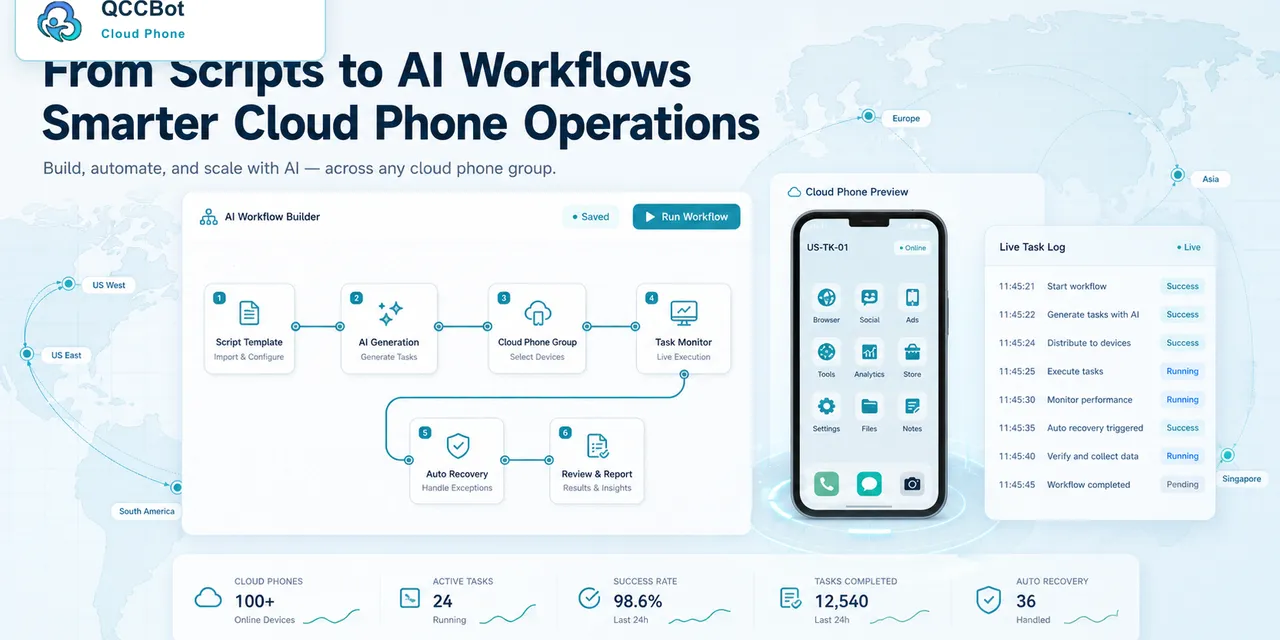
Batch cloud phone tasks should not start with the main script. They should start with a preflight check.
A preflight check is a short review that confirms the device group, app state, script version, and recovery rules are ready before the task runs at scale.
Quick checklist
Before running a batch task, check:
- the correct cloud phone group is selected;
- each device has the required app installed;
- login state is acceptable;
- app permissions are already granted or handled;
- the script version is current;
- safe AI recovery rules are enabled;
- sensitive cases stop for human review;
- logs will record success, failure, and recovery.
Why preflight matters
Many batch failures are avoidable. The task fails not because the main workflow is impossible, but because the starting state was messy.
Common preventable issues include:
- wrong device group;
- outdated app version;
- expired login;
- missing permissions;
- old script version;
- no retry limit;
- unclear owner for failed tasks.
Preflight checks catch these before they turn into noisy logs.
A practical preflight flow
Use a short script or manual checklist before the main run:
- Open the app.
- Confirm login state.
- Check for blocking popups.
- Confirm the start page.
- Record abnormal devices.
- Remove or review abnormal devices.
- Start the main task only when the group is ready.
This can save more time than trying to recover every failure later.
What should be automatic
Some preflight checks are safe to automate:
- app launch;
- known popup detection;
- permission status;
- start page detection;
- basic network retry;
- device online status.
These checks are usually low-risk because they observe or prepare the environment.
What should stay manual
Some cases should stop:
- login verification;
- security prompts;
- payment-related screens;
- account risk warnings;
- unexpected pages that the team cannot classify.
Preflight is not only about speed. It is also about keeping risk visible.
Where QCCBot fits
QCCBot helps teams run cloud phone tasks with device groups, AutoJS scripts, task logs, xeasy code AI, and controlled AI takeover. That makes preflight checks easier to repeat before batch execution.
If your team runs repeated Android app tasks across many devices, QCCBot’s official website shows how cloud phone groups and AI-assisted task handling can reduce batch failures.
FAQ
Does every task need preflight?
Small one-off tasks may not. Batch tasks should have it.
Should failed preflight devices be removed?
Often yes. It is better to review abnormal devices separately than let them pollute the main run.
Can AI handle preflight failures?
AI can handle safe, known failures, but sensitive or unknown screens should go to human review.