The hardest part of cloud phone automation is not always writing the first script.
The harder part is knowing which version is running, why it changed, who approved it, and how to roll back when a mobile app update creates a new failure. Without version control, a working AutoJS script can become a team mystery.
Quick answer
Teams running AutoJS scripts across cloud phones should treat scripts like operational assets: name each version, keep release notes, test on a small group, record the script version in task logs, and keep a rollback path. AI can help generate and repair scripts, but version decisions should stay visible.
Why script versions matter
When only one person runs one script on one device, version control feels unnecessary.
When a team runs the same script across many cloud phones, versions matter because:
- one small change can affect many accounts;
- a fix for one app screen can break another screen;
- operators need to know what changed;
- failed tasks need to be tied to the script version that ran;
- rollback must be faster than rewriting from memory.
The goal is not bureaucracy. The goal is repeatability.
A simple naming pattern
Use names that humans can understand.
For example:
shop-readiness-check-v1;shop-readiness-check-v2-popup-fix;content-upload-test-v3-timeout-update;daily-inbox-check-v1-safe-release.
The name should answer two questions: what workflow is this, and why did this version change?
What to include in release notes
Release notes can be short, but they should exist.
Write down:
- what changed;
- why it changed;
- which app version or screen triggered the change;
- which cloud phone group tested it;
- what failure it is expected to fix;
- what still requires human review.
This helps the next operator understand the script without reading every line of code.
A safer release flow
Do not push a new script version to every cloud phone immediately.
Use this flow:
- Generate or edit the script.
- Run it on one test cloud phone.
- Run it on a small mixed group.
- Compare logs with the previous version.
- Approve the version for a limited batch.
- Expand only if failure categories look normal.
- Keep the previous version available for rollback.
This is especially important when AI helped modify the script. AI can speed up repair, but the team still needs a release process.
How QCCBot fits
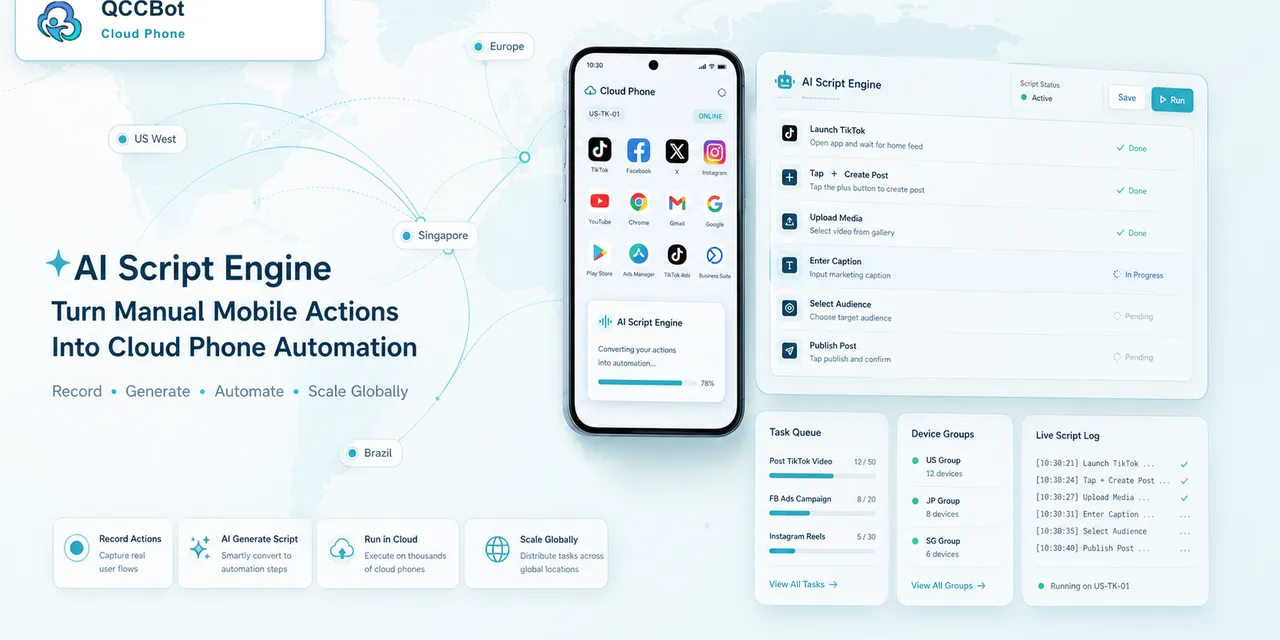
QCCBot helps teams generate and debug AutoJS-style scripts with xeasy code AI, run them on Android cloud phones, and review task logs. That makes script versions easier to connect with real task outcomes.
If your team is moving from “someone edited the script” to a controlled mobile workflow, QCCBot provides AI-assisted cloud phones, script generation, logs, and exception handling for repeated Android tasks.
FAQ
Do small scripts need version names?
Yes, if they run across many devices or affect important accounts. Small scripts can still create large operational impact.
Should AI-generated scripts go straight to production?
No. Treat them like draft versions. Test, review logs, and approve before scaling.
What is the most important log field?
Script version. Without it, it is hard to know whether a failure came from the current release or an older one.