The first AutoJS script can feel like the hard part. In many teams, it is only the beginning.
Mobile apps change. Accounts behave differently. Permissions reset. Operators ask for small workflow adjustments. A script that saves time today can create maintenance work tomorrow if the team has no way to test, debug, and version it.
Quick answer
AutoJS script maintenance costs come from app UI changes, account state differences, permission issues, unclear logs, repeated debugging, and undocumented script edits. Teams can reduce these costs by using small test groups, script versions, failure categories, AI-assisted debugging, and clear human review rules.
Where maintenance costs appear
Maintenance is not only developer time.
It includes:
- operators reporting unclear failures;
- developers reproducing issues;
- scripts being changed without notes;
- task logs missing useful context;
- repeated tests on the wrong accounts;
- manual checking after every app update;
- uncertainty about whether AI recovery was used.
These small costs add up.
Why mobile scripts need more care
Browser automation often works with stable page structures and visible HTML. Mobile app automation depends on screens, app versions, permissions, UI text, account state, and device environment.
That makes mobile scripts more sensitive to small changes.
For example:
- a button label changes;
- a new banner appears;
- the app asks for media permission again;
- one account sees a warning;
- a region sees a different page.
The script may still be logically correct, but the environment changed.
A maintenance checklist
For every important script, keep:
- script name and version;
- workflow owner;
- expected start screen;
- expected success screen;
- safe recovery cases;
- human review cases;
- test cloud phone group;
- last tested date;
- known failure categories;
- rollback version.
This turns maintenance into a process instead of a hunt.
How AI reduces the burden
AI can help with:
- generating script drafts;
- explaining failed steps;
- suggesting selector updates;
- adding safer waits and checks;
- summarizing task logs;
- grouping similar failures.
AI does not remove maintenance. It makes maintenance faster when the workflow has enough logs and structure.
What not to automate away
Do not let maintenance pressure push the team into risky automation.
Keep human review for:
- account warnings;
- login verification;
- payment screens;
- policy notices;
- final publishing;
- unknown pages.
A maintainable workflow is not the same as a fully automatic workflow.
How QCCBot fits
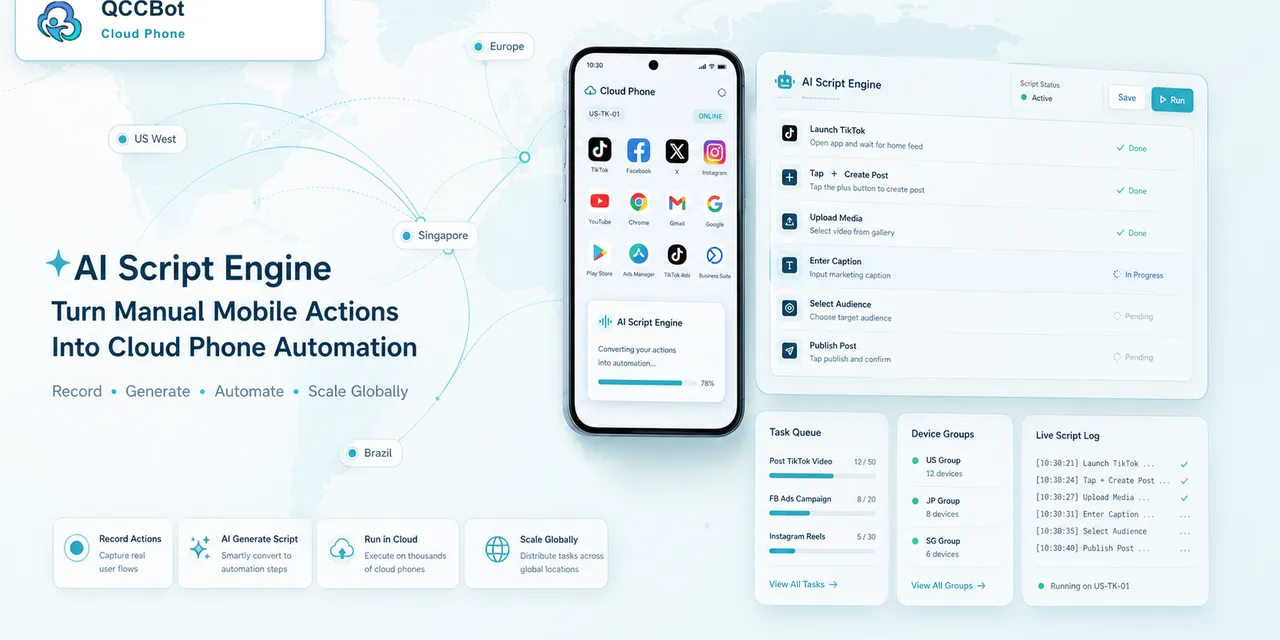
QCCBot combines Android cloud phones, xeasy code AI for AutoJS-style scripts, AI-assisted debugging, AI exception takeover with controls, and task logs. These pieces help teams reduce the hidden cost of maintaining mobile workflows over time.
If AutoJS maintenance is starting to take more time than expected, QCCBot offers AI-assisted cloud phone workflows for generating, testing, debugging, and monitoring Android automation.
FAQ
Is script maintenance only a developer problem?
No. Operators, reviewers, and account owners all feel the cost when failures are unclear.
What lowers maintenance cost fastest?
Better logs and small test groups. They make failures easier to understand before editing code.
Can AI eliminate script maintenance?
No. It can reduce debugging time, but mobile apps still change and workflows still need review.