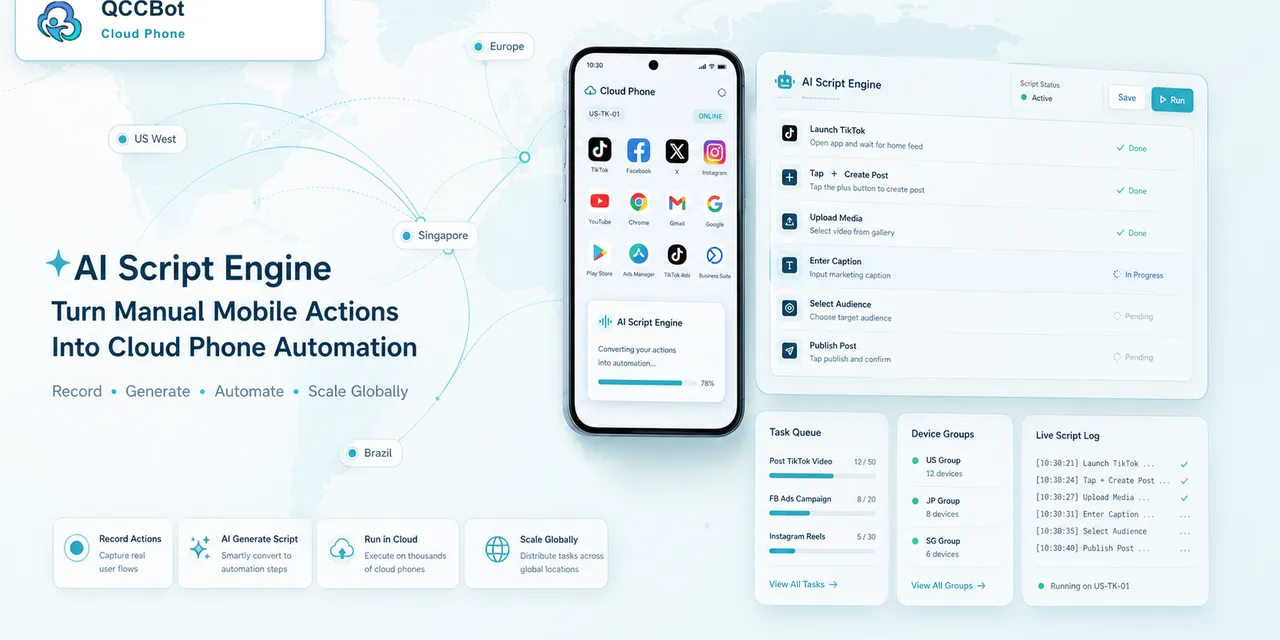
AutoJS is powerful because it lets teams turn Android app actions into scripts.
That power is also where the pain begins.
The first version of a script may be easy enough to write. Open the app. Find the button. Tap. Wait. Swipe. Confirm. Repeat.
The real work starts later, when the app behaves like a real app.
A permission prompt appears. A button label changes. A banner pushes the layout down. The app opens to a notification instead of the home screen. A device loads slowly. One account needs verification. Another app version shows a slightly different screen.
The script did not become useless. It became underprepared.
AutoJS reliability is an operations problem
Many people treat AutoJS reliability as a coding problem only. Better selectors, longer waits, and more conditions can help. But the problem is bigger than code.
The script runs inside a changing Android environment. That means reliability depends on:
- app state;
- device state;
- account state;
- network timing;
- permission settings;
- previous task history;
- operator handoff;
- error visibility.
If the team only edits the script but ignores the environment, the same failures return.
The common failure pattern
Most AutoJS failures follow a simple pattern.
The script expects one screen. The app shows another.
That mismatch can happen for many reasons:
| What the script expected | What the app showed instead |
|---|---|
| Home page | Login screen |
| Target button | Permission prompt |
| Stable layout | Updated UI |
| Loaded page | Spinner or blank screen |
| Search result | No result or error message |
| Normal account | Security or verification notice |
Once the script is on the wrong screen, every later step becomes unreliable.
Why manual debugging gets expensive
When one script fails on one phone, a developer can inspect it.
When the same script runs across many cloud phones, manual debugging becomes slow. Someone has to open the device, check the screen, guess what happened, adjust the script, rerun it, and hope the fix does not break another path.
This is why teams often feel that writing AutoJS is not the hardest part. Maintaining it is.
The cost is not only engineering time. It is also task delay, operator confusion, and lost confidence in automation.
What AI can help with
AI is useful when it is applied to the actual maintenance problem.
QCCBot’s xeasy code AI can help generate AutoJS scripts from natural language requirements, but the more practical value is often debugging:
- explain why a selector failed;
- suggest a more stable way to identify an element;
- adjust waits or screen checks;
- help create fallback paths for known popups;
- turn operator feedback into script changes;
- reduce the time between failure and fix.
This does not mean every repair should be accepted blindly. It means the developer or operator has a faster starting point.
What monitoring adds
AI debugging works best when paired with monitoring.
If a task fails and the system knows the screen, the exception type, and the script step, the AI has better context. If the only information is “script failed,” the team still has to investigate from scratch.
QCCBot’s cloud phone environment helps connect the script to the device state. AI Guardian-style monitoring can surface stuck or abnormal tasks. Logs help the team understand whether the same failure is happening across many devices.
That combination turns debugging from a guessing game into a review process.
How teams should design scripts
Reliable AutoJS scripts should be designed with variation in mind.
Before scaling a script, teams should define:
- the expected start screen;
- acceptable popups and how to handle them;
- screens that require human review;
- timeouts that should trigger retry;
- screenshots to capture on failure;
- whether AI recovery is allowed;
- how script changes are tested before batch use.
This is not overengineering. It is basic hygiene for mobile automation.
The main idea
AutoJS gives teams control over Android app workflows. But scripts do not live in a vacuum. They run inside mobile environments that change.
The teams that succeed are not the ones that never see script errors. They are the ones that can detect, understand, and repair errors quickly.
If your AutoJS scripts keep breaking on popups, permissions, or UI changes, QCCBot can help combine cloud phones, AI script generation, AI debugging, monitoring, and task logs into one workflow.
FAQ
Why do AutoJS scripts break after app updates?
App updates can change button text, screen layout, element hierarchy, timing, or starting screens. Scripts that assume the old UI may fail.
Can AI fix every AutoJS error automatically?
No. AI can help diagnose and suggest fixes, but sensitive states and unfamiliar screens should still be reviewed by a human.
What is the best first step for improving script stability?
Track where scripts fail. Screenshots, logs, exception categories, and repeated failure patterns are more useful than guessing.