App updates are one of the most common reasons mobile automation breaks. A button moves. A page changes. A new permission prompt appears. A selector that worked yesterday stops working today.
The right response is not panic. It is a workflow for detecting, classifying, and repairing the change.
Quick answer
When an app update breaks a mobile workflow, pause the full batch, inspect failed runs, identify whether the change is UI, permission, timing, or login related, update the script, retest on a small cloud phone group, and only then resume broader execution.
Common signs of an app update issue
You may be dealing with an app update when:
- many devices fail at the same step;
- a selector suddenly stops working;
- the screen layout looks different;
- a new onboarding or permission prompt appears;
- the app opens to a new default page;
- older devices behave differently from updated devices.
The key clue is pattern. If many devices fail in the same place, the workflow probably needs an update.
Do not fix blindly
Before editing the script, compare:
- a successful run;
- a failed run;
- the visible screen before failure;
- the app version;
- whether permissions changed;
- whether timing changed.
This helps avoid fixing the wrong problem.
How AI can help
AI can assist by:
- explaining why a selector failed;
- suggesting a more stable wait condition;
- identifying a new popup;
- proposing a script adjustment;
- helping decide whether the failure is safe to recover.
AI is especially useful when the app change is small but widespread.
Keep a recovery policy
Not every update failure should be automatically recovered.
Safe recovery examples:
- close a non-critical update note;
- wait longer for a slow page;
- retry after a network message;
- navigate back to the expected start page.
Human review examples:
- new account verification;
- new security warning;
- new permission with unclear impact;
- unexpected page that changes task meaning.
Where QCCBot fits
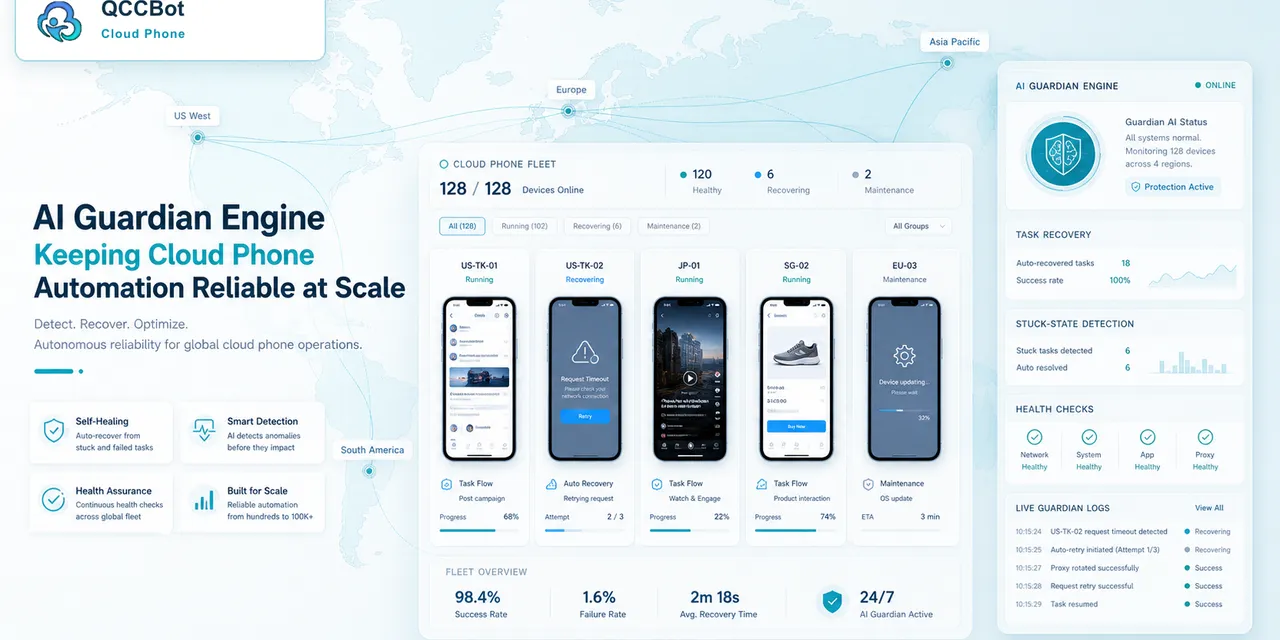
QCCBot supports AI-assisted script debugging, cloud phone task logs, and controlled exception takeover. When an app update changes the workflow, operators can review patterns, update scripts, and retest across device groups.
If your scripts keep breaking after app updates, QCCBot’s official website explains how AI cloud phone automation helps teams monitor and repair Android workflows.
FAQ
Should the full batch continue after many same-step failures?
Usually no. Pause, classify the problem, and retest after a fix.
Is this always a script problem?
No. It may be app version, login state, permissions, network, or device context.
Can AI prevent every update breakage?
No. But AI can shorten the time between failure detection and script repair.