Mobile app updates are one of the most common reasons automation breaks.
The app may add a popup, move a feature, rename a button, change permissions, or make one market different from another. If the team runs cloud phone workflows daily, updates need a readiness process.
Quick answer
Before or after a mobile app update, teams should run a cloud phone readiness check: app version, login state, permissions, expected screens, known popups, script selectors, and small-batch test results. This reduces the chance that a changed app UI breaks a large task run.
Why app updates are risky
An update can change:
- button labels;
- screen layout;
- loading time;
- feature location;
- permission prompts;
- account warnings;
- region-specific paths;
- required confirmations.
Even if the main workflow is the same, the path to reach it may change.
What to check first
Start with basic visibility:
- which cloud phones updated;
- which app version is installed;
- whether the app opens normally;
- whether accounts remain logged in;
- whether permissions changed;
- whether the expected start screen still appears.
Do this before judging the script.
What to test next
Then test the workflow:
- Run the old script on one updated cloud phone.
- Compare the actual screens with expected screens.
- Note any new popup or changed label.
- Use AI-assisted debugging to adjust the script if needed.
- Test on a mixed small group.
- Approve the updated script version before batch use.
This avoids confusing app-update issues with random task failure.
When to pause automation
Pause batch runs when:
- many devices fail at the same new screen;
- account warnings appear;
- the app asks for new permissions;
- the script reaches an unknown page;
- final action screens changed.
Pausing is not failure. It is how the team avoids scaling uncertainty.
How QCCBot fits
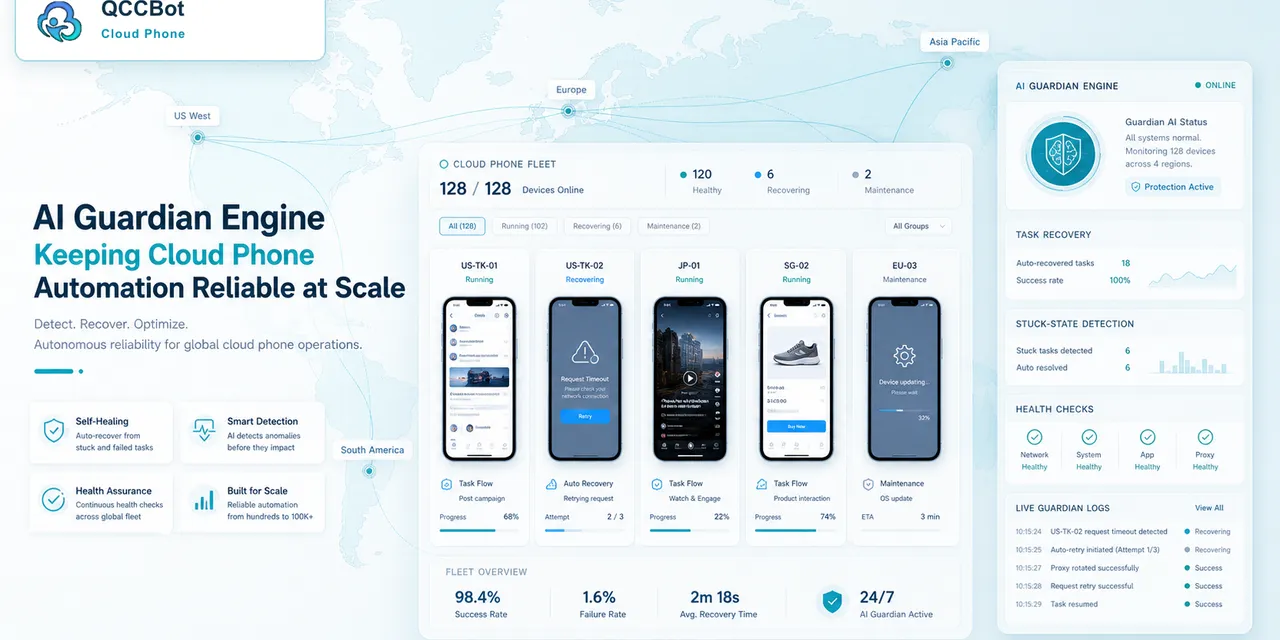
QCCBot helps teams run cloud phone groups, generate and debug AutoJS-style scripts with xeasy code AI, and monitor task failures with AI Guardian-style exception handling. This makes app update readiness easier to manage across many Android devices.
If app updates keep interrupting your mobile workflows, QCCBot can help test, debug, and monitor cloud phone automation before large Android task runs.
FAQ
Should apps auto-update on cloud phones?
It depends on your workflow. Some teams prefer controlled updates so scripts can be tested before scaling.
Is an app update always bad for automation?
No. Many updates do not affect the workflow. The point is to check before assuming.
What is the first sign of update-related failure?
Many phones failing at the same new screen or button step.