Notifications look small, but they can break mobile workflows.
A script opens an app and expects the home page. Instead, it sees a notification permission prompt, unread message badge, system alert, app announcement, promotional popup, or update notice. The script stops or clicks the wrong thing.
When this happens across many cloud phones, notification cleanup becomes an operations problem.
The short answer
AI can help with notification cleanup only when the notification types are known and safe to handle. Teams should define which popups can be dismissed, which should be recorded, and which should stop the workflow for human review.
Why notifications matter
Mobile apps often show interruptions:
- permission prompts;
- promotional popups;
- feature announcements;
- unread message badges;
- system alerts;
- update reminders;
- account notices;
- security warnings.
Some are harmless. Some are important. A script should not treat them all the same.
Separate routine cleanup from sensitive notices
Routine cleanup may include:
- closing a generic promotion;
- dismissing a known feature tip;
- clearing a non-critical message badge;
- accepting a previously approved permission;
- navigating back from a notice page.
Sensitive notices may include:
- account risk warnings;
- login verification;
- platform policy messages;
- payment or identity prompts;
- unusual permission requests.
Sensitive notices should be labeled and reviewed.
Build a notification map
For each app workflow, keep a simple map:
- what the notification looks like;
- where it appears;
- whether it is safe to close;
- whether it should be logged;
- whether it stops the task;
- who reviews it.
This makes the automation easier to maintain. It also helps new team members understand why some popups are handled and others are not.
How QCCBot helps
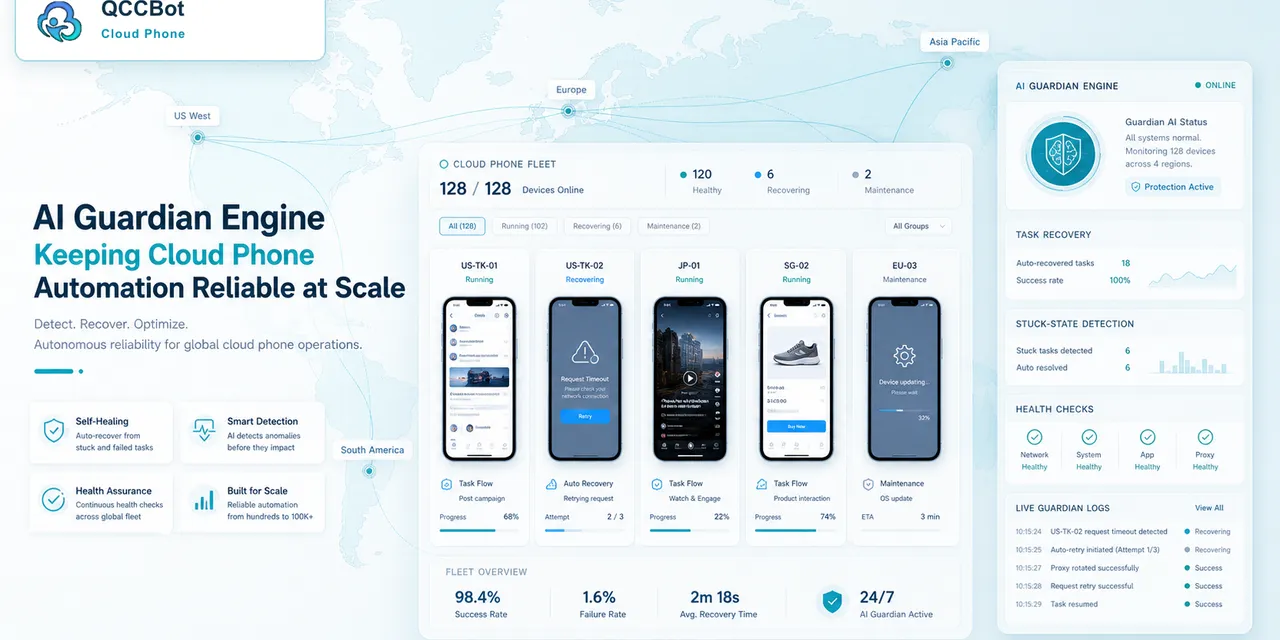
QCCBot can run Android app tasks across cloud phone groups and record task states. xeasy code AI can help generate detection logic for common popups and notification states. AI Guardian-style monitoring can help detect when a workflow gets stuck on an unexpected screen.
The most useful setup is not “AI clicks everything.” It is “AI handles approved routine cases and sends sensitive cases to review.”
A safe cleanup workflow
Use this pattern:
- Run a screen-state check before the main task.
- Detect known routine popups.
- Close only approved popups.
- Log what was closed.
- Stop on sensitive notices.
- Send unknown screens to human review.
- Add newly approved cases to the notification map.
This keeps the workflow stable without hiding important account signals.
What success looks like
A good cleanup report might say:
- 43 devices had no interruption;
- 11 closed a known app announcement;
- 6 cleared a routine permission prompt;
- 4 stopped on account notices;
- 2 showed unknown screens.
That result is useful because it tells the operator what happened.
Practical takeaway
Notifications are not just visual clutter. In mobile automation, they are state changes that need rules.
If notifications and popups keep breaking repeated Android app tasks, QCCBot can help teams detect, classify, and safely handle cloud phone interruptions with AI-assisted scripts and reviewable task logs.