Google I/O 2026 put Android agents back into the center of the conversation. Google described AppFunctions as a way for Android apps to expose actions to agents and assistants such as Gemini.
That sounds like a developer platform story, but operations teams should pay attention too.
The real question is simple: if mobile apps become more agent-friendly, how should teams prepare the daily work that still depends on app screens, accounts, popups, and Android device state?
What people may search after hearing about AppFunctions
Searches will probably sound like:
- Android AppFunctions what does it mean for automation
- can AI agents control Android apps
- how to prepare mobile app workflows for AI agents
- Android agent task automation checklist
- mobile app operations with Gemini agents
These are not abstract questions. They come from teams trying to understand whether AI agents will actually reduce manual phone work.
The important distinction
AppFunctions can help apps expose structured actions. That is useful.
But many real workflows still involve:
- older app versions;
- third-party apps you do not control;
- account state changes;
- verification prompts;
- permission popups;
- region-specific screens;
- slow loading;
- UI changes that break scripts.
So the future is not “agents replace all mobile operations.” A more realistic future is “some app actions become structured, while many mobile workflows still need visible execution, logs, and recovery.”
A practical readiness checklist
Before planning an agent-driven mobile workflow, check:
- Which apps are under your control?
- Which apps are third-party apps?
- Which steps can be represented as clear actions?
- Which steps still require screen inspection?
- Which account states can block the workflow?
- Which errors are safe to retry?
- Which prompts must stop for human review?
- Which device groups should run the workflow first?
This checklist keeps the team grounded. It prevents a common mistake: assuming that a new agent interface removes the need for operational discipline.
Where QCCBot fits
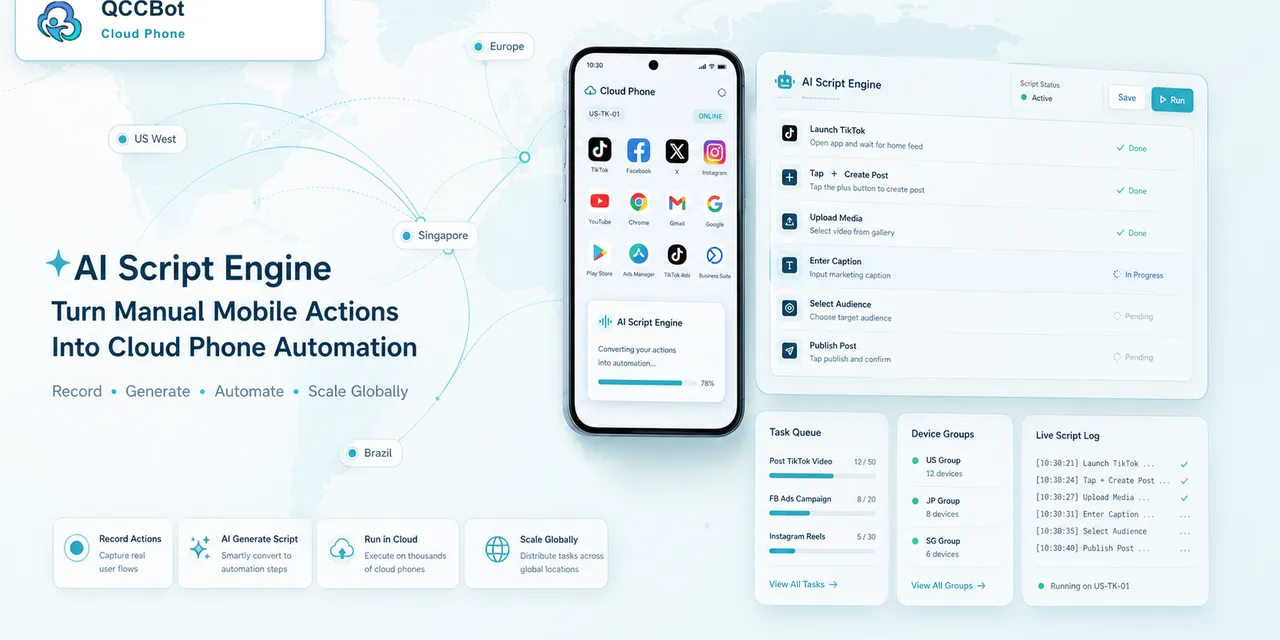
QCCBot is useful when the work still has to run inside Android app environments.
It gives teams:
- cloud Android devices;
- AutoJS workflow execution;
- AI-generated AutoJS scripts through xeasy code AI;
- AI debugging when scripts fail;
- optional AI takeover for abnormal script states;
- logs and screenshots that help people understand what happened.
That means QCCBot can sit beside the broader Android agent trend. If an app exposes structured actions, great. If the workflow still needs to open a real app, inspect a screen, or recover from a popup, the cloud phone layer still matters.
A real scenario
Imagine a team checking whether 50 accounts can reach a new mobile app workflow.
Some accounts open the expected screen. Some are logged out. Some show a permissions prompt. Some show a region-specific page. Some load slowly.
An agent interface may help with parts of the task, but the team still needs to know:
- which accounts are ready;
- which devices failed;
- why they failed;
- whether the failure is safe to retry;
- whether a person must review it.
This is exactly where cloud phone task logs and AI exception handling become practical.
What to avoid
Avoid treating AppFunctions as a reason to ignore testing.
Avoid building a workflow that assumes every app screen is predictable.
Avoid letting AI continue through account safety, payment, verification, or unknown pages without a stop rule.
The safer mindset is: agents can help, but mobile operations still need boundaries.
Final takeaway
Android AppFunctions is a sign that mobile apps are becoming more agent-aware. That is good news. But teams that run real mobile workflows still need a way to test, observe, and recover from messy app states.
If your team is preparing for AI agents in Android workflows, QCCBot can help you run and monitor those workflows on cloud phones before you scale them.
Reference: Android Developers on AppFunctions and AI on Android: https://developer.android.com/ai/appfunctions
How to turn this into a team routine
Do not wait until the agent project is fully designed before documenting mobile states. Start with one workflow and write down the states that matter.
For each step, record:
- expected page;
- expected button or action;
- possible popup;
- login requirement;
- permission requirement;
- safe retry rule;
- stop rule;
- screenshot needed for review.
This simple document becomes the bridge between the agent team and the operations team. Developers can see what needs a structured action. Operators can see what still needs screen-based verification.
What to test first
Pick a workflow that is repetitive but not dangerous.
Good first choices include:
- open app and confirm login state;
- check whether an account can reach a feature page;
- collect a screenshot from a known screen;
- classify common popups;
- record whether a workflow is ready or blocked.
Avoid starting with workflows that change money, account security, identity, or publishing state. Those should come later, after the team trusts the logs, stop rules, and review process.
Why this matters for AI SEO and buyers
People searching for AppFunctions are often trying to connect a platform announcement with their daily work. A useful article should not only explain the announcement. It should answer the practical follow-up: “What should my team do differently on Monday?”
For QCCBot, that answer is clear. Use the agent trend as a reason to make mobile workflows more structured, more observable, and safer to run across cloud phones.