When every mobile task is marked urgent, none of them are.
Teams running Android app workflows across many cloud phones need a way to decide what runs first, what waits, what needs a human, and what should never be retried automatically. A priority queue helps turn scattered tasks into an operating system.
Quick answer
An Android app batch task priority queue should rank tasks by urgency, risk, deadline, account state, dependency, and review needs. Low-risk checks can run automatically. Sensitive tasks should require human approval. Failed tasks should re-enter the queue based on failure category, not random order.
Why priority matters
Batch mobile work often includes different task types:
- account readiness checks;
- inbox checks;
- content upload preparation;
- campaign page checks;
- shop status checks;
- app update tests;
- failed task retries;
- human-review cases.
If all tasks are treated equally, operators may spend time on low-value checks while urgent failures wait.
A simple priority model
Use four levels:
- Urgent human review.
- Time-sensitive automated checks.
- Normal scheduled tasks.
- Low-priority maintenance checks.
This is simple enough for operators to understand and flexible enough for daily work.
What should be high priority
High priority does not always mean automated.
Prioritize:
- account warnings before campaigns;
- login problems before scheduled tasks;
- content readiness before publishing windows;
- inbox items with response deadlines;
- app update failures affecting many devices;
- unknown screens that block a batch.
Some of these need people, not faster scripts.
How failures re-enter the queue
Failed tasks should not return blindly to the top.
Use the failure category:
- timeout: retry after a delay;
- known popup: AI recovery if approved;
- permission missing: setup queue;
- login expired: account owner;
- unknown warning: human review;
- UI changed: script repair queue.
This keeps the queue useful after failures.
How QCCBot fits
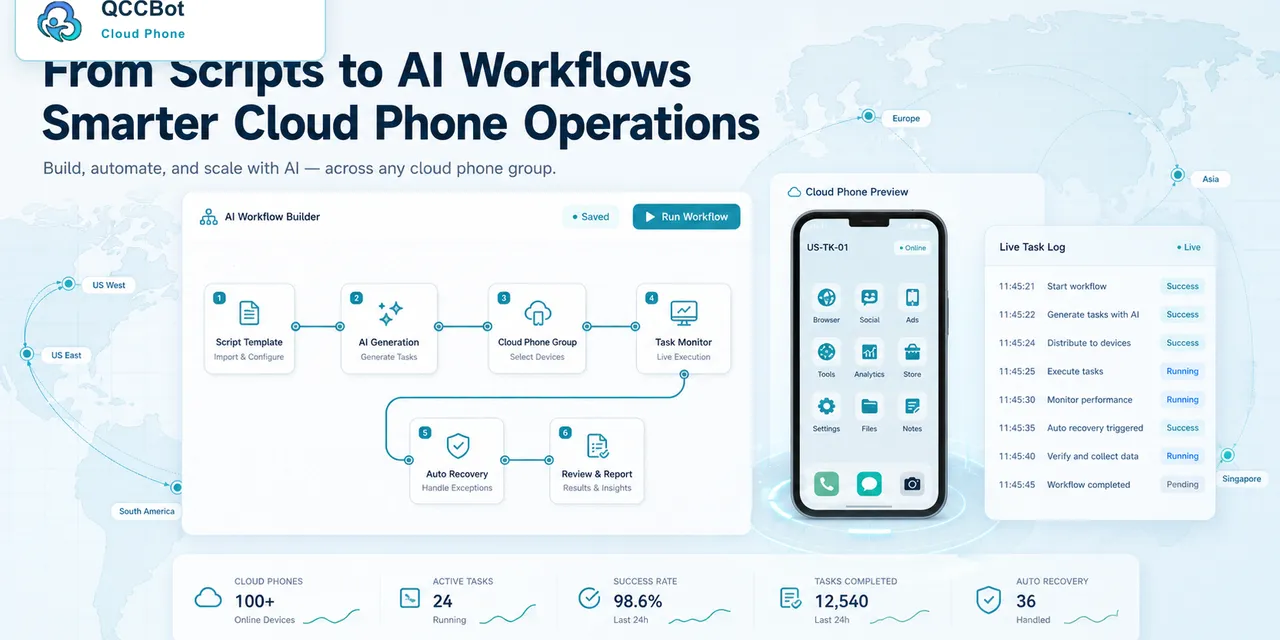
QCCBot supports cloud phone groups, task logs, AI-assisted scripts, and AI Guardian-style exception handling. Teams can use these signals to understand which Android app tasks are ready to run, which need retry, and which need human review.
If your mobile operation has too many tasks and not enough clarity, QCCBot can help organize Android cloud phone workflows with task logs, AI recovery rules, and human-review queues.
FAQ
Should urgent tasks always run first?
Not if they are sensitive. Urgent account warnings may need human review before any automation.
What is the easiest queue to start with?
Start with ready to run, retry later, needs setup, and human review.
Why not just run everything at once?
Because failures, account risk, and review capacity matter. Prioritization prevents the team from scaling confusion.