People often ask, “Can I automate Android apps without root?” The real concern behind the question is simpler: they want to run repeated app tasks without damaging devices, changing system images, or building a complicated mobile lab.
Root can unlock deep control, but it also creates risk. For many operations teams, root is not the right starting point. They need a stable Android environment, repeatable tasks, logs, and a way to handle exceptions.
That is where cloud phones and AutoJS-style automation become more practical.
The short answer
Yes, many Android app workflows can be automated without rooting physical phones. If the task can be performed through the normal app UI, a cloud phone plus AutoJS script can often handle it. The important question is not “Can I root the phone?” but “Can I define the workflow clearly enough to automate and monitor it?”
What “without root” really means
Without root means the automation works through normal app behavior:
- opening the app;
- tapping visible UI elements;
- entering text;
- scrolling;
- reading screen state;
- handling permissions;
- detecting popups;
- recording task results.
This is closer to how a human operator works. It is not the same as modifying the operating system.
For many teams, that is enough.
When cloud phones make more sense than physical phones
Physical phones are useful for hands-on testing, but they become hard to manage at scale.
Common problems include:
- devices need charging;
- devices are hard to group by project;
- app state is not visible in one place;
- logs are scattered;
- remote team members need access;
- scaling from 5 devices to 50 devices becomes messy;
- recovering failed tasks requires manual checking.
Cloud phones move the work into a managed environment. The team can group devices, run tasks, inspect results, and reduce the need to handle hardware.
What beginners should automate first
Do not begin with the most sensitive workflow.
Start with tasks that are easy to judge:
- open an app and confirm it loads;
- check whether an account is logged in;
- clear cache;
- capture a screenshot for review;
- verify that a content upload page opens;
- collect simple status information;
- run a daily health check.
These tasks teach the team how automation behaves before it touches higher-risk actions.
The hard part is exception handling
Most teams can write or generate a script for the happy path. The hard part is what happens when the app behaves differently.
For example:
- the app asks for permission;
- the account is logged out;
- the UI changed after an update;
- a network retry screen appears;
- the app shows a regional notice;
- the script cannot find the expected element.
Without exception handling, “automation” becomes a pile of failed tasks.
How AI fits into the workflow
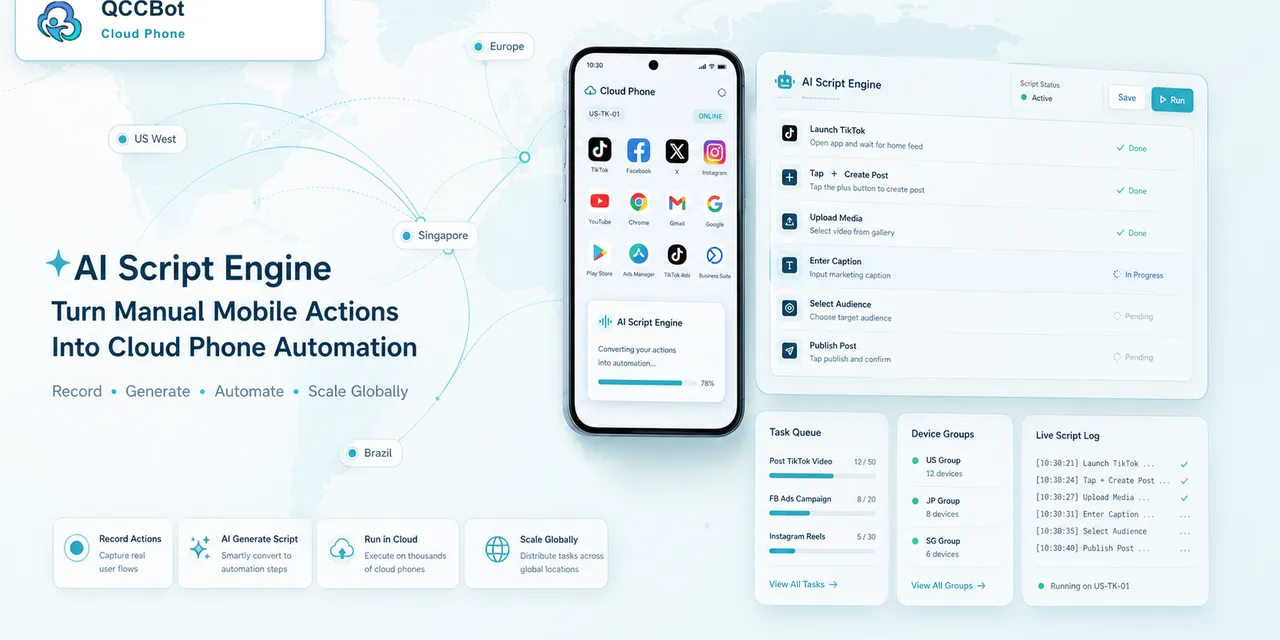
QCCBot’s xeasy code AI helps turn plain-language requirements into AutoJS scripts. That lowers the barrier for teams that understand the mobile workflow but do not want to write every line manually.
When a script fails, AI can help locate the failure point, explain likely causes, and suggest fixes. With AI takeover enabled for suitable tasks, the system can attempt to recover from known exceptions or mark sensitive cases for human review.
The important part is control. AI should not be allowed to blindly continue through every screen.
A no-root automation checklist
Before scaling a no-root Android automation workflow, check:
- Is the task safe to automate through the UI?
- Is the starting page clearly defined?
- Are permissions already handled or detectable?
- Can the script identify success?
- Can the script identify common failure states?
- Are sensitive screens excluded from AI recovery?
- Are task logs readable by operators?
- Is there a review queue for unresolved cases?
If the answer is yes, the workflow is much closer to production-ready.
Practical takeaway
Root is not the first requirement for most mobile operations automation. A better first step is to define a clear UI workflow, run it on cloud phones, record results, and handle exceptions carefully.
If your team wants to automate repeated Android app work without managing racks of physical phones, QCCBot offers AI-assisted cloud phones, AutoJS scripting, task logs, and controlled recovery for real mobile app workflows.