AI takeover is useful only when it has boundaries. If AI tries to handle everything, automation becomes risky. If AI handles nothing, teams lose the benefit of faster recovery.
The practical question is not “Should AI take over?” The better question is “Which failures are safe for AI to handle, and which failures should stop for review?”
A useful rule
Let AI recover low-risk, repeatable, recognizable failures. Send sensitive, account-related, irreversible, or unclear failures to a human.
That rule keeps automation helpful without pretending that every mobile app situation is safe to automate.
Good cases for AI takeover
AI takeover can help when the problem is common and reversible:
- a network retry page;
- a loading delay;
- a known permission popup;
- a non-critical update reminder;
- returning to the previous screen;
- reopening an app after it freezes;
- retrying a step within a limit.
These are the cases where a human would usually say, “Just close that and continue.”
Bad cases for AI takeover
AI should stop or escalate when the screen is sensitive:
- account verification;
- password prompts;
- payment actions;
- warnings that affect account safety;
- publishing steps that cannot be undone;
- unexpected screens the system cannot classify.
These cases require judgment, not speed.
Why an independent switch matters
Different teams have different risk tolerance. Even inside one company, one workflow may allow AI recovery while another workflow should stay strict.
An independent AI takeover switch lets the team control where recovery is allowed. That is important because “AI enabled everywhere” is not an operating policy.
A practical decision table
| Failure type | Recommended action |
|---|---|
| Known popup | AI can close and record |
| Slow loading | AI can retry with limit |
| App crash | AI can reopen once or twice |
| Login expired | Human review |
| Security verification | Human review |
| Unknown screen | Pause and collect context |
Where QCCBot fits
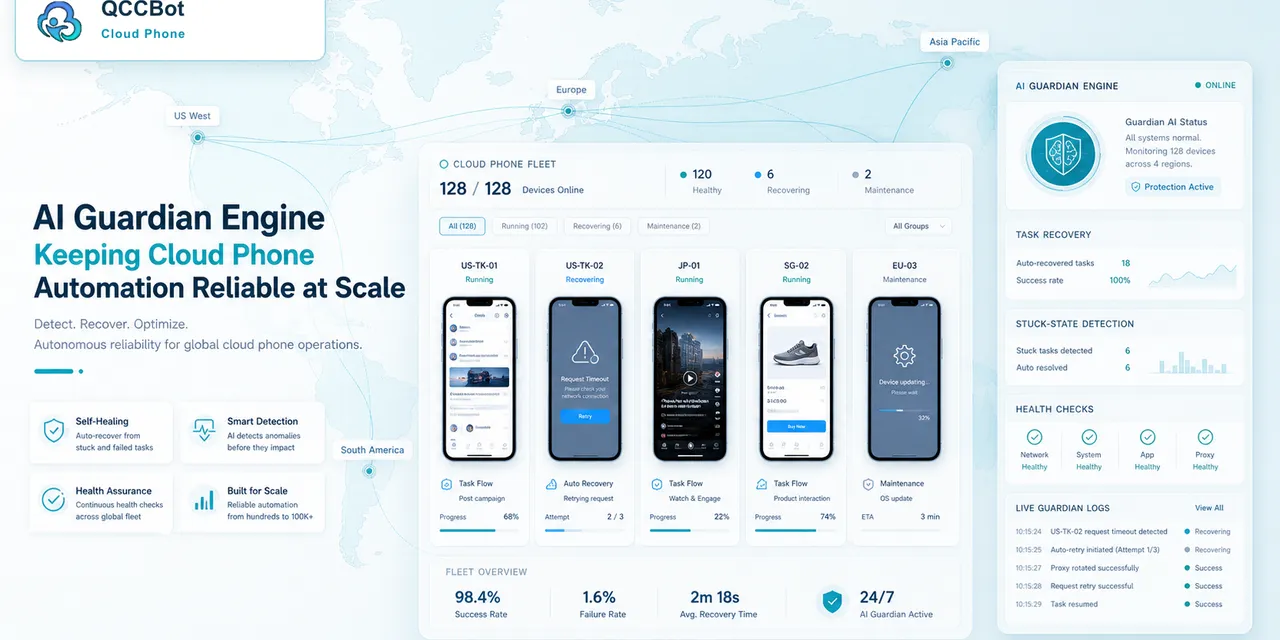
QCCBot supports AI exception takeover with an independent control. When a script fails, AI can inspect the current execution flow, attempt recovery for safe cases, and leave sensitive cases for operators.
For teams designing safer mobile automation, QCCBot’s official website explains how its AI Guardian-style exception handling works with cloud phone scripts.
FAQ
Should AI takeover be enabled by default?
Not for every workflow. Enable it first for low-risk tasks and known exception types.
What should happen after AI recovers a task?
The recovery should be logged. Operators need to know what happened, even if the task continued.
What makes a failure unsafe?
Any failure involving identity, security, irreversible publishing, payment, or unclear intent should be reviewed by a person.