AI can generate a mobile automation script quickly. That does not mean the script should run across every cloud phone immediately.
The first script is a draft. It may understand the goal, but it has not seen every account state, app version, permission prompt, or region difference. A sandbox protects the team from scaling a small mistake.
Quick answer
Before batch-running an AI-generated AutoJS script, teams should test it in a cloud phone sandbox: one or a few devices, non-critical accounts, clear success criteria, logs, screenshots, and strict stop rules. The sandbox turns AI-generated code into a reviewed workflow.
What a sandbox is
A sandbox is not a separate product category. It is a controlled test environment.
For cloud phone automation, it usually means:
- a small device group;
- test or low-risk accounts;
- limited permissions;
- clear expected screens;
- no irreversible actions;
- detailed logs;
- manual review before expansion.
This lets the team learn how the script behaves before it touches important work.
Why AI scripts need testing
AI can misunderstand small details:
- the app may use different button text;
- the task may start from the wrong screen;
- the script may click too fast;
- a popup may appear on some accounts;
- a success condition may be too vague;
- an unknown page may need to stop the task.
These are normal first-draft issues. The sandbox catches them early.
A safe sandbox checklist
Before scaling, check:
- Does the script start from the expected screen?
- Does it stop on unknown pages?
- Does it log the final state?
- Does it avoid sensitive screens?
- Does it handle known popups correctly?
- Does it work on more than one account state?
- Can the previous version be restored?
If the answer is unclear, do not scale yet.
What to review after the sandbox run
Review more than pass or fail.
Look at:
- screenshots;
- error messages;
- time spent per step;
- accounts that behaved differently;
- AI recovery attempts;
- final status categories;
- operator notes.
The goal is to decide whether the script is ready, needs edits, or should be redesigned.
How QCCBot fits
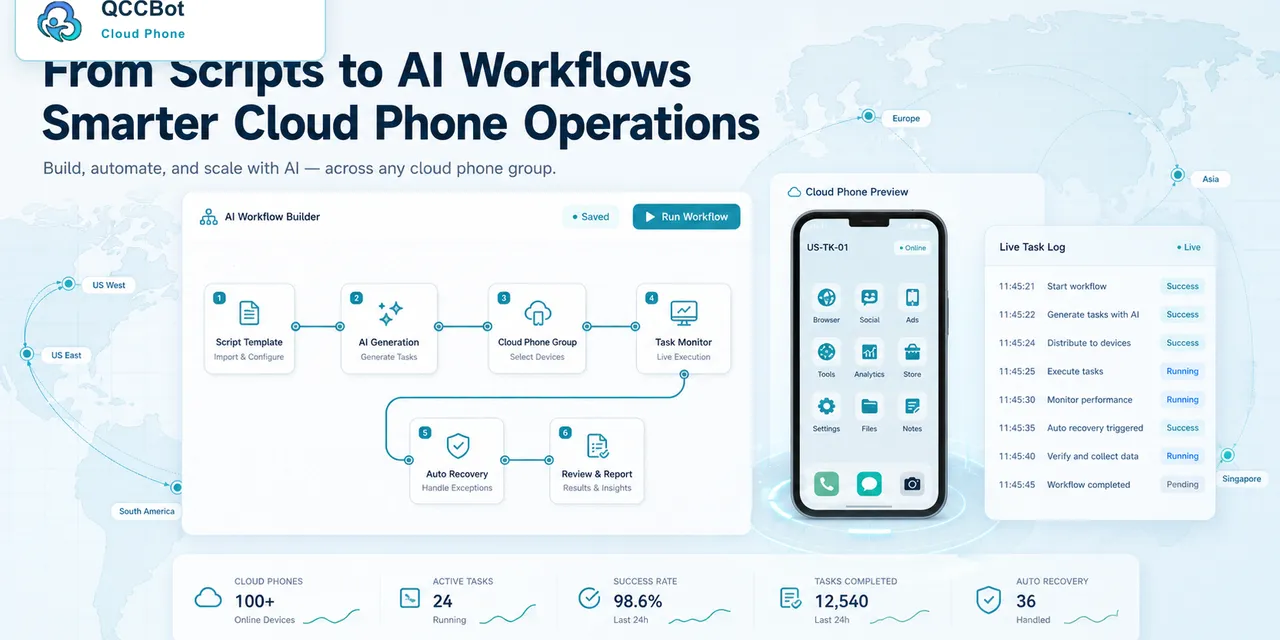
QCCBot gives teams cloud phone groups, xeasy code AI for script generation, task logs, and AI exception handling. That makes it easier to create a small test group before expanding to a full batch.
If your team wants AI-generated mobile automation without reckless scaling, QCCBot supports sandbox-style testing, script debugging, and controlled rollout on Android cloud phones.
FAQ
How many devices should be in the sandbox?
Start with one, then three to five with different account states.
Can the sandbox use real accounts?
Use low-risk accounts first when possible. Avoid irreversible actions during early tests.
When is a script ready for batch?
When failures are understood, logs are clear, and sensitive cases stop instead of continuing.