AI mobile workflow automation is useful only when the team knows what happens after something fails.
Many teams focus on the happy path: the script opens the app, reaches the page, completes the check, and records the result. Real mobile work is messier. Accounts log out, buttons change, permissions reset, app pages load slowly, and unknown warnings appear. A failure playbook keeps those cases from becoming chaos.
Quick answer
An AI mobile workflow failure playbook should define failure categories, safe retry rules, AI recovery boundaries, human review triggers, script repair steps, and reporting requirements. The goal is not to hide failures. The goal is to make failures understandable and actionable.
Why a playbook matters
When automation fails without a playbook, operators usually ask the same questions again and again:
- Should we retry this task?
- Did the script fail or did the account fail?
- Can AI recover this case?
- Does a person need to review the screen?
- Should we pause the whole batch?
- Who owns the fix?
If every operator answers differently, the workflow becomes inconsistent. A playbook creates one shared way to respond.
Start with failure categories
Keep the first version simple.
Useful categories include:
- timeout or slow page;
- app crash;
- permission missing;
- login expired;
- known popup;
- unknown popup;
- account warning;
- UI changed;
- script error;
- human review required.
The category should point to a next action. If it does not, it is just a label.
Define safe retries
Some failures are safe to retry:
- temporary network delay;
- app did not open on the first try;
- expected page loaded too slowly;
- known non-sensitive popup appeared;
- task stopped before any business action.
Retry rules should include a limit. Unlimited retrying creates noise and can make account problems worse.
Define AI recovery boundaries
AI recovery should be specific.
For example, AI may be allowed to:
- wait and retry a known slow page;
- close a known informational popup;
- reopen the app after a crash;
- capture a screenshot and classify the issue;
- suggest a selector fix for review.
AI should stop on:
- login verification;
- payment or billing;
- account risk warnings;
- policy notices;
- final publishing confirmations;
- unknown pages.
These boundaries make AI useful without giving it too much authority.
Decide when to pause the batch
One failed phone does not always mean the whole task should stop. Ten phones failing at the same new screen is different.
Pause the batch when:
- many devices fail at the same step;
- a new warning appears;
- the app update changed the workflow;
- the script reaches an unknown final action screen;
- failure categories suddenly change.
Pausing is a sign of control, not weakness.
How QCCBot fits
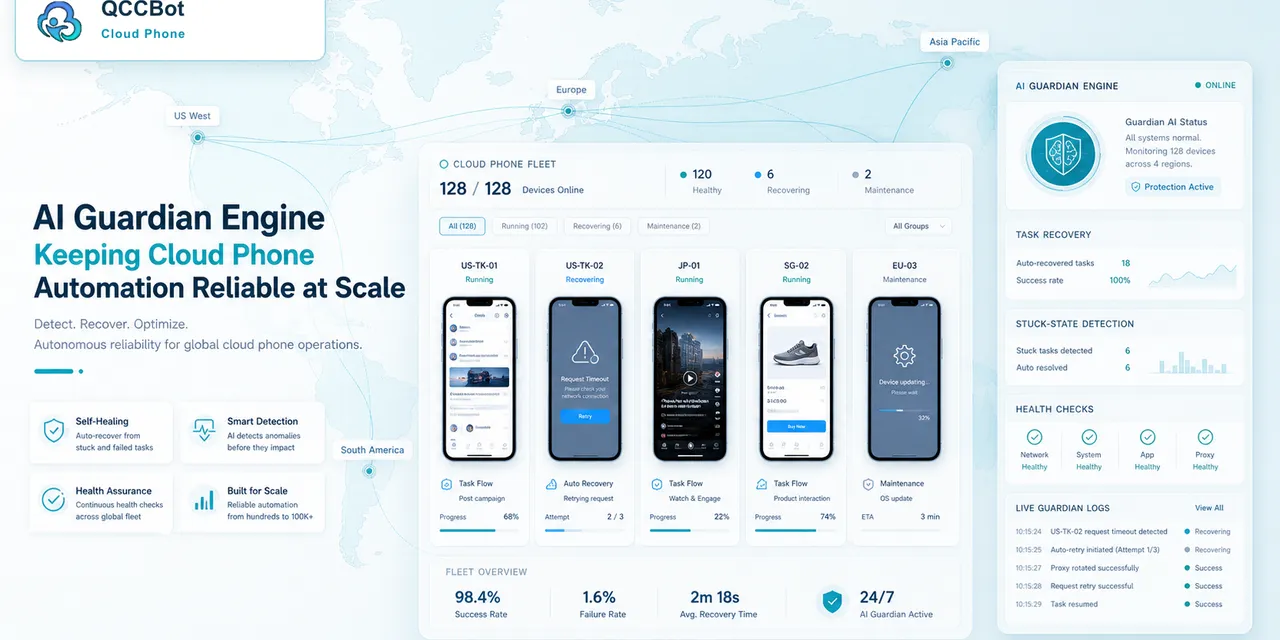
QCCBot supports Android cloud phone groups, xeasy code AI script generation and debugging, AI Guardian-style failure monitoring, AI exception takeover with boundaries, and task logs. That makes it easier to turn failure handling into a repeatable operating process.
If your team needs a clearer way to handle failed mobile automation, QCCBot provides AI-assisted cloud phones, task logs, and controlled recovery for repeated Android workflows.
FAQ
Should every failed task go to a human?
No. Safe retry and known recovery cases can be automated. Sensitive or unknown cases should go to humans.
Should AI repair scripts automatically?
AI can suggest or draft repairs, but teams should test and approve script changes before scaling them.
What is the first playbook rule to write?
Define where AI must stop. That protects the workflow before optimization begins.