Many mobile automation failures look similar at first: the task stopped.
But the reason matters. A slow page, a known popup, a changed button, a login screen, and an account warning should not be handled the same way. Simple retry rules can help with temporary failures, but they are not enough for every cloud phone workflow.
Quick answer
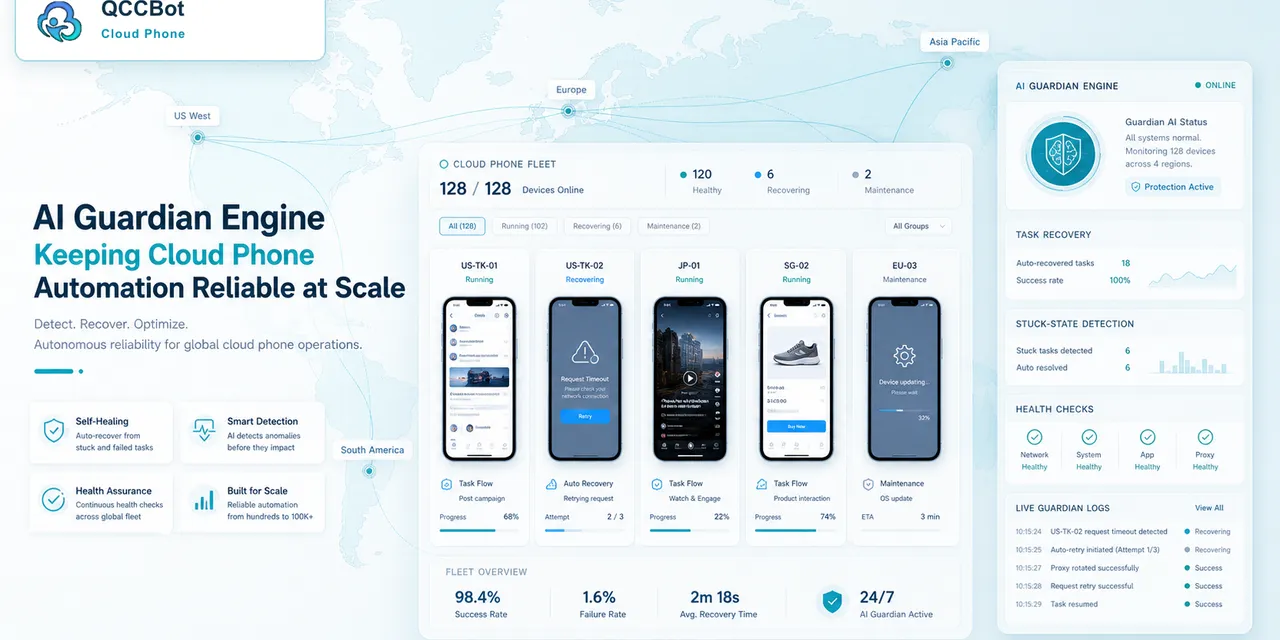
Simple retry rules repeat a failed step when a task times out or does not reach the expected screen. AI Guardian-style monitoring goes further: it classifies failure context, separates safe recovery from human-review cases, and helps teams understand why a mobile workflow failed. Teams usually need both.
What simple retry rules do well
Simple retry rules are useful when the failure is temporary.
They work well for:
- slow loading;
- app launch delay;
- weak network moment;
- expected page taking longer than usual;
- a harmless known popup;
- short task interruption before any sensitive action.
Retry rules are easy to understand and easy to test. They should remain part of the workflow.
Where retry rules break down
Retrying is not always safe.
It can be the wrong response when:
- the account is logged out;
- a verification page appears;
- the app shows a policy warning;
- the UI has changed;
- a permission is missing;
- the task reached an unknown screen;
- final publishing or payment is involved.
In those cases, retrying may waste time or increase risk.
What AI Guardian-style monitoring adds
AI Guardian-style monitoring is about context.
Instead of only asking “did the step fail,” it helps ask:
- what screen appeared;
- is this a known failure;
- can the case be safely recovered;
- should the script be repaired;
- should a human review it;
- should the batch pause.
This makes failure handling more precise.
A practical model
Use three levels:
- Simple retry: for known temporary failures.
- AI-assisted recovery: for approved low-risk exceptions.
- Human review: for unknown, sensitive, or account-risk cases.
This model keeps automation useful without pretending every failure is the same.
How QCCBot fits
QCCBot includes task logs, AI-assisted script debugging, and AI Guardian-style exception handling for Android cloud phone workflows. Teams can use retry rules for simple failures and AI-controlled exception handling for cases that need more context.
If your cloud phone tasks keep failing in different ways, QCCBot can help teams move from blind retries to observable, AI-assisted mobile workflow recovery.
FAQ
Are retry rules still useful?
Yes. They are useful for simple temporary failures. The problem is using retry for everything.
Should AI Guardian automatically fix every issue?
No. It should classify, recover approved cases, and route sensitive cases to humans.
What is the first sign retry rules are not enough?
When repeated retries keep landing on login screens, warnings, permission prompts, or unknown pages.