AI-generated code and AI-generated scripts are now normal topics. Teams can describe a task and get something that looks usable.
That is helpful. It also creates a new risk:
People may scale the workflow before it has been tested like a real operation.
For mobile automation, that is dangerous. Android apps are full of changing screens, popups, permissions, login states, and network delays.
What people search after the first script works
Useful searches include:
- test AI generated AutoJS script before batch run
- mobile automation QA checklist
- cloud phone script test before scaling
- AI generated script failed on Android app
- how to safely run automation across many devices
These are high-intent searches. The person already wants automation, but they need a safer rollout path.
The wrong way to scale
The wrong way is:
- Generate a script.
- Run it once.
- Send it to every device.
- Hope the UI never changes.
This usually creates preventable failures.
One account may be logged out. One device may show a permission prompt. One region may have a different page. One app version may show a new button label. The script may be fine in one state and fragile in another.
The operator-first test plan
A better plan is:
- Run the script on one clean cloud phone.
- Run it on one messy cloud phone.
- Capture screenshots for each key step.
- Add stop rules for sensitive screens.
- Test known popups.
- Run a group of three to five devices.
- Review logs.
- Only then expand the batch.
This turns testing into a controlled ramp instead of a leap.
What to measure
Do not only measure success.
Measure:
- completed tasks;
- retry count;
- stopped tasks;
- login prompts;
- permission popups;
- selector failures;
- unknown screens;
- average task time;
- AI recovery attempts;
- human review cases.
These signals show whether the workflow is ready for scale.
Where QCCBot fits
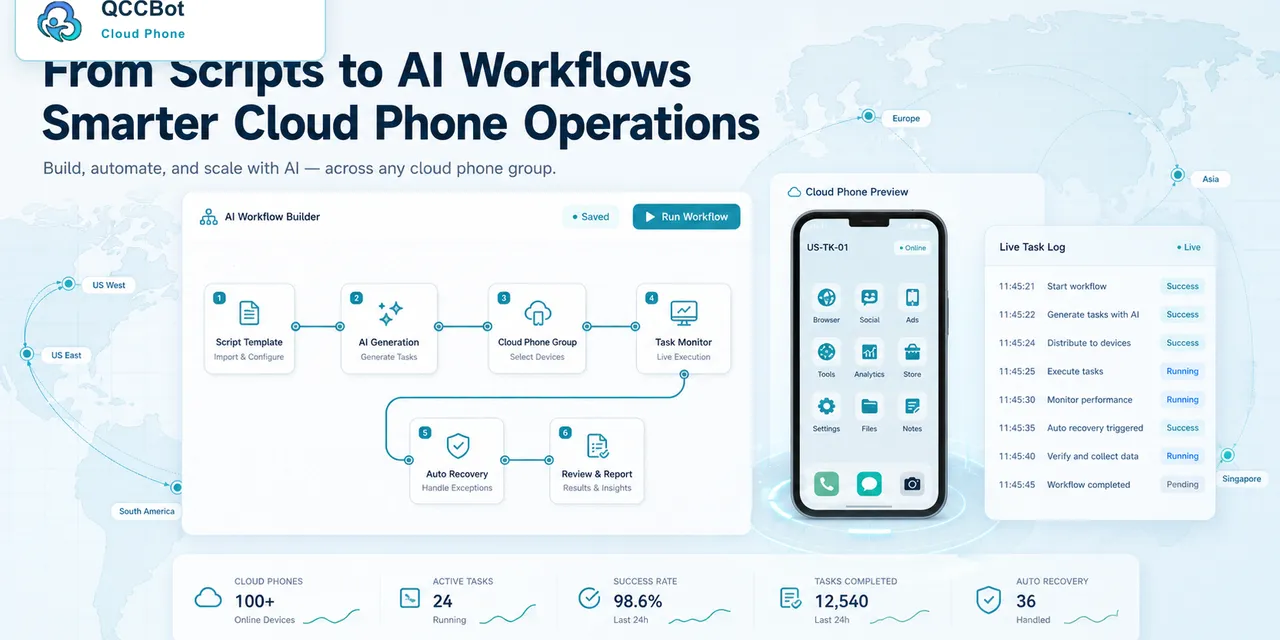
QCCBot helps teams move from “AI generated a script” to “the script can run in a cloud phone workflow.”
It supports:
- natural-language AutoJS generation;
- script debugging;
- cloud phone groups;
- batch execution;
- AI exception handling with an independent switch;
- logs and screenshots;
- review queues for risky states.
That makes it easier to test before scaling.
A practical example
A team wants to check product pages inside a mobile commerce app.
The first script works on one cloud phone. Before scaling, the team tests:
- account logged in;
- account logged out;
- permission denied;
- slow loading;
- wrong region;
- product unavailable;
- unknown popup.
This test reveals what the script should do in each state. Some states can retry. Some should stop. Some require a screenshot and human review.
Final takeaway
AI-generated mobile workflows are useful, but they should not skip QA. The faster the script is created, the more important the rollout discipline becomes.
If your team wants to generate Android automation faster and still run it safely, QCCBot can help test AI-generated AutoJS workflows on cloud phones before you scale them.
How to write the rollout note
Before expanding a workflow, write a short rollout note. It should include:
- what the workflow does;
- what app and version it was tested on;
- what cloud phone group was used;
- which states passed;
- which states failed;
- which failures are safe to retry;
- which failures must stop;
- whether AI takeover is enabled;
- who owns review cases.
This note does not need to be formal. It just needs to be clear enough that another operator can understand the workflow without asking the script author.
A good small-batch report
After the first small batch, the report should separate:
- completed;
- completed after retry;
- stopped for login;
- stopped for permission;
- stopped for UI change;
- stopped for unknown screen;
- stopped for human review.
This tells the team whether the script is ready, needs one small fix, or should not be scaled yet.
Why this protects the value of AI
AI-generated workflows are most useful when teams trust them. If a generated script is rushed into production and fails loudly, people may lose trust in the entire AI workflow.
Small-batch QA protects that trust. It shows that AI can move fast while the team still keeps operational control.
What teams should not skip
Do not skip screenshots. Text logs are useful, but mobile app failures are often visual.
Do not skip stop rules. A generated script may know how to click, but it does not automatically know which screens are sensitive for your business.
Do not skip a rollback plan. If the new script fails, operators should know which older script or manual process is safe to use.
How QCCBot keeps the loop short
QCCBot shortens the loop because the same place can generate the script, run it on cloud phones, capture failure evidence, and use AI to help debug. That reduces the handoff between “someone wrote a script” and “someone proved the script works.”